



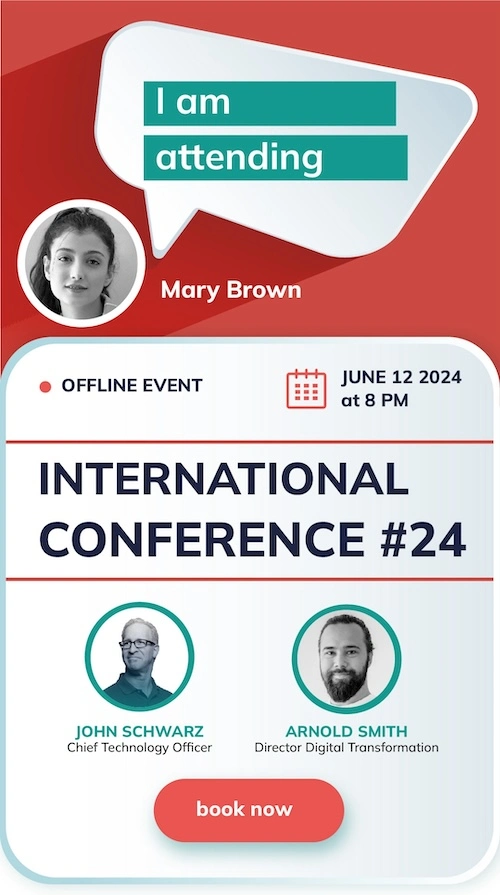
Make a banner for a demo event, the way your attendees would
This is the real attendee widget, embedded here from a demo campaign. Type a name, add a photo if you like, generate and share. The same widget goes on your registration confirmation page; the same share flow reaches your speakers through a personal link.
Event Promotion Tools for Speakers, Sponsors, Exhibitors and Attendees
Speakers Share in One Tap, From a Page That Needs No Login
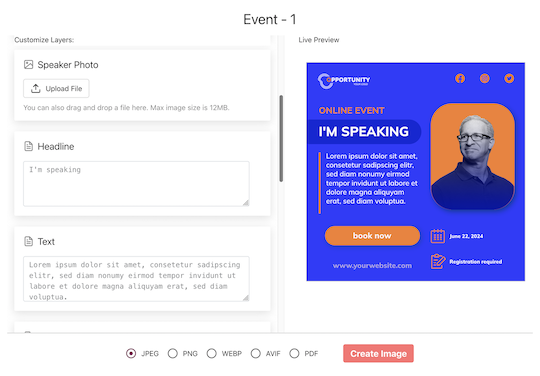
Import your speakers from a spreadsheet and email each one a personal link. The page already carries their name, title and photo; they adjust what you allowed, pick a design and tap Share. Their device share sheet opens with the finished image attached, so it goes straight to LinkedIn, X, WhatsApp or wherever they post. No account, no download, no re-upload. The link never expires, so re-sharing the week before the event is the same tap.
Attendees Share the Moment They Register
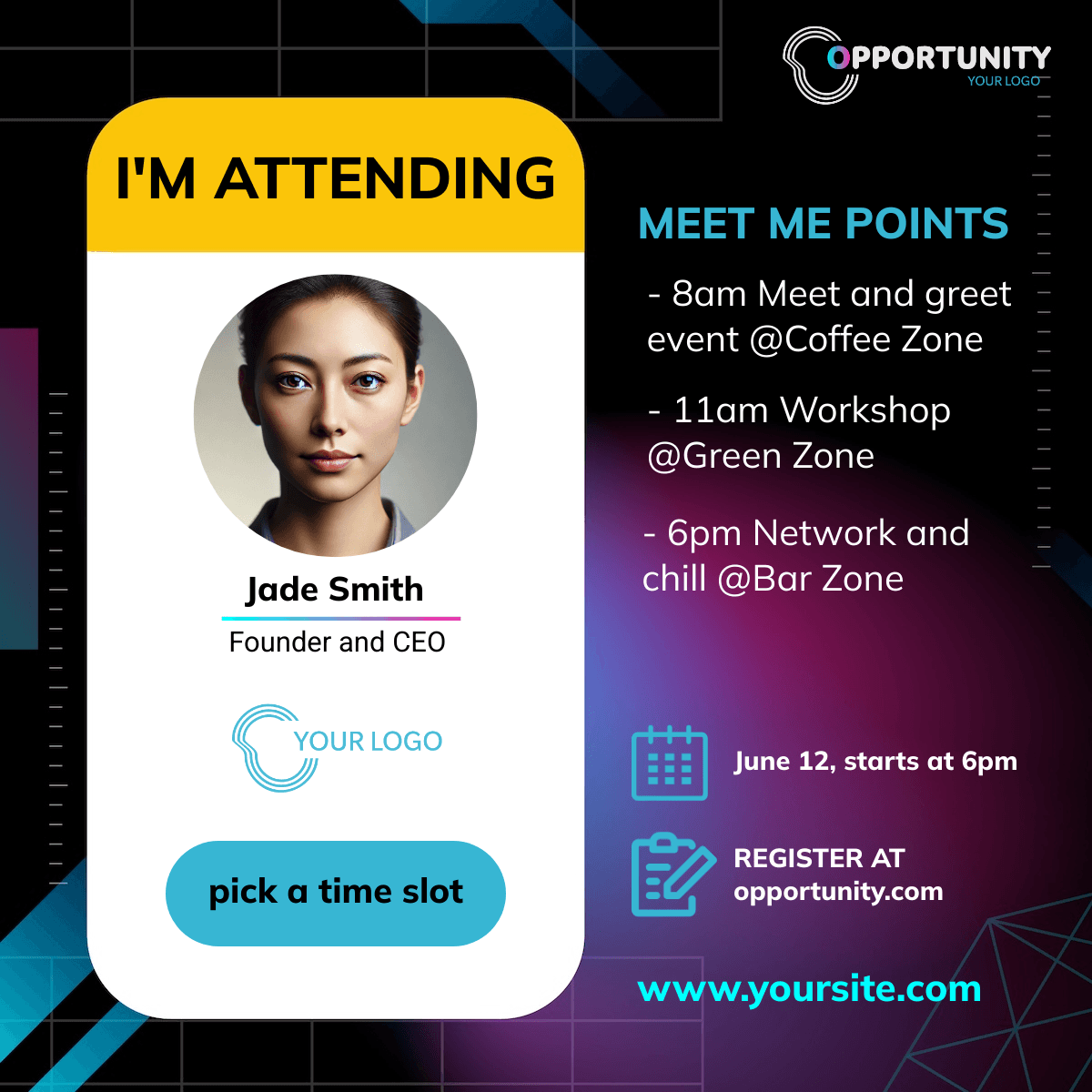
One snippet on your confirmation or thank-you page. The widget asks for a name and an optional photo, generates an I'm attending banner and offers the same one-tap share. It runs inline or as a popup fired after the purchase, is built mobile-first because that is where tickets get bought, and never asks an attendee for an email address.
Sponsors and Exhibitors With Their Own Details
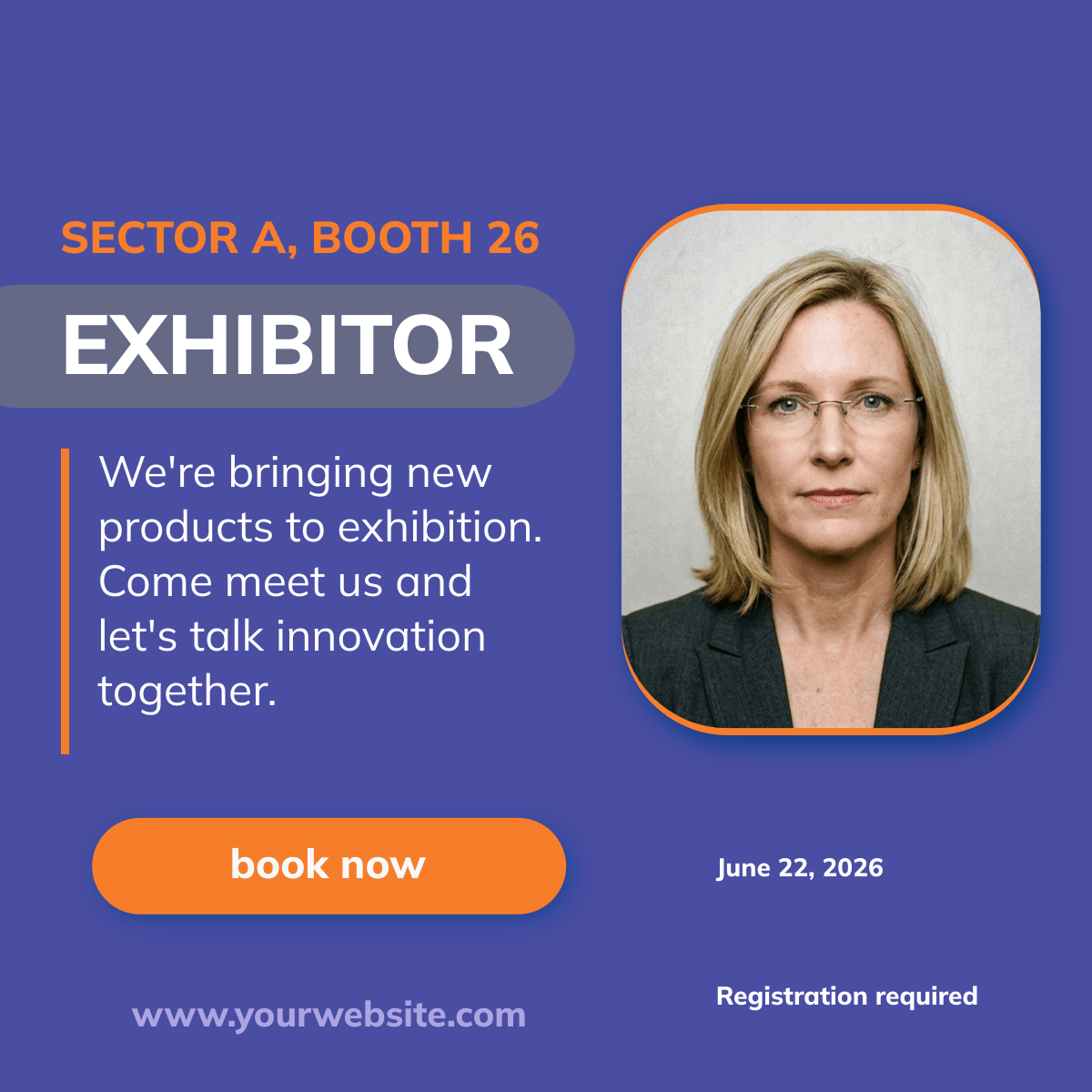
Sponsors and exhibitors are confirmed by contract long before the event, so import the whole list at once. Sponsors carry their tier, exhibitors their booth number, and the logo goes on the banner uncropped. Each one gets the same personal share page as a speaker and is reported separately, so you can show a sponsor exactly what their post produced.
Attribution That Survives Your Checkout
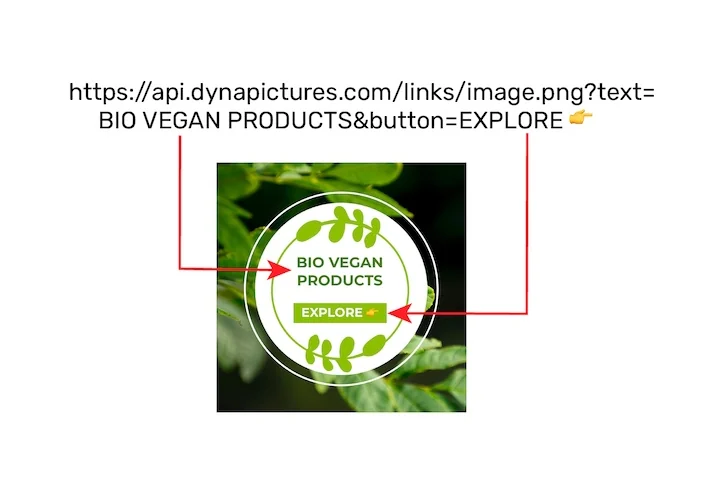
Most tools stop at the share. We mint a fresh short link for every share, filter the clicks for crawlers and corporate link scanners, and hand the attribution to a pixel on your ticket pages. The pixel captures the id once, keeps it in the browser and re-attaches it to your own links and forms, so multi-step checkouts and redirects do not lose it. Revenue is reported per currency, never silently converted.
Event Marketing Automation, Live in an Afternoon
1. Build the Campaign
Name the event, set the date and the landing URL, add the designs each audience will share. Start from the event templates or from your own design.
2. Import Your People
Speakers, sponsors and exhibitors from CSV or XLSX, with columns matched by their headers. Extra columns are kept and can be mapped onto the banner.
3. Send the Links and Place the Snippets
Email everyone their personal page from your display name. Paste the widget on your confirmation page and the pixel on your ticket pages.
4. Read the Funnel
Views, shares, clicks and conversions over time, by channel and country, with a leaderboard of the people who actually drove results and the revenue attributed to each.
What Event Marketing Software Covers, and Where DynaPictures Fits
Event marketing software covers several jobs, and most teams combine two or three tools. DynaPictures does the promotion that runs through people, and measures what it produced.
| Job | What it does | Typical tools | DynaPictures |
|---|---|---|---|
| Registration and ticketing | Sign-ups, payments and attendee lists | Eventbrite, Cvent, Luma | Works alongside: import the list, set the landing URL |
| Event website and landing pages | The page people register on | Splash, Bizzabo, your own site | A personal share page for every promoter |
| Email invitations and reminders | Mail to your list before and after the event | HubSpot, Mailchimp, the event platform | Invitation emails to speakers, sponsors and exhibitors |
| Social promotion and advocacy | Posts by the people in the event | Gleanin, Snöball, DynaPictures | Core: a personalized banner per person, one-tap sharing |
| Tracking, analytics and attribution | Which source brought registrations and revenue | UTM links, web analytics, DynaPictures | Core: a tracked link per share, bot-filtered clicks, revenue per person |
| Virtual and hybrid event platforms | Streaming, sessions and networking | Zoom Webinars, Airmeet, ON24 | Works with any registration page as landing URL |
A CSV export, a landing URL and one snippet connect DynaPictures to the rest of the stack.
Event Marketing Analytics: ROI and KPIs per Person
Revenue per Speaker, Sponsor and Exhibitor
Ticket sales and their value attributed to the person whose post brought the buyer, in the currency sold. The answer to whether the speaker programme and the sponsor package were worth it.
A Leaderboard That Names Your Best Advocates
Who shared, who got clicked, who converted. The people at the top get the thank-you, the early invitation next year and the renewal conversation.
The Funnel by Wave, Channel and Country
Views, shares, clicks and conversions over time show which announcement wave and which network delivered, so the next push goes where the response was.
Bot-Filtered by Default, Hosted in Frankfurt
LinkedIn, Facebook and Slack crawlers, corporate link scanners and security proxies hit every posted link; we classify each hit and keep the raw record. The data stays in Frankfurt under GDPR, with a Data Processing Agreement on request.
Event Marketing KPIs You Can Report
The numbers the dashboard reports for every campaign, and where each one comes from.
| KPI | What it counts | Where it comes from | Reported per |
|---|---|---|---|
| Views | Visits to share pages and the widget | DynaPictures | Campaign and day |
| Shares | Taps on Share, counted as intent | The share page and the widget | Person and channel |
| Clicks | Visits through a share's own link, bots removed | Tracked short links | Person, channel and country |
| Conversions | Registrations or purchases after a click | The pixel on your own pages | Person and channel |
| Revenue | Order value of those conversions | The conversion call with the value | Person, in the currency sold |
Shares are intent: no tool sees whether a post was completed in a share sheet. Clicks, conversions and revenue are the numbers to report.
Event Advocacy Platforms Compared: Gleanin, Premagic, InGo, Snöball, Attendir
The five tools an event marketer usually evaluates next to us, on the questions that decide the purchase: can you start today, what does it cost, what gets tracked, and where your data lives.
| Checked 24 Sep 2026 | DynaPictures | Gleanin | Premagic | InGo | Snöball | Attendir |
|---|---|---|---|---|---|---|
| Self-serve signup, no sales call | Yes | Yes | No | No | No | Yes |
| Free plan | Yes | No | No | No | No | No |
| Public entry price | from 129 EUR/month | from 439 EUR/month | usage-based, on request | on request | on request | from 325 EUR/month, yearly |
| Speakers, sponsors, exhibitors and attendees | Yes | Yes | Yes | Yes | Yes | Partly |
| Share channels | X, LinkedIn, Facebook, WhatsApp, email | LinkedIn, X, Facebook, WhatsApp, email and more | major networks, one tap | LinkedIn and others | 14 channels | LinkedIn, X, Facebook, WhatsApp |
| Free-layout design editor | Yes | Partly | Yes | not stated | Partly | Partly |
| Tracked link per advocate | Yes | Yes | Yes | Yes | Yes | Yes |
| Bot-filtered clicks | Yes | not stated | not stated | not stated | not stated | not stated |
| Conversion pixel with revenue attribution | Yes | Partly | Partly | not stated | not stated | Partly |
| Attendee widget for the confirmation page | Yes | Yes | Yes | Yes | Yes | Yes |
| Ticketing platform integrations | no, CSV and XLSX import | Yes | Yes | Partly | yes, 70+ | Yes |
| Invitation emails to advocates | Yes | Partly | yes, paid add-on | Yes | Yes | Yes |
| Hosting location stated | Frankfurt, Germany | not stated | not stated | not stated | not stated | not stated |
| Product interface languages | English, German, Polish | English | English | English | English | English, German |
Competitor columns reflect each vendor's public website as read on 24 September 2026 and may have changed since. Not stated means we could not find the fact on their site. Check with the vendor before deciding; every header links to a longer comparison.
Event Marketing Software by Audience
Event Marketing Software by Event Type
Works Alongside the Platform You Already Use
Comparing DynaPictures With Other Event Advocacy Tools
More on Event Marketing With DynaPictures
Frequently Asked Questions
The free plan includes one campaign, ten people and fifty banners a month, with a Powered by DynaPictures line on the public pages. Paid plans start at 129 EUR a month (Lite: one campaign, fifty people, a thousand banners and five hundred emails a month), with Standard and Pro above that. Every campaign counts toward a plan, including ended and archived ones. Every plan includes the attendee widget, the conversion pixel with revenue attribution and the full analytics.