
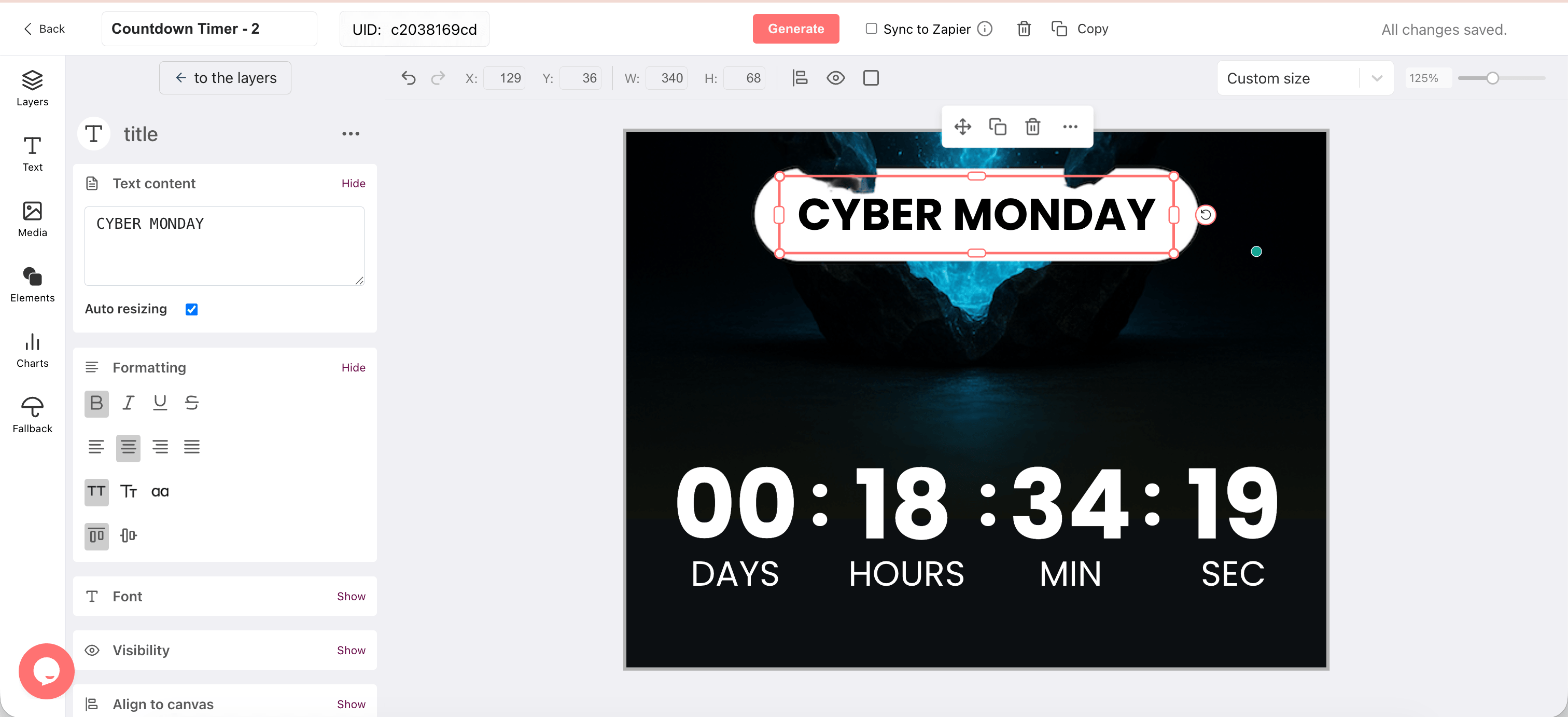
Why Cyber Monday Emails Use Countdown Timers
Increase Email Conversions
Countdown timers are the #1 email personalization tactic, ahead of personalized images and progress bars. Source: Litmus.
Recover Abandoned Carts
A countdown showing when a cart discount expires drives shoppers back before the offer disappears.
Boost Webinar Registrations
A live countdown to your event converts more reminder emails into confirmed attendees.
Drive Trial Upgrades
SaaS teams use per-subscriber trial-end countdowns to move users to paid before the deadline hits.
Reduce Procrastination
Subscribers who see a ticking deadline act now instead of bookmarking the email for later.
A Cyber Monday Countdown Timer That Keeps on Ticking
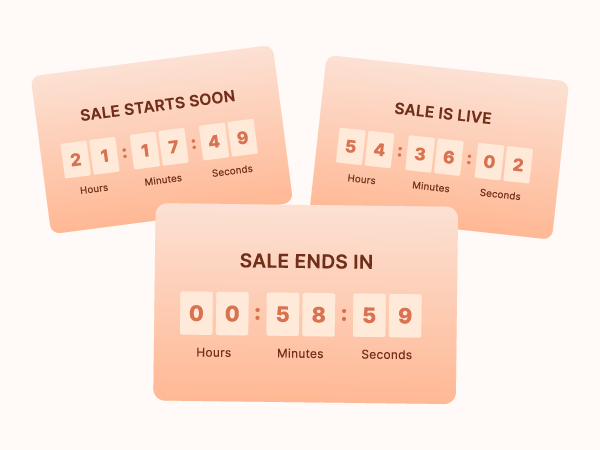
Most Cyber Monday timers are pre-rendered GIFs that freeze the moment they're created. A subscriber who opens your email the evening after launch sees a timer hours behind. DynaPictures keeps ticking on every open, calculating the exact remaining time, whenever your subscriber opens it.
One Template, Reusable Across Your Entire Sequence
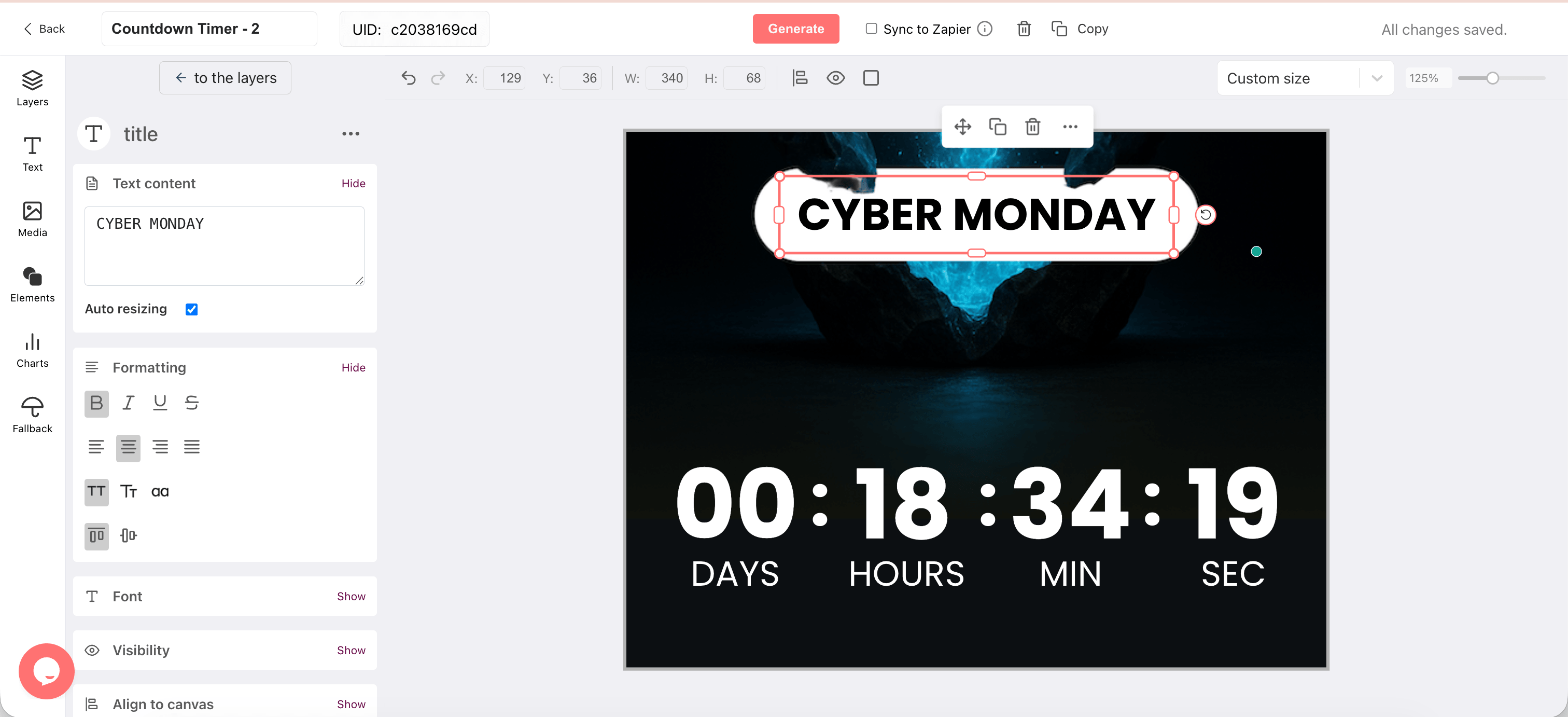
Cyber Monday campaigns often span multiple emails: a teaser, a launch, a last-chance send. Design your countdown timer once in DynaPictures and reuse it across every email. Update the deadline via the expire parameter and the timer updates automatically. No rebuilding, no redesigning.
Personalized Cyber Monday Deadlines for SaaS and Subscription Offers

Cyber Monday is the biggest day of the year for SaaS subscription upgrades. The expire parameter lets you pass each subscriber's unique offer expiry via Klaviyo, Mailchimp, or HubSpot merge tags. A free trial user and a paying customer can see different countdowns from the same published timer.
Everything Included in Every DynaPictures Cyber Monday Timer
Works in Every Email Client
Standard img tag. Renders in Klaviyo, Mailchimp, Outlook, Gmail, Apple Mail — no JavaScript, no widgets.
Always Accurate on Every Open
Updates at the moment of open, not send. Always live, never frozen at send time.
Per-Subscriber Deadlines via Merge Tags
Set a unique Cyber Monday deadline per recipient using Klaviyo, Mailchimp, or HubSpot merge tags.
Campaign Analytics Built In
Track every timer open by campaign or subscriber. Add ?campaign=cyber-monday-2025 or pass subscriber IDs via merge tags.
Reusable Templates Across Your Sequence
Design once, reuse across every email in your Cyber Monday sequence. Update the deadline without redesigning.
No Countdown Period Limits
Start your Cyber Monday countdown as early as you need. No 14 or 30-day cap like most competitor tools.
1,000+ Fonts on All Paid Plans
Full Google Fonts library plus custom font upload. Not locked to enterprise tiers.
No View Caps on Paid Plans
Free plan: 100 lifetime opens. Paid plans: unlimited opens, no monthly caps, no watermarks.
How to Create a Cyber Monday Email Countdown Timer
Design Your Cyber Monday Timer in DynaPictures
Open DynaPictures and create a countdown timer. Set your Cyber Monday deadline, fonts, colors, and post-deadline fallback. Publish to get the stable image URL.
Add It to Your Email Sequence
Copy the timer image URL from the Share tab. Paste it into your email template in Klaviyo, Mailchimp, HubSpot, or any ESP. Add ?expire= with your ESP merge tag to personalize deadlines per subscriber.
Track Opens and Reuse Across Every Send
Use the same timer URL across your teaser, launch, and last-chance emails. Update the expire parameter for each send if needed. Track all opens in the DynaPictures analytics dashboard.
Who Uses Cyber Monday Countdown Timers
SaaS platforms
Annual plan upgrade offers, free trial conversion windows, and subscription discount emails with personalized deadlines.
E-commerce brands
Online-only flash sales and digital deal countdowns across teaser, launch, and last-chance email sequences.
Small businesses and agencies
Branded Cyber Monday promotions and digital service offers without needing a designer or developer.
How DynaPictures Compares to Other Email Countdown Timer Tools
Unlimited Countdown Duration
Any deadline, any length. Most timer tools cap free plans at 14 or 30 days. DynaPictures has no period restrictions.
Live Updates on Every Open
Timer updates every time the email is opened, not just once at send. Most tools pre-render a static GIF.
Personalized Deadlines Per Subscriber
One timer, a unique deadline for every recipient via URL parameter. Most tools support one fixed deadline per timer only.
Custom Fonts on All Paid Plans
1,000+ Google Fonts plus custom upload on every paid plan. Most tools lock custom fonts to enterprise tiers.
AI-Generated Timer Backgrounds
Generate a timer background from a text prompt inside DynaPictures. Not available in any other countdown timer tool.
Campaign Analytics and Open Tracking
Track every open by campaign or subscriber via query parameters. Most tools offer basic view counts only or no analytics at all.
Frequently Asked Questions
Design your Cyber Monday countdown timer in DynaPictures, set your deadline, and publish it to get a stable image URL. Paste the URL into your email template as an img tag in Klaviyo, Mailchimp, HubSpot, or any ESP. The timer updates every time a subscriber opens the email.
What Our Users Are Saying


