
Course completion certificate designs
Classic, Elegant, Modern, Minimal, Playful and Sports, each with room for a long course title under the name. Choose the style and your colours in the generator below.
-
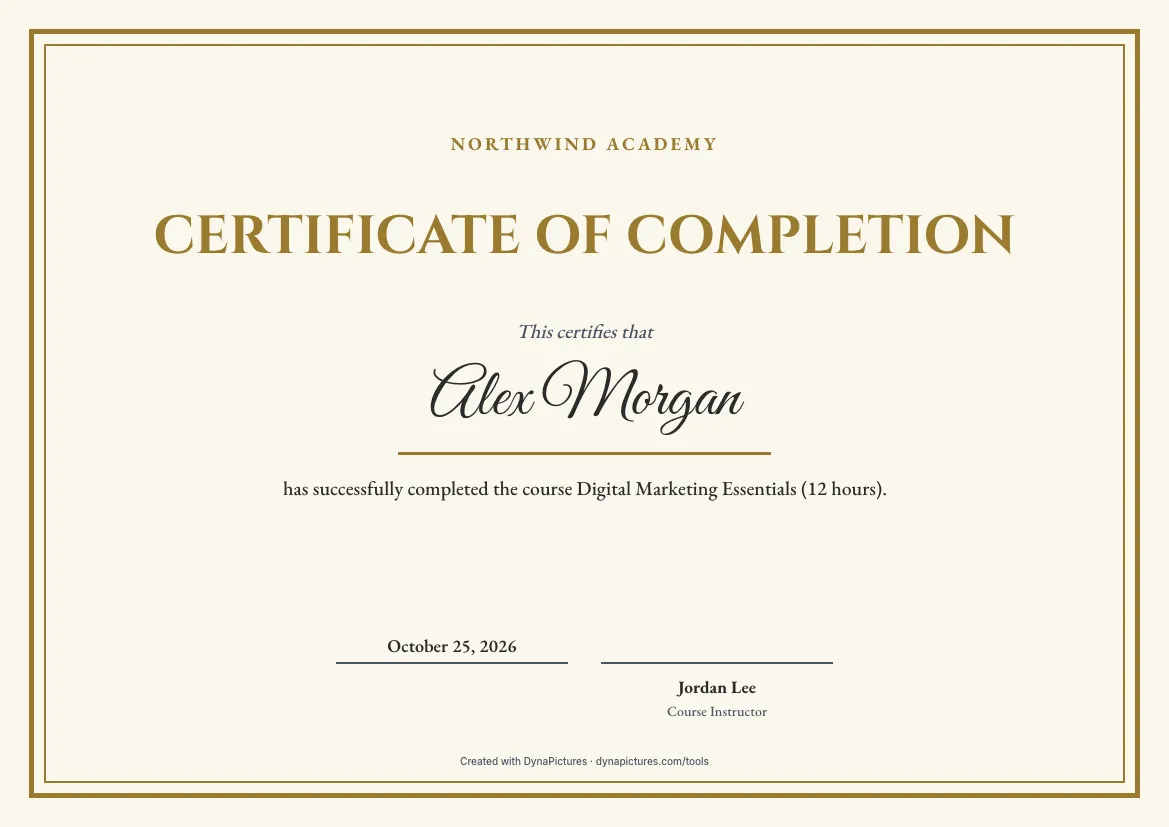 Classic
-
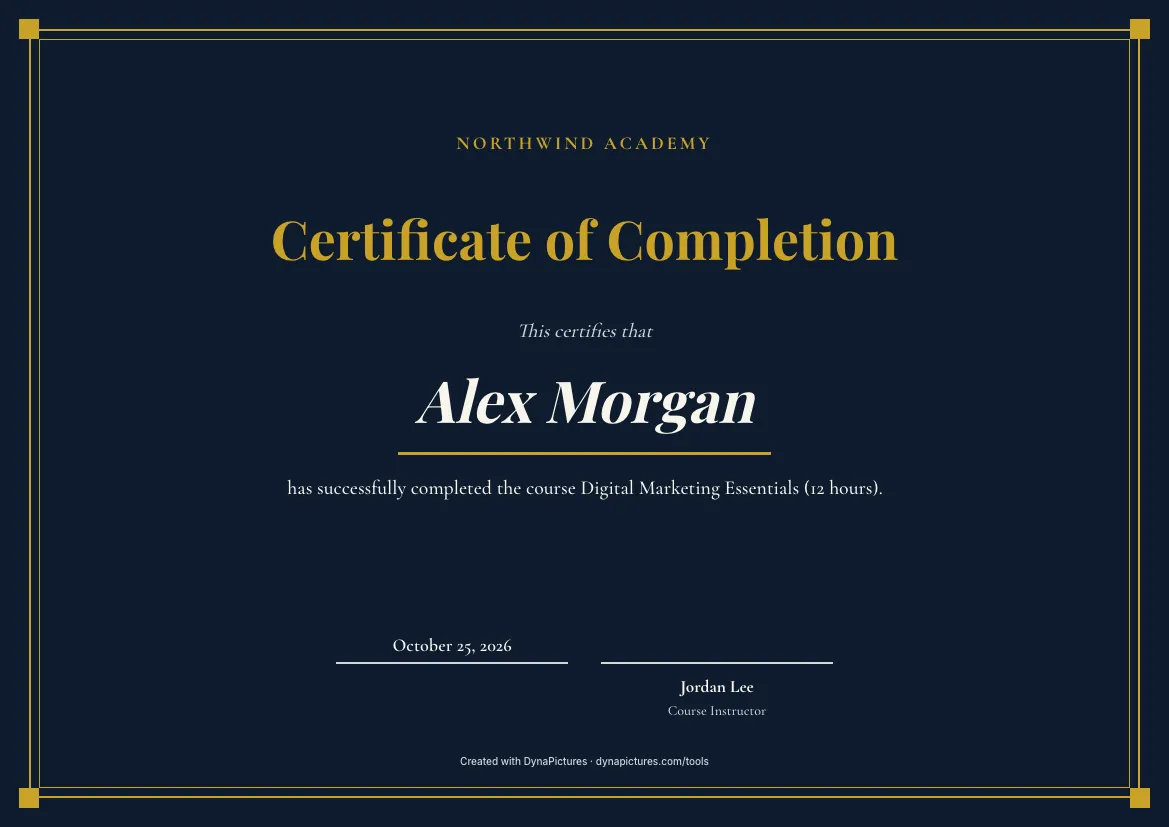 Elegant
-
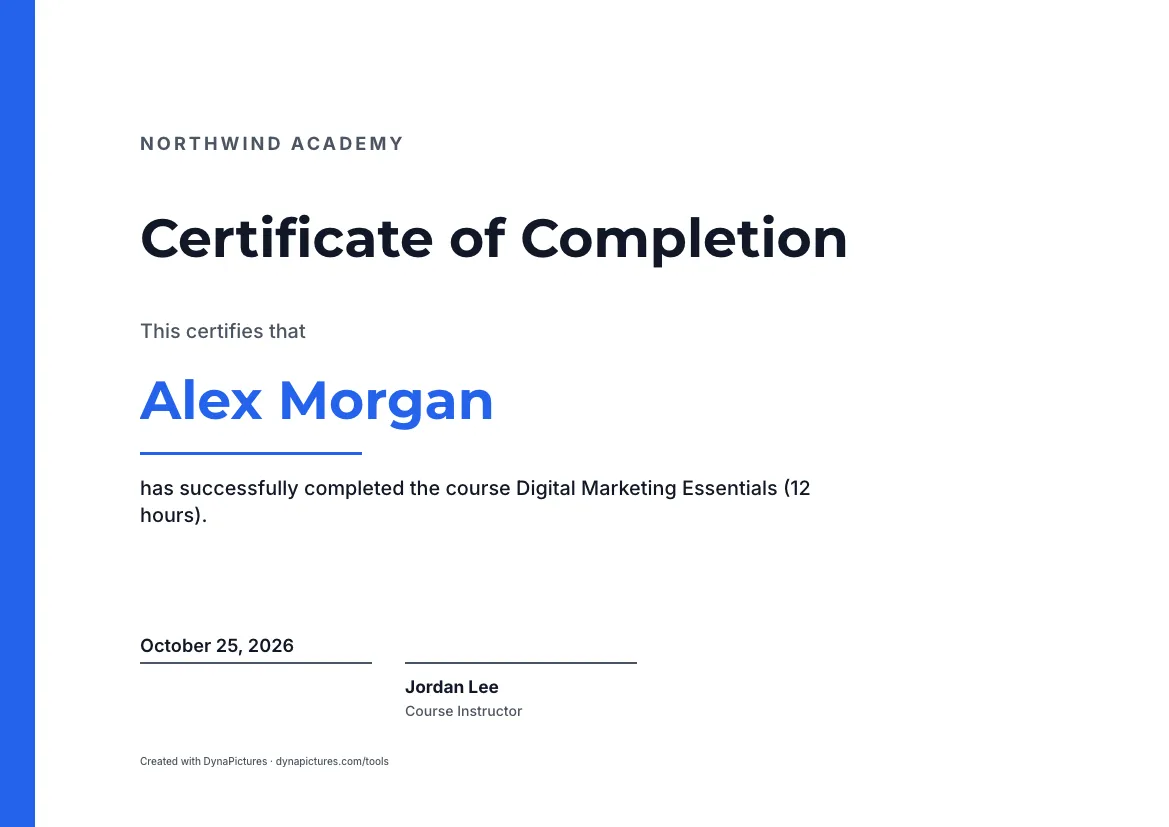 Modern
-
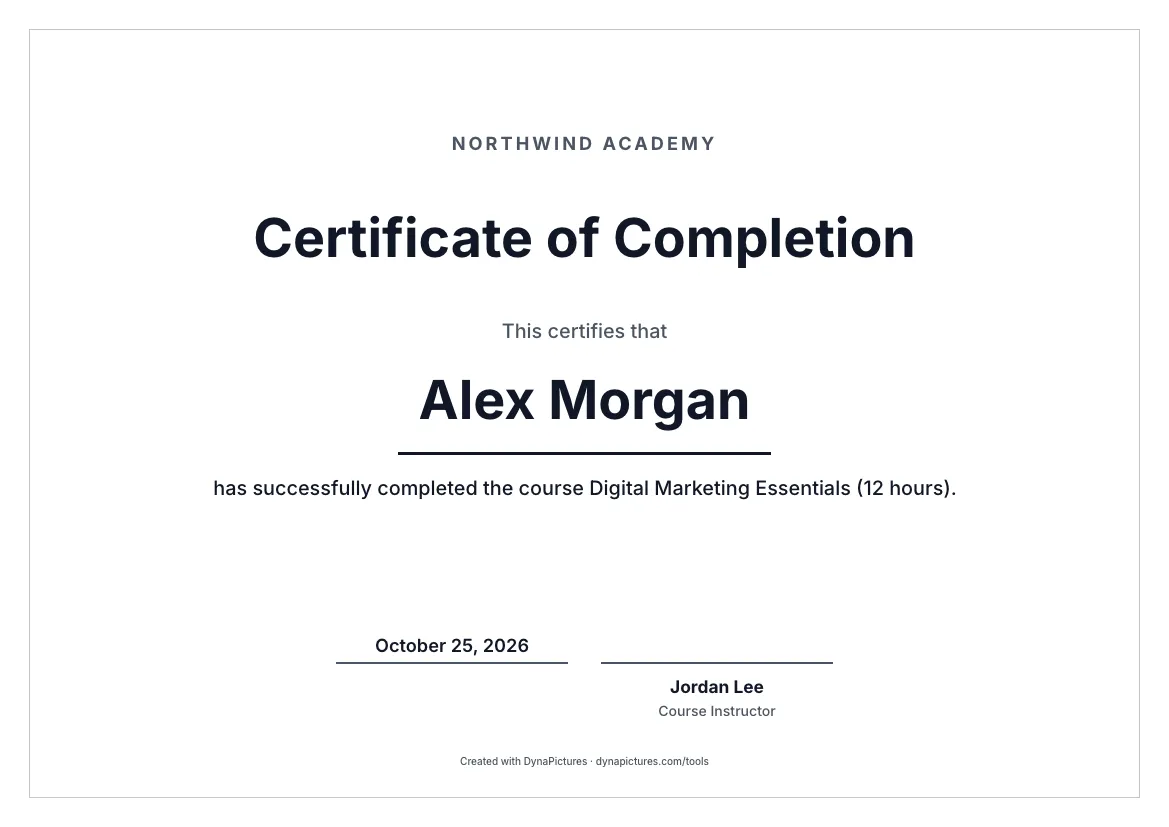 Minimal
-
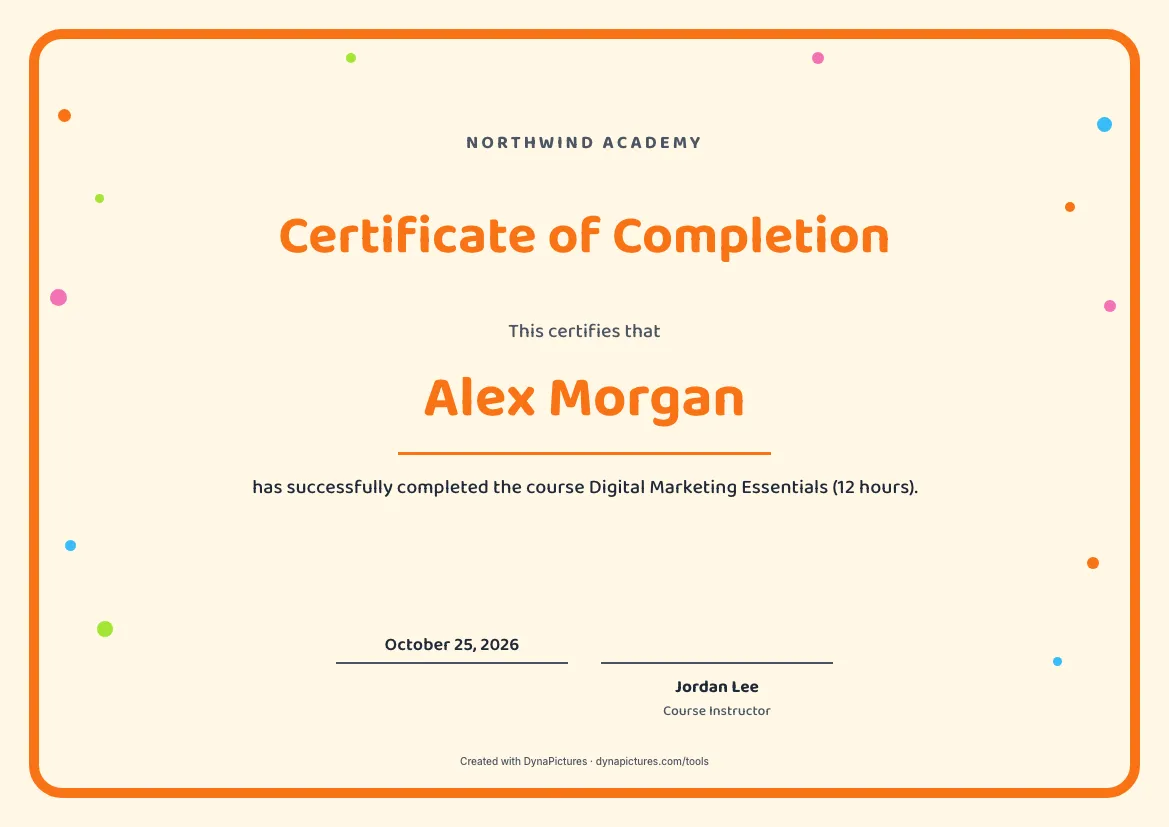 Playful
-
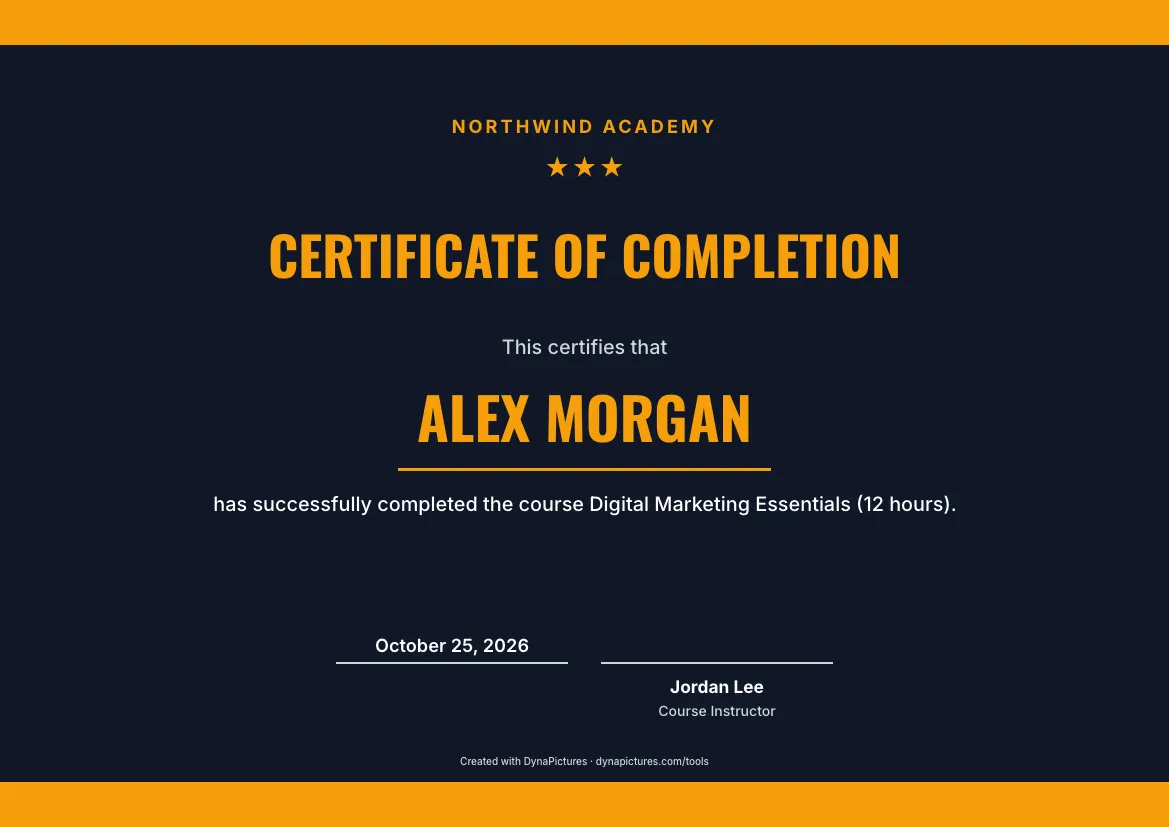 Sports
Create a certificate of completion
It opens with the classic completion wording and a Course Instructor signature line. Put in your course title and hours, add your logo, and download a PDF or a 300 DPI PNG. Free, no login.
Certificate of completion wording
The line under the name says what was completed. Use the course title exactly as you advertised it, add the hours or sessions, and mention the final project or test if there was one.
For an online course
has successfully completed the online course Photography Basics: Light and Composition, including all six modules and the final assignment.
For a coding bootcamp
has completed the 12-week Full-Stack Web Development Bootcamp and presented a working web application on Demo Day, June 2026.
For a language course
has completed 40 hours of Conversational Spanish for Beginners at the Lakeside Language School, January to March 2026.
For an evening class
has completed the eight-week evening course Italian Home Cooking, held every Thursday at Harbour Street Kitchen.
For a course passed with distinction
has completed Introduction to Python with distinction, scoring 94 percent across ten assignments and the final project.
For a children's reading programme
has completed the Summer Reading Challenge 2026 by reading 20 books between June and August. Well done!
For a mentoring programme
has completed the six-month Women in Tech Mentoring Programme, meeting a mentor every month and finishing a personal development plan.
For a self-paced e-learning course
has completed the self-paced e-learning course Data Protection Essentials and passed the final quiz on 3 November 2026.
What to include on a certificate of completion
Learners show these certificates to managers, clients and schools, so each line should make sense to someone who never saw the course.
| Element | What to write |
|---|---|
| Title | Certificate of Completion. Keep the course name for the line under the name, where a long title has room. |
| Line above the name | “This certifies that” or “This is to certify that”, so the sentence reads straight into the name and the course. |
| Learner's name | The full name the learner enrolled with. Check it against your enrolment list before you print. |
| Course and hours | The exact course title, then the hours, weeks or modules, and the result if there was one, such as with distinction. |
| Completion date | The day the course ended or the learner finished it; for a long programme, the start and end months. |
| Provider and signatories | Your school or company name and logo, signed by the course instructor and a programme director or principal. |
How to make a certificate of completion
Start from the completion wording
Choose one of six styles and your colours; the title and the completion line are already filled in.
Add the course and the learner
Enter your organisation, the learner's name, the course title with its hours, and the date the course ended.
Sign it and hand it over
Print the A4 or US Letter PDF and sign it by hand, or send the 2000×1414 PNG with a congratulations email.
A certificate for every learner who finished
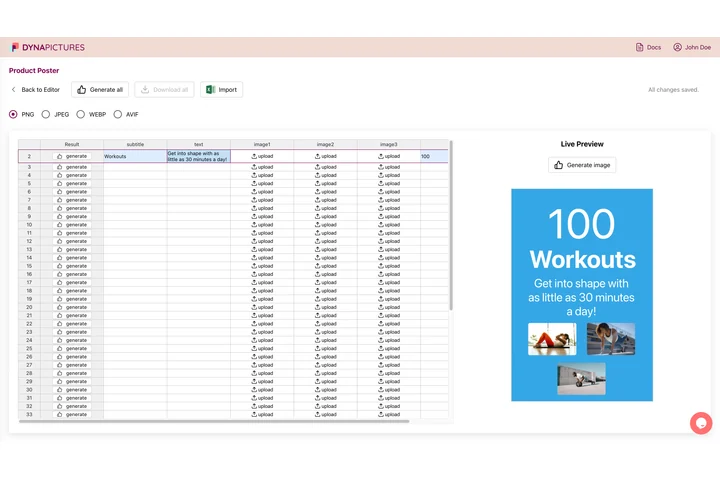
At the end of a course, everyone who finished needs a certificate with their own name, course and date. Export the completion list from your learning platform as CSV or Excel, and DynaPictures makes a PDF per learner in your design, each file named after the person.
- Completion lists from CSV or Excel
- Course title and hours filled in from columns
- A ZIP of PDFs named after each learner
Certificate of completion FAQ
A certificate a course provider gives to a learner who finished all of a course or programme: every session, assignment or test it required. It records the completion and who ran the course; on its own it is not an accredited qualification.
More certificates for learners
Training and participation certificates for the same courses and events, and the tools to issue them for a whole cohort.
All templates and tools
- Certificate templates Every certificate template in one place: recognition, courses, events, school and employer documents, plus blank designs.
- Certificate maker Certificates your organisation awards, with your logo and signatories, as a print-ready A4 or Letter PDF or a 300 DPI PNG.
- Automatic Certificate Generator Hundreds of certificates at once from a spreadsheet, your no-code tools or the API.