
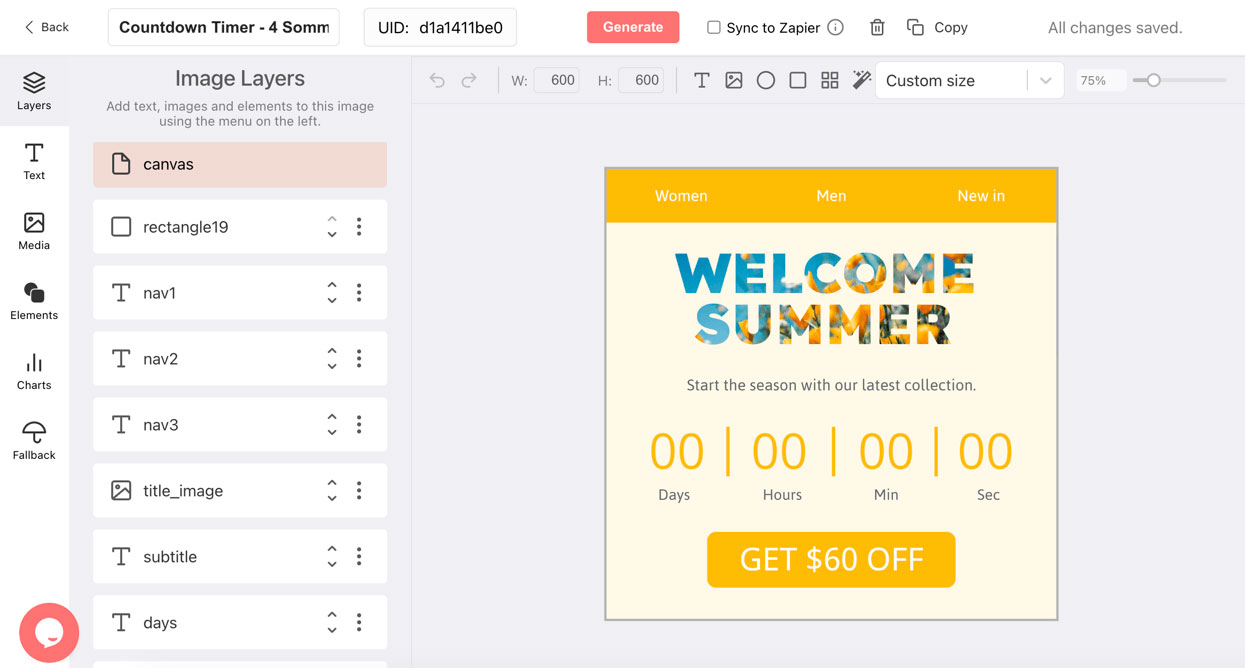
Create your countdown timer for free
Don't need a custom design, or sending to a small list? Pick a style, set your deadline and copy the GIF link. No account, no watermark.
Want a countdown that looks like your brand?
On the DynaPictures platform the timer becomes a design you control: your fonts, logo, background and layout, at any size. Start from a ready-made countdown template in our library and adjust it, or build your own. Add stages so subscribers see a different design before and after the deadline.
-
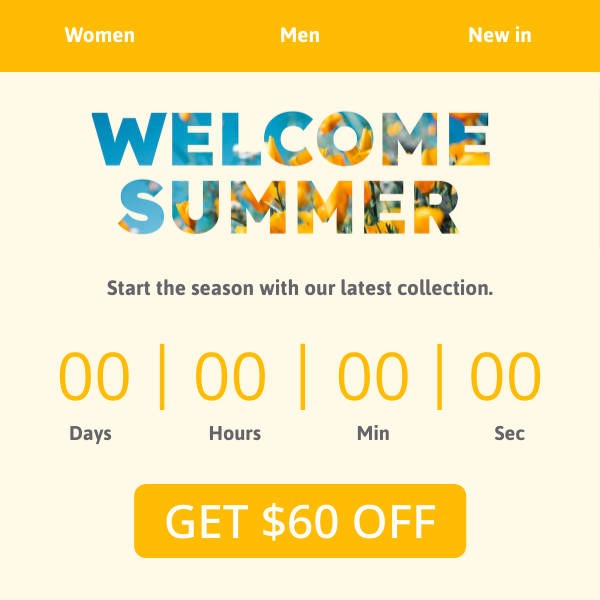 Seasonal campaign
-
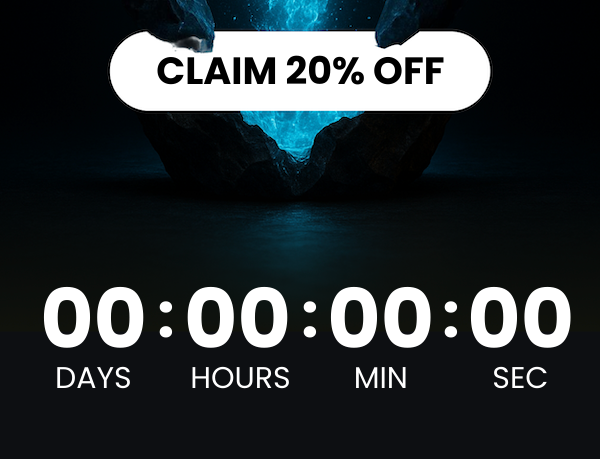 Photo background
-
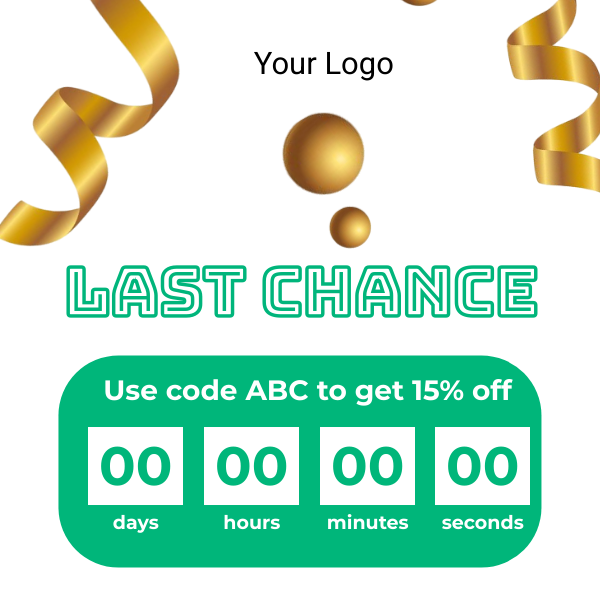 Logo and promo code
How to add a countdown timer to your email
Pick a style and set the deadline
Choose one of the timer styles, adjust the colors and labels, then enter the date, time and timezone your offer ends.
Copy the image URL
Click Create timer and copy the GIF URL or the ready-made HTML image tag.
Paste it into your email
Insert an image block in your email editor and paste the URL as the image source. Send a test to see it count down live.
Why use a GIF countdown timer in email
Works wherever images load
The timer is a standard GIF image loaded with an img tag, so it renders in Gmail, Apple Mail, Outlook, Yahoo and mobile apps without scripts or plugins.
Live on every open
Each open requests a fresh GIF that starts at the real remaining time, so a subscriber opening on day three sees the correct countdown, not a frozen animation.
Urgency that converts
Visible deadlines lift click-through and conversion rates on sales, launches, webinars and cart recovery emails.
Styled to match your brand
Adjust background, digit and label colors and rename the units so the timer fits your template.
Any ESP or automation tool
Paste the URL into Klaviyo, Mailchimp, HubSpot, Brevo, ActiveCampaign, Omnisend, Shopify Email and any tool that supports image blocks.
No login required
Generate and use the timer without an account. A DynaPictures account is for designing your own timers, tracking opens and stage-specific banners.
Per-recipient deadlines with merge tags
The free timer counts down to one fixed deadline. If every subscriber should see their own deadline, for example a cart that expires 24 hours after abandonment, append an expire parameter to the GIF URL and fill it with your ESP merge tag. The timer then renders the remaining time for that recipient on every open.
The expire parameter
Add ?expire=DD-MM-YYYY--HH-MM to the GIF URL, interpreted in the timezone you selected. ISO 8601 dates such as 2026-12-24T18:00:00Z work as well.
Example with a merge tag
In Klaviyo you would write ?expire={{ event.deadline }} and in HubSpot ?expire={{ contact.offer_deadline }}. Any ESP that can print a date into a URL can drive the timer.
What the free tool includes
Deadlines up to 30 days ahead, one design, and up to 1,000 opens or 30 days of serving per timer. After that the image switches to a small upgrade notice. An account does not change the free tool's limits; timers with open tracking are built in the DynaPictures editor.
<img src="https://api.dynapictures.com/tools/countdown/YOUR-TIMER-ID.gif" alt="Countdown">Compatible email platforms
Gmail, Outlook, Apple Mail
Delivered as an image, the timer works wherever images load. Outlook desktop shows the first frame, so the countdown still displays the correct time.
Mobile and desktop
The GIF is 600 pixels wide and scales down on phones like any other email image.
Every ESP with image blocks
Klaviyo, Mailchimp, HubSpot, Brevo, ActiveCampaign, Omnisend, Salesforce Marketing Cloud, Customer.io, Braze, GetResponse, MailerLite, beehiiv, Constant Contact and more.
Ecommerce email
Shopify Email, WooCommerce and BigCommerce campaigns and abandoned-cart flows.
Step-by-step guides for your email platform
Frequently asked questions
Yes. You can create timers without an account. Each free timer runs for up to 30 days or 1,000 opens, and an account does not change those limits. Timers with open analytics are built in the DynaPictures editor, a separate product.