
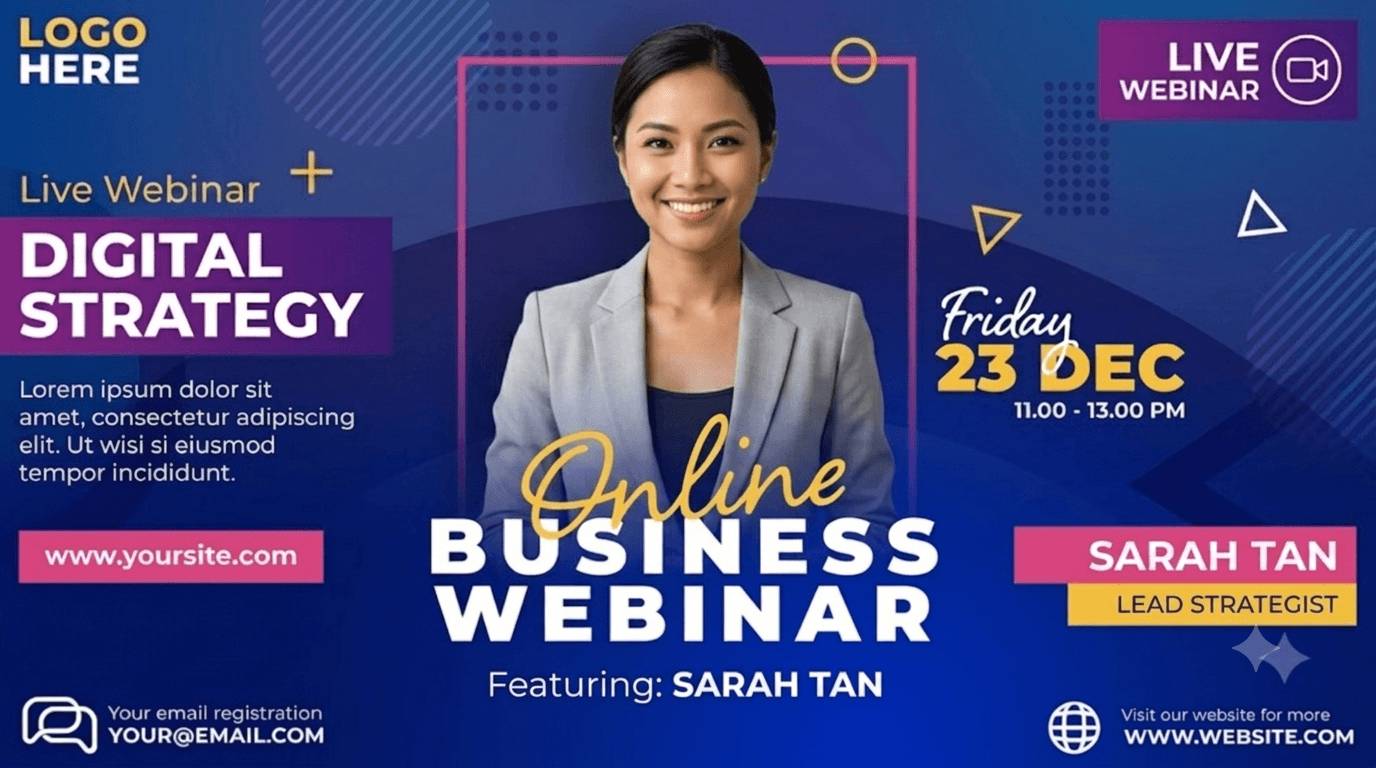
A Registration Engine, Not Just a Banner Tool
Tease the Topic Before Registration Opens
Post a 'Coming Soon' banner naming the theme before you've even locked a date, on the same template you'll reuse later.
Countdown to the Early-Registration Deadline
Show a native countdown timer for your early-registration incentive on the registration page, with analytics on how it drives sign-ups.
Reveal the Agenda in Stages, Not One Email
Announce the speaker, then the agenda, then a guest panelist separately. Generate each stage's banner from its own batch, same template.
Let Registrants Tell Their Network They're In
The moment someone registers, the widget generates their own 'I'm attending' banner, a stronger nudge than another cold invite.
Turn Sharing Into a Referral Contest
Attach a trackable referral code to each registrant's share banner and reward the top referrer. Generate the winner's banner the same way.
Reward the People Who Show Up Every Time
Flag repeat attendees in your registrant list and batch-generate a 'thanks for coming back' banner alongside your standard set.
Promote Every Session Without a Design Queue
A Registration Banner the Same Day You Schedule the Session

Enter your speaker, topic, and date, and your banner is ready in seconds, fast enough to have promotion live the same day you confirm a session. No waiting on a design queue while registrations tick by.
One Template, Every Session in Your Series
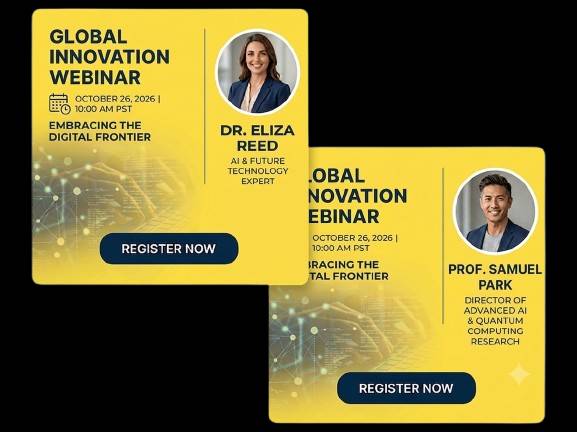
Running a weekly or monthly webinar? Set up your branded template once, then swap the speaker, topic, and date for each new session. No fresh design brief every time you go live.
Guest Speakers Build Their Own Promo Banner
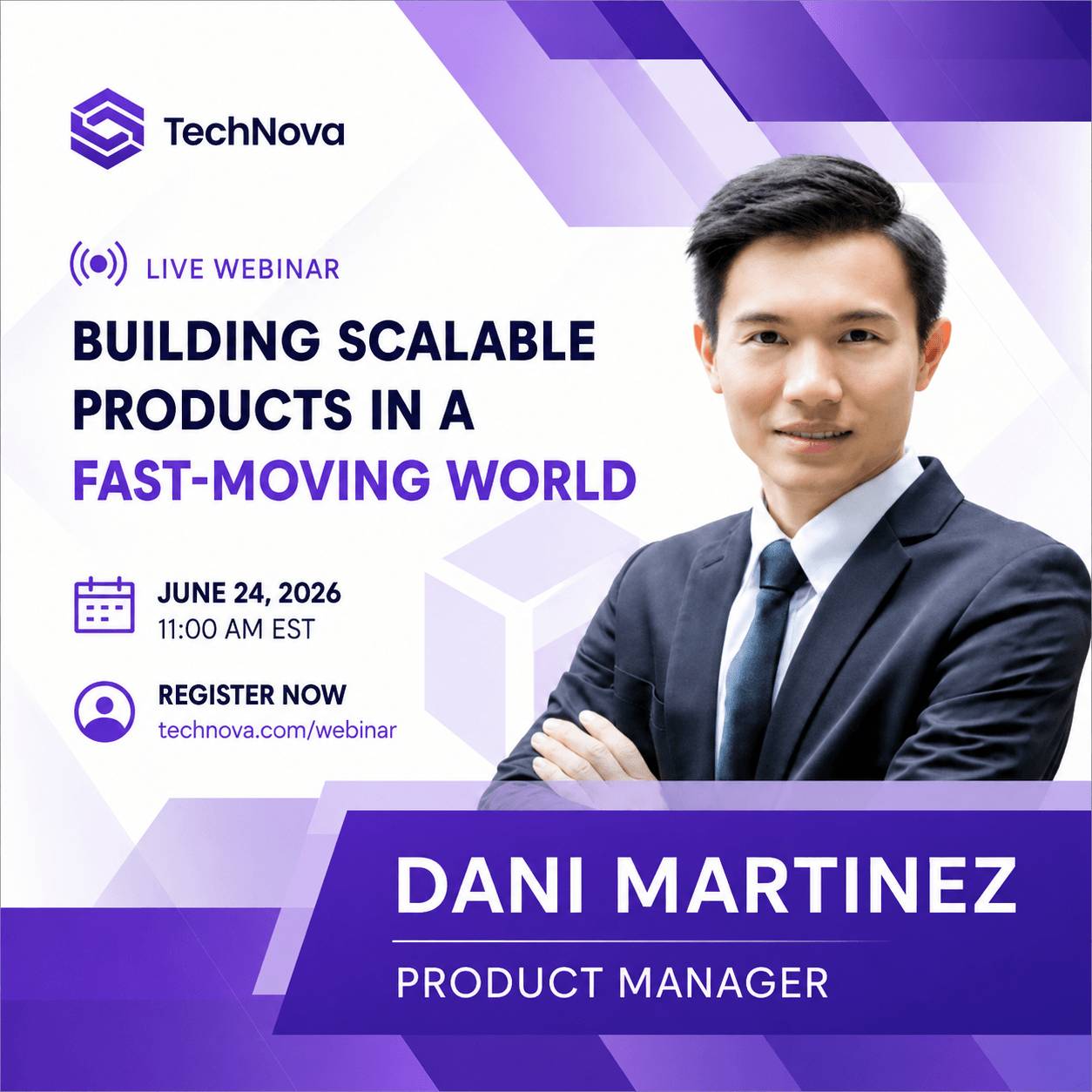
Give guest speakers and panelists a self-serve widget so they can create their own LinkedIn-ready banner the moment they confirm. Free promotion on their network, with no extra work for your team.
One Input, Every Size You Need

Generate your banner once and export it sized for email, LinkedIn, X, and your website, in JPEG, PNG, WEBP, or AVIF. No manual resizing across channels.
Reminder Banners for the Final Registration Push
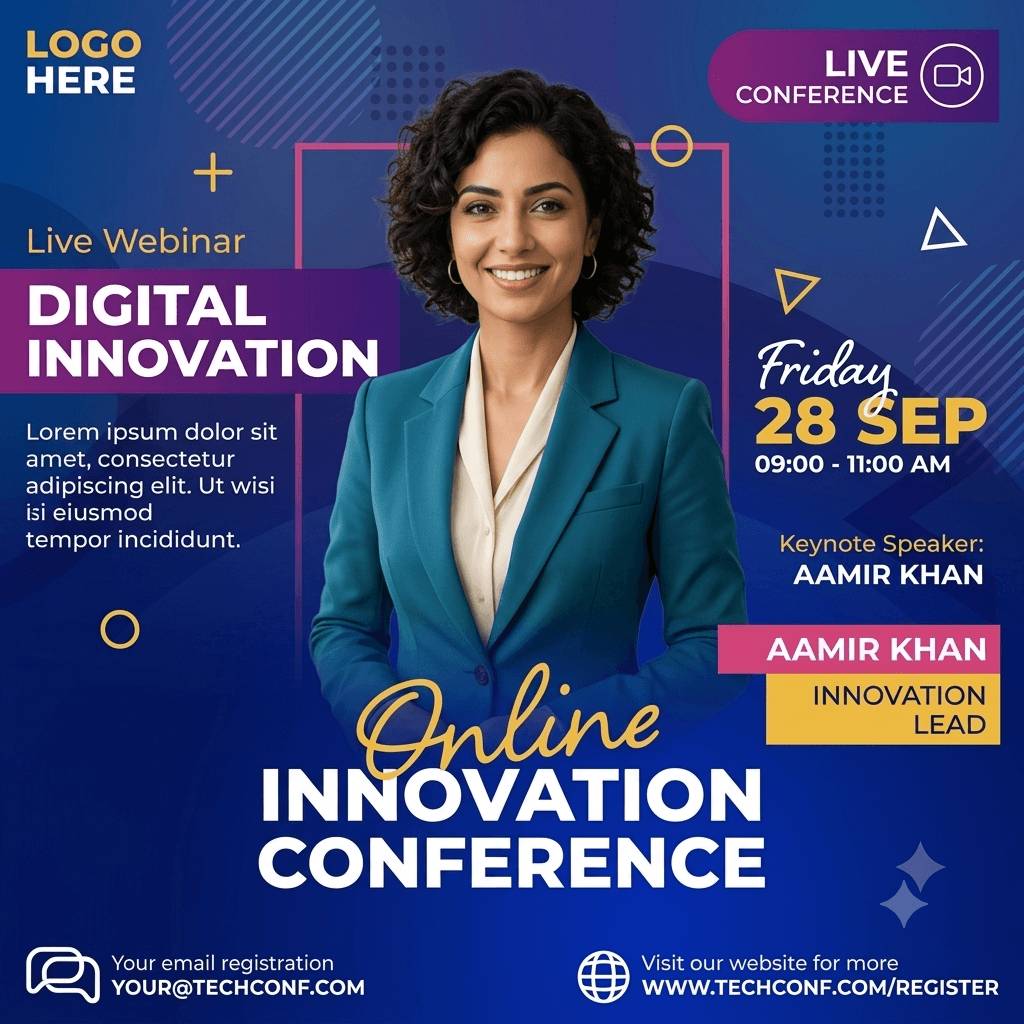
Most webinar sign-ups land in the final days before a session, not weeks out. Generate a fresh 'starting soon' or last-chance banner in seconds instead of reusing the same static graphic for every reminder touchpoint.
Who Uses the Webinar Banner Maker
Demand Gen and Growth Marketers
Run webinars as a lead-gen channel, often weekly or monthly, and own the registration page and promotional assets.
Webinar Hosts and Producers
Need speaker and panelist banners fast, often with only a few days between confirming a speaker and needing the promo live.
Content and Social Marketers
Turn each session into a set of social banners for LinkedIn, X, and email without briefing a designer every time.
Solo Marketers and Small Teams
Run webinars without in-house design support, on Zoom, LiveWebinar, GoToWebinar, or ON24, and need something that just works.
Built for How Often You Actually Run Webinars
Weekly and Monthly Series
Reuse one branded template indefinitely. Each new session just needs new data, not a new design.
Last-Minute Panel Changes
Swap a speaker or topic close to air date and regenerate the banner in seconds, not a new design cycle.
Easy and Simple Integration
Select a Template
Choose or design a webinar banner template that matches your brand. No design experience needed. Templates are built for marketing teams, not developers.
Add the Widget Once
Drop a single embed snippet into your registration page or website. It's a one-time setup, not an ongoing development task. Works the same whether your session runs on Zoom, LiveWebinar, GoToWebinar, or ON24.
Launch and Grow
Your team and your guest speakers can now generate and share personalized banners for every session, driving registrations automatically, week after week.
Where Your Registrant Data Lives
Hosted in Frankfurt, Under GDPR
DynaPictures runs on Frankfurt-based infrastructure and operates under GDPR with a signed Data Processing Agreement available, relevant given this workflow can involve speaker names and photos.
Your List Is Used to Generate, Not Sold
Speaker and registrant data you upload is used to generate banners for your webinar, nothing else.
Frequently Asked Questions
DynaPictures' free plan includes 30 API credits. You can try any plan with a 14-day trial. No credit card required. The free plan allows you to create images without a watermark, full template access, and API access.