
What Apple Mail Does With a Countdown Timer
Apple Mail Animates GIFs
Mail on iOS, iPadOS, and macOS plays the 60-second animation when the email is opened.
Mail Privacy Protection Pre-Fetches
With the feature on, Apple may download images before the reader opens the email and show that cached copy later.
What That Means for the Number
A pre-fetched timer shows the time left at fetch time, which can be minutes or hours before the actual open. It is still far closer than a send-time GIF.
Proxied Opens in Analytics
Pre-fetches count as opens from Apple's proxy. The DynaPictures dashboard lets you include or exclude proxied opens.
How a DynaPictures Timer Behaves in Apple Mail
Fresh When Fetched, Cached When Pre-Fetched
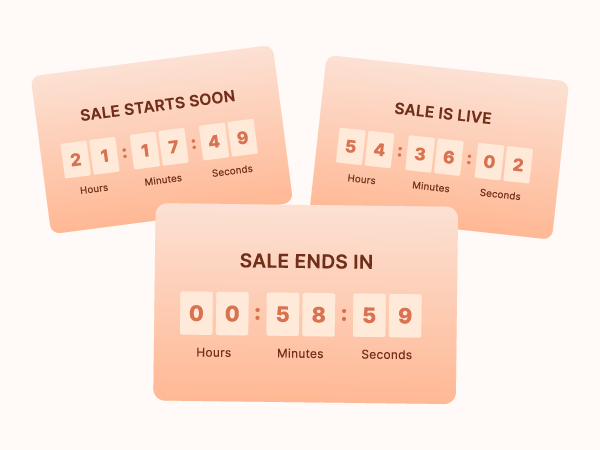
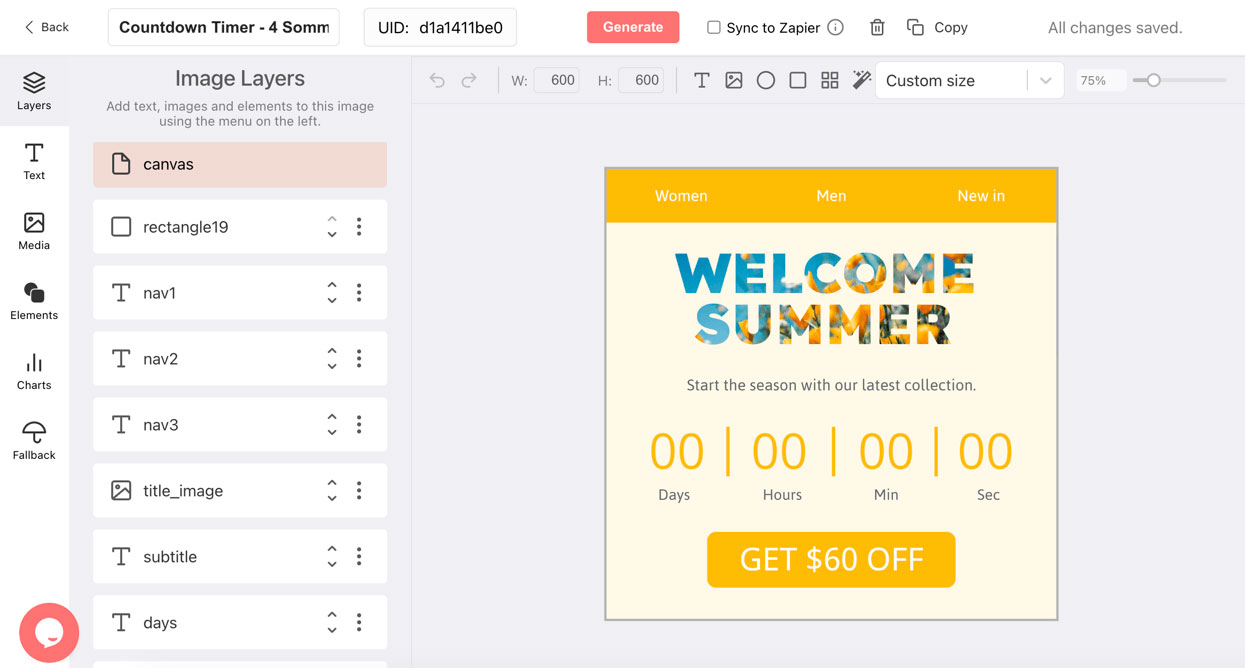
Each fetch renders the current time left. When Mail Privacy Protection pre-fetches, the reader may see that earlier render; when it does not, the image is rendered at the real open. Either way the stage design is chosen by the offset at fetch time.
Design for Retina Screens
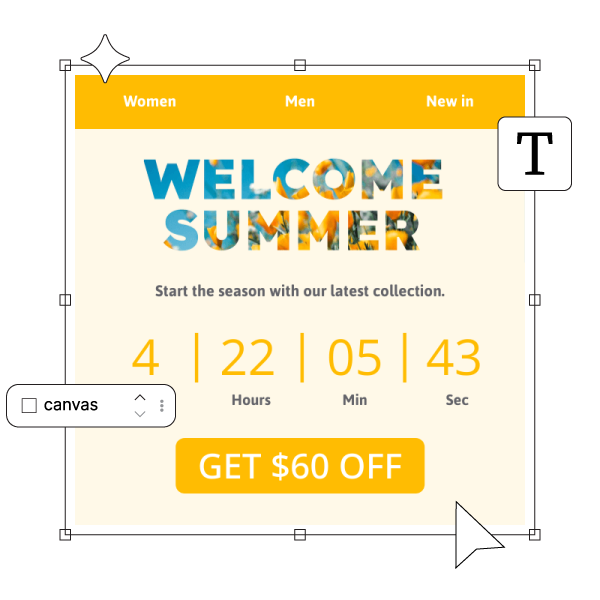
Design the banner in the countdown timer generator at double resolution and set the img width to half, so digits stay crisp on iPhone and Mac displays.
Personalization Unaffected
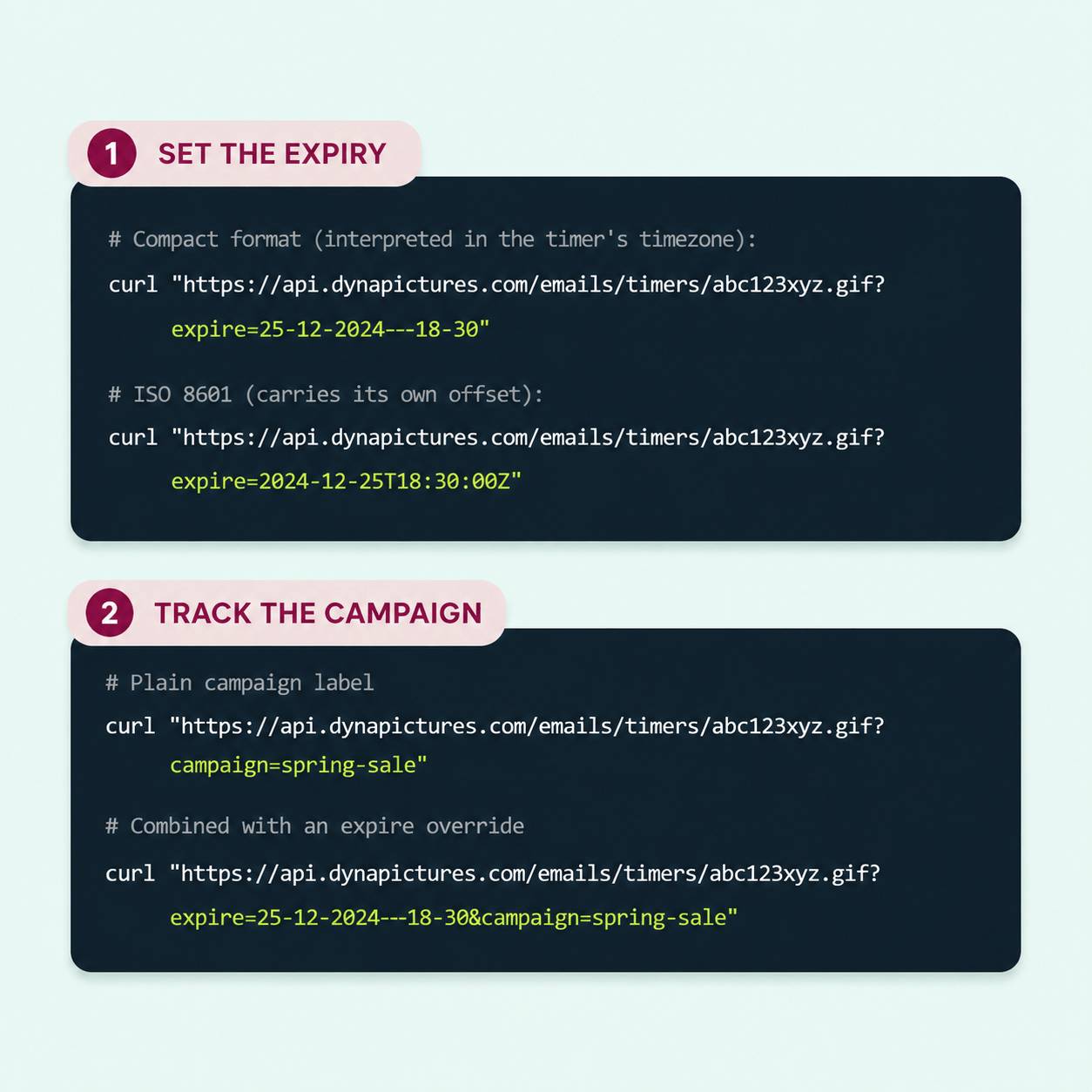
The expire parameter is part of the URL and survives pre-fetching, so each reader still gets their own deadline; only the moment of rendering can shift.
Everything in Every DynaPictures Timer
A GIF in a Standard img Tag
No JavaScript, no HTML5 animation, no client-side script. The image loads in Gmail, Apple Mail, Outlook, and mobile clients; Outlook for Windows shows the first frame.
Rendered per Open, Cached per Minute
Each open fetches an image with the exact time left at that moment. Images are cached for one minute per deadline and then regenerated, and each one animates for 60 seconds.
The expire Parameter
Append ?expire=DD-MM-YYYY--HH-MM (interpreted in the timer's timezone) or an ISO 8601 timestamp with an offset to the URL. Merge tags from your email service provider (ESP) fill it per recipient.
Stages by Offset
Each timer holds several designs, each with an offset from the target. Before, at, and after stages are selected on every render.
Every Open Logged
Email client, country, locale, and any custom query parameter are stored per open. Raw IP addresses are never kept, only a hash and the derived location.
Countdown-Driven Gauges
Radial tick gauges, simple gauges, and line progress bars take their value from the remaining time, next to or instead of digits.
REST API
Create, update, publish, preview, and read analytics for timers programmatically with an API key.
Plan Limits, Stated Plainly
Timers run up to 30 days ahead on Free, Lite, and Standard and without limit on Pro. Free serves 100 opens in total; paid plans have a monthly view allowance and no hard cap.
How to Set Up a DynaPictures Countdown Timer
Design It in the Generator
Open the DynaPictures countdown timer generator, set the target date and timezone, design one or more stages, and publish. You get a URL ending in .gif.
Embed the URL
Place the URL in an img tag or an image block in your email service provider (ESP). Append ?expire= with a merge tag for per-recipient deadlines.
Read the Analytics
Add any custom query parameter to segment opens, then watch them arrive in the analytics dashboard or pull them through the API.
Who Sends Countdown Timers to Apple Mail
Consumer brands with iPhone-heavy lists
Where Apple Mail is the top client.
DTC ecommerce marketers
Running flash sales and drops.
Teams that read their open data carefully
Separating proxied opens from real ones.
See the Timer Render Live
Book a short walkthrough of the generator, the expire parameter, stages, and the analytics dashboard.
Where DynaPictures Differs From Other Timer Tools
Rendered at Open
Many timer services generate one GIF at send time. DynaPictures generates per open, so the number on screen matches the clock.
Per-Recipient Deadlines
One URL, a different deadline per recipient through the expire parameter. Many tools support one date per timer.
Multi-Stage Designs
Before, at, and after designs switched automatically. Many tools show one design and a zeroed clock.
Gauges and Progress Bars
Remaining time as a gauge or bar, not only digits. Elsewhere, digits are usually the only option.
A Real Design Editor
Google Fonts, uploaded fonts, images, and an AI background generator. A fixed layout with a color picker is the common alternative.
Segmentable Analytics
Opens by custom parameter, client, country, and hour. A single total is what many tools offer.
Related Email Countdown Timers
Frequently Asked Questions
Design and publish the timer in the countdown timer generator and paste its image URL into an image block in your email service provider (ESP). Apple Mail loads it like any other image.