
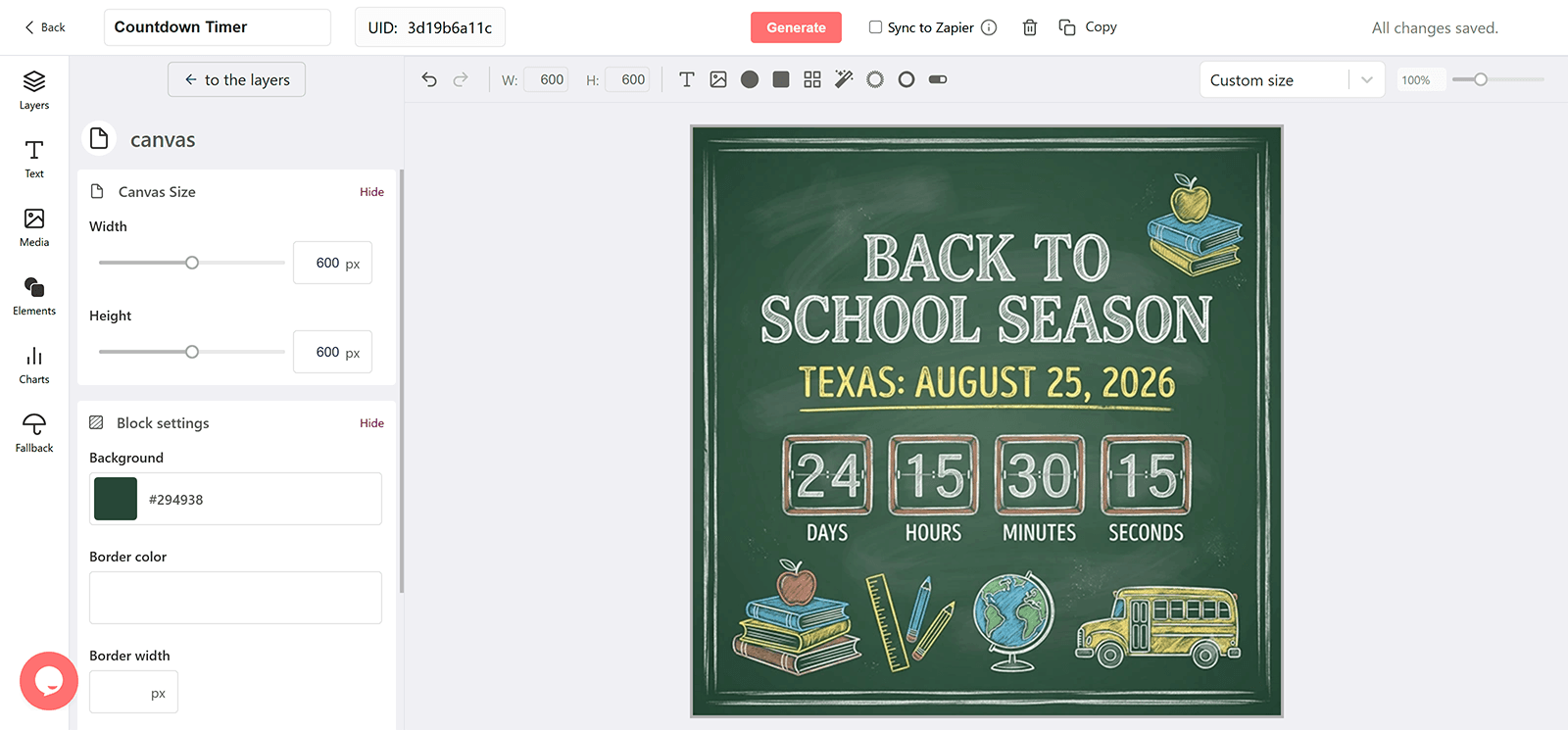
Why Add a Countdown to a Back-to-School Email
A Season, Not a Day
Back-to-school shopping runs for weeks. A countdown that renders on open stays correct across the whole window and every reminder.
Tax-Free Weekends Differ by State
Store each shopper's state deadline in a merge field and pass it through the expire parameter, so Texas and Florida subscribers each see their own countdown.
Big-Ticket Decisions Need a Nudge
Laptops and electronics get compared for days. A visible deadline on the promotion turns comparison into a purchase.
First Day of School as a Second Target
A separate timer to the first school day frames late shopping without a discount.
What a DynaPictures Timer Adds to Back-to-School Emails
Stages for a Multi-Week Promotion
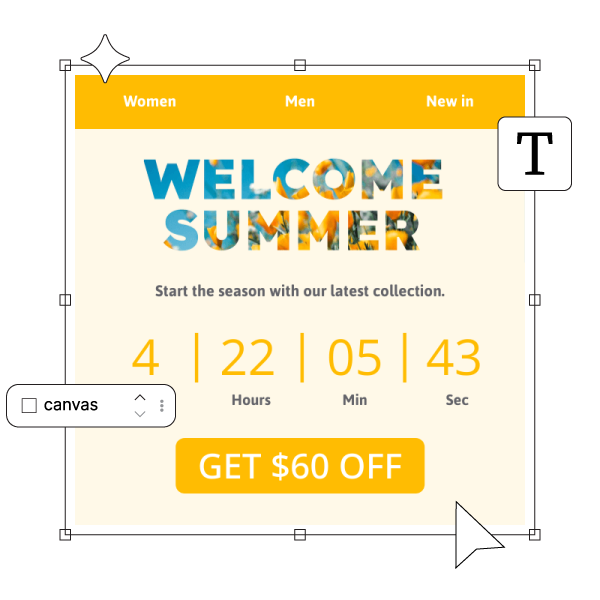
Design an early banner, a final-week banner, and an after-deadline banner in the countdown timer generator. DynaPictures switches between them by the offset to the deadline, so the same image URL fits the first announcement and the last reminder.
Correct Across a Long Window
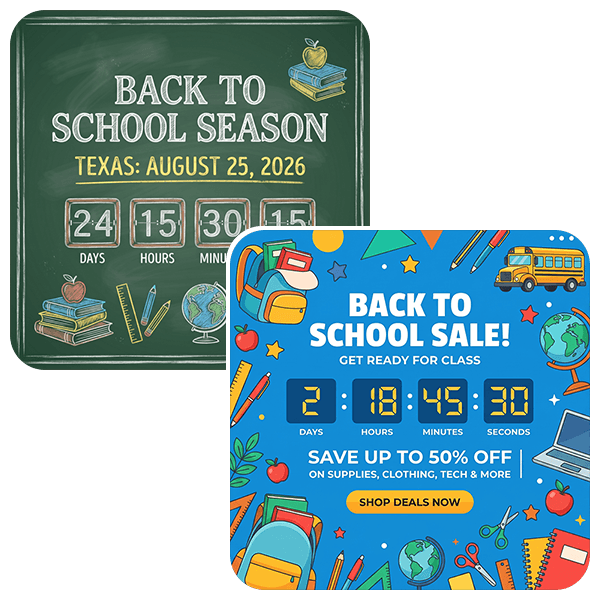
The timer is rendered when the email is opened and animates for 60 seconds, so a shopper who opens the announcement two weeks later sees the real time left.
A Different Deadline per State
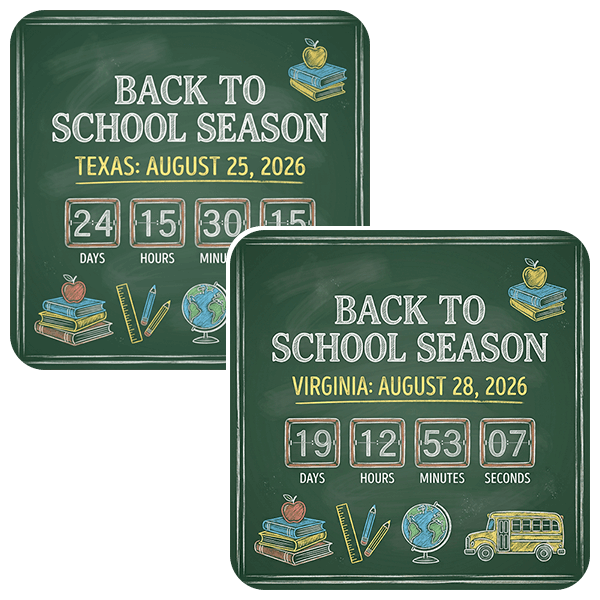
Keep a tax-free-weekend date in a subscriber field and append its merge tag to the timer URL as the expire parameter in DD-MM-YYYY--HH-MM or ISO 8601 format. One published design serves every state with its own date.
Everything Included in a Seasonal Timer
Loads Like Any Email Image
The timer is a GIF in a standard img tag, so it renders in Gmail, Apple Mail, Outlook, and mobile clients. Outlook for Windows shows the first frame as a still image with the correct time left.
Fresh on Every Open
Holiday emails get opened over several days. Each open fetches a new image with the time left at that moment, which then ticks for 60 seconds.
Teaser, Live, Last Hours, After
Design a stage for each phase of the Back to School campaign and DynaPictures switches between them by the offset to your deadline. One URL serves the whole sequence.
Earlier Deadlines for VIP Segments
Give early-access subscribers their own cutoff by passing a different date through your email service provider (ESP) merge tag, or publish a second timer for that segment.
Opens per Send
Tag the timer URL per email and see opens broken out by send, email client, and country in the analytics dashboard.
Gauges and Progress Bars
Show the time left as a filling gauge or a shrinking bar as well as digits, all driven by the same countdown.
30-Day Runtime Covers the Season
Every plan runs a timer up to 30 days ahead of its deadline, enough for a teaser-to-close holiday campaign. Pro removes the cap for longer runs.
Sized for Holiday Send Volumes
The free plan serves 100 opens in total. Paid plans include a monthly view allowance sized to your list, with no throttling and no watermark on your biggest sends.
How to Create a Back to School Countdown Email
Build the Back to School Timer in the Generator
Open the DynaPictures countdown timer generator, set the deadline and timezone of your Back to School campaign, and design the teaser, live, and after-sale stages. Publish to get the image URL.
Place It in Every Email of the Campaign
Paste the URL into an image block in the announcement, the reminders, and the last-chance email. The same URL shows the right stage in each of them.
Tag Each Send
Append a campaign parameter per email so opens show up by send in the DynaPictures analytics dashboard.
Who Uses Back-to-School Countdown Emails
School-supply and apparel retailers
Running a national promotion with state-level tax-free dates.
Electronics and laptop sellers
Putting a deadline on student pricing.
Agencies managing multi-state retail clients
Reusing one design with a merge-tag deadline per client list.
See a Seasonal Countdown From Teaser to Sold Out
Book a short walkthrough: build a Back to School timer, add the stages, and watch it switch as the deadline approaches.
Where DynaPictures Differs From Other Holiday Timer Tools
Correct for Late Openers
Many timer tools render one GIF at send time, so a subscriber who opens on the last day sees the number from send day. DynaPictures renders at open.
Stages Built Into the Timer
A teaser design before the sale, the live design during it, and an after-sale design when it ends, switched automatically. Many tools stop at a zeroed clock.
Segment Deadlines From One Design
Early access for VIPs and a public deadline for everyone else from the same artwork. Many tools need a separate timer per date.
Your Holiday Creative, Your Fonts
A full design editor with Google Fonts, uploaded brand fonts, imagery, and an AI background generator. Many tools offer a fixed layout and a color picker.
Gauges and Progress Bars
A filling gauge or a shrinking bar can show the time left alongside the digits. Many holiday timer widgets show numbers and nothing else.
Opens by Send and Client
See which reminder drove the opens and in which client. Many tools report one total or nothing.
Related Email Countdown Timers
Frequently Asked Questions
Publish the timer from the countdown timer generator and drop its image URL into an image block in your email service provider (ESP). Append ?expire= with a merge tag when deadlines differ by shopper.