
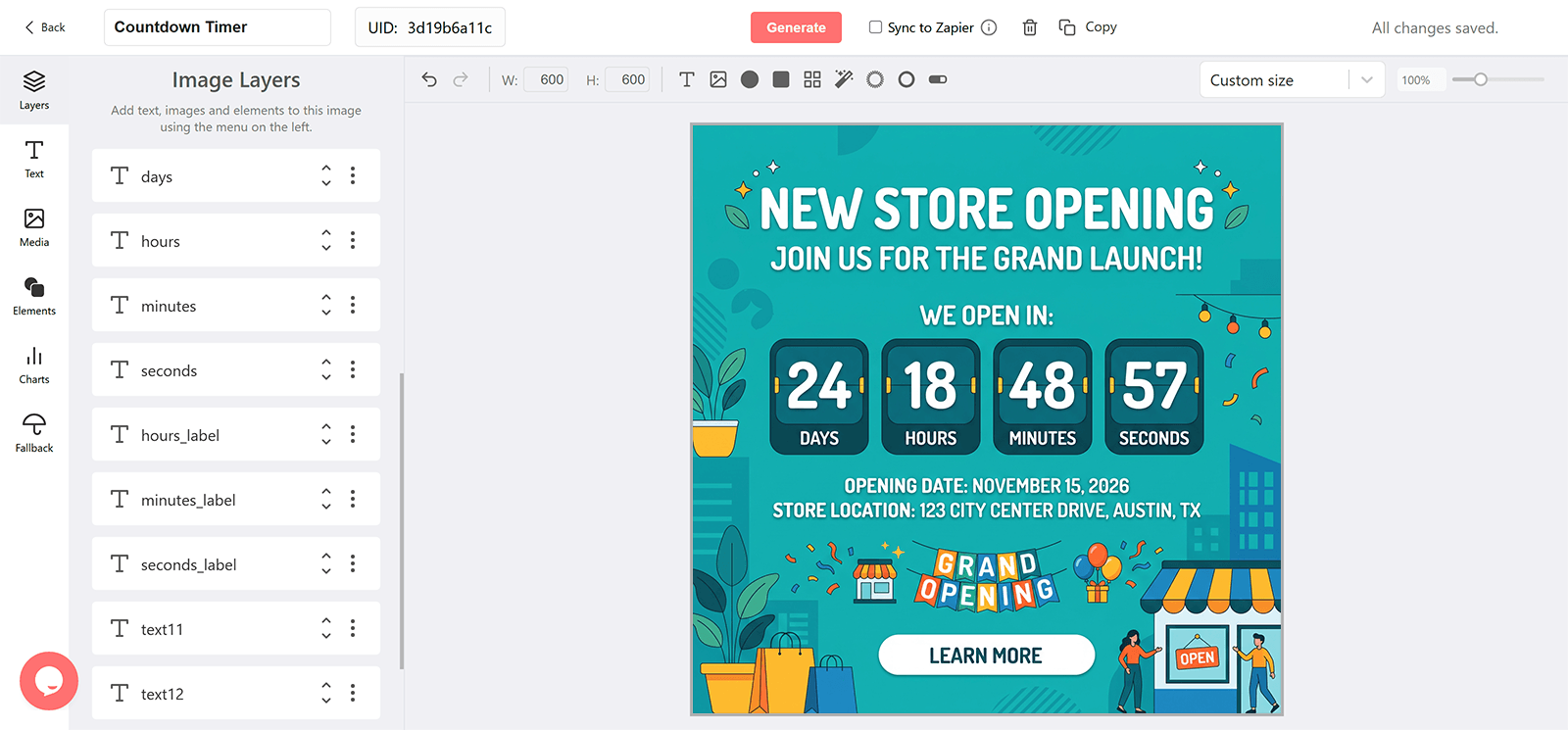
Why Add a Countdown to a New Store Opening Email
The Exact Doors-Open Moment
A countdown to opening hour makes the launch a local appointment.
Targeted by Location
Subscribers near each store get that store's date through a merge tag.
An Opening-Day Offer
Pair the countdown with a first-day promotion in the same banner.
Reused for Every New Location
One design serves every opening with a new date and address.
What a DynaPictures Timer Adds to a Store Opening
The Weeks Before, Not Only Opening Day
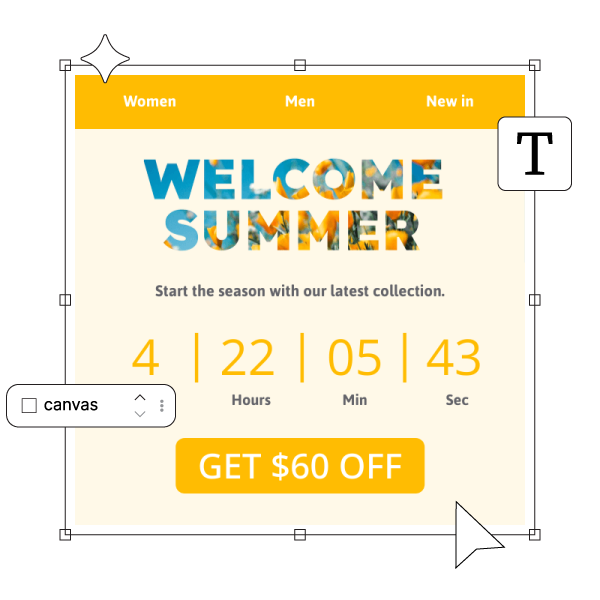
Design a coming-soon stage, an opening-week stage, and a now-open stage in the countdown timer generator. DynaPictures switches them by the offset to opening time.
A Countdown That Turns Into Foot Traffic
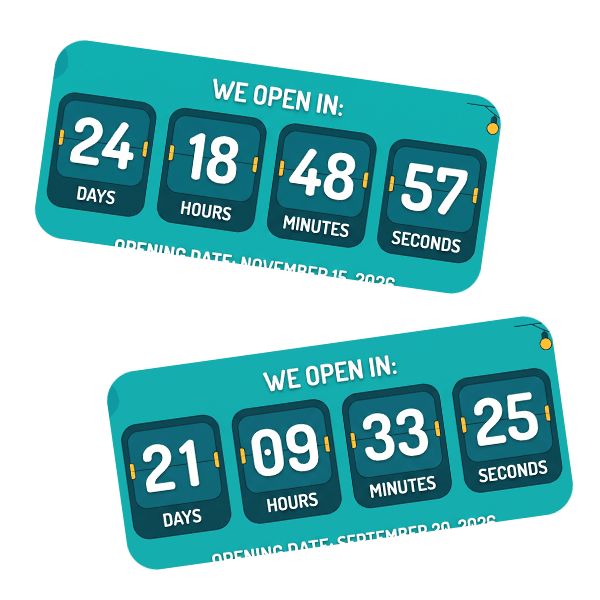
The timer renders when the email is opened and animates for 60 seconds, so the days to opening are right whenever the announcement is read.
A Different Opening Date per Location
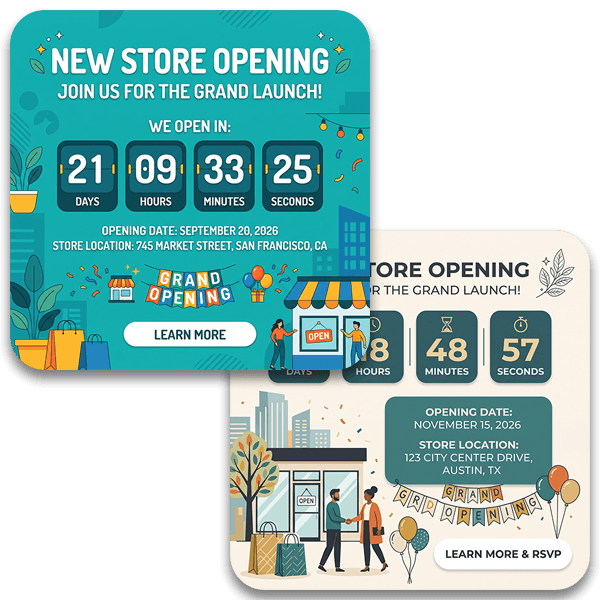
Store each subscriber's nearest store date and pass it through your email service provider (ESP) merge tag as the expire parameter, or publish a timer per store.
Everything Included in a Launch Timer
Renders Wherever Images Do
A GIF served through a standard img tag shows in Gmail, Apple Mail, Outlook, and mobile clients. Outlook for Windows renders the first frame only, as a still.
Fresh on Every Open
Each open fetches a new image with the time until your New Store Opening at that moment, then ticks for 60 seconds. Late openers see the real countdown.
Before, At, and After the Moment
A teaser design, a launch-day design, and a design for after the doors open or the event ends, switched automatically by the offset to your target time.
Different Times for Different Audiences
Pass an earlier or later date through a merge tag from your email service provider (ESP) for presale groups or regional sessions, from one published timer.
Opens by Announcement
Tag each email's URL and see opens by send, email client, and country in the analytics dashboard.
Gauges and Progress Bars
Show the run-up as a filling gauge or a shrinking bar as well as digits.
Runtime up to 30 Days
Every plan runs a timer up to 30 days ahead of the New Store Opening, which covers the usual announcement window. Pro removes the cap for longer run-ups.
No Throttling on Paid Plans
Free plans include 100 opens altogether. Paid plans scale the monthly view allowance to your list and never throttle or watermark.
How to Build a New Store Opening Countdown Email
Create the New Store Opening Timer in the Generator
Open the DynaPictures countdown timer generator, set the New Store Opening date and timezone, design the teaser, launch-day, and after-launch stages, and publish to get the image URL.
Add It to the Announcement and Reminders
Paste the URL into an image block in your email service provider (ESP) for each email in the sequence. Append ?expire= with a merge tag if audiences have different times.
Tag Each Send
Add a campaign parameter per email and compare opens by announcement in the DynaPictures analytics dashboard.
Who Uses New Store Opening Countdown Emails
Retail chains
Opening several locations a year.
Restaurant and hospitality groups
Launching new sites with a local list.
Local and franchise businesses
Building anticipation with nearby subscribers.
See a Launch Countdown Flip to Live
Book a short walkthrough: build a New Store Opening timer with an after-launch stage and watch it switch when the clock runs out.
How DynaPictures Compares for Launch and Event Emails
A Design for After the Launch
When the countdown ends, DynaPictures shows the after-target stage you designed, such as a now-available banner. Many tools leave a clock at zero.
Rendered at Open
Many tools pre-render a GIF at send time. DynaPictures renders on each open and caches the image for a minute.
One Timer, Several Audiences
Presale and general-sale groups can each get their own date through merge tags. Many tools need one timer per date.
Full Editor and Fonts
Google Fonts, uploaded brand fonts, key art, and an AI background generator in one editor. Many tools offer a fixed layout with a color picker.
Gauges and Progress Bars
Show the run-up to the New Store Opening as a bar or gauge alongside digits. Many tools draw digits and nothing more.
Analytics per Announcement
Opens by campaign parameter, client, and country. Many tools give you one number and nothing more.
Related Email Countdown Timers
Frequently Asked Questions
In the countdown timer generator, publish the timer with opening time as the target, then paste its image URL into an image block in your email service provider (ESP).