
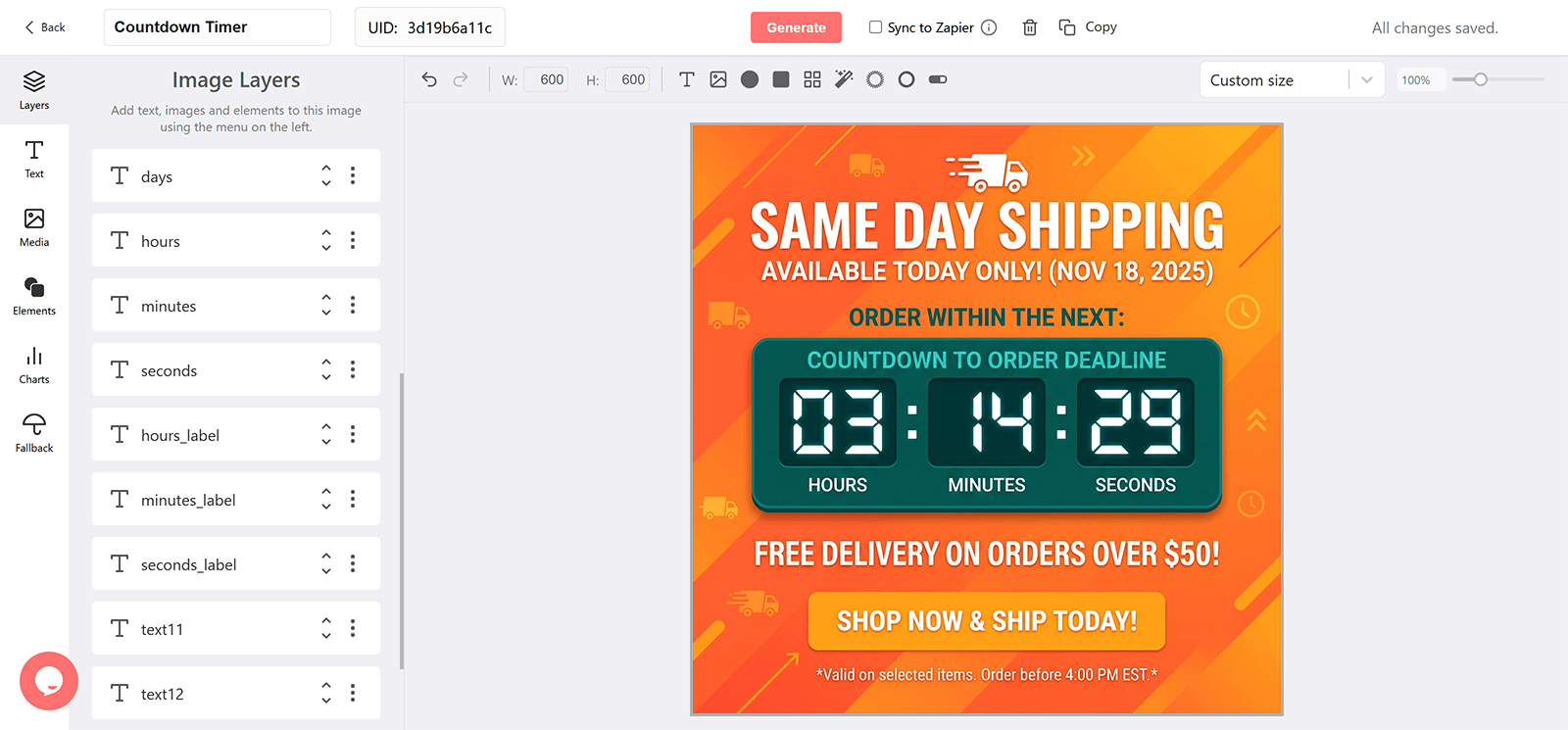
Why Add a Countdown to a Same-Day Shipping Email
Demand That Only Converts With Speed
Some orders happen only if they ship today. A countdown to the cutoff captures them.
A Premium Tier That Feels Premium
Same-day shipping with a ticking cutoff reads as a real service rather than a footnote.
Larger Orders
A deadline paired with a same-day threshold lifts basket size.
Reused Every Business Day
One timer with a daily target, or a daily expire value, serves every send.
What a DynaPictures Timer Adds to Same-Day Shipping
Designed Around Your Cutoff
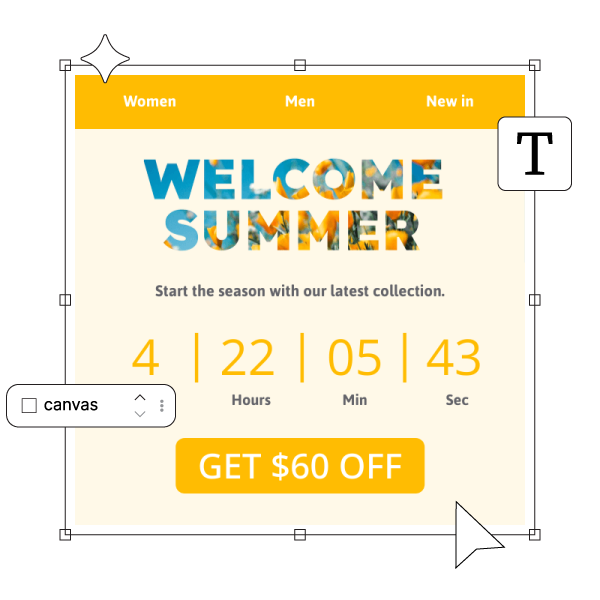
Build the banner in the countdown timer generator to show hours and minutes, with an after-cutoff stage that switches to tomorrow's promise.
The Exact Time Left to Qualify
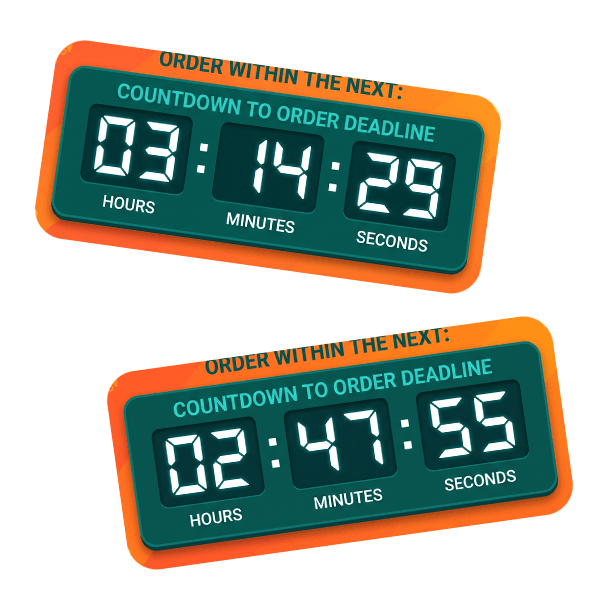
The timer renders at open and animates for 60 seconds, cached per minute, so the cutoff is exact whenever the shopper reads.
For Eligible Shoppers
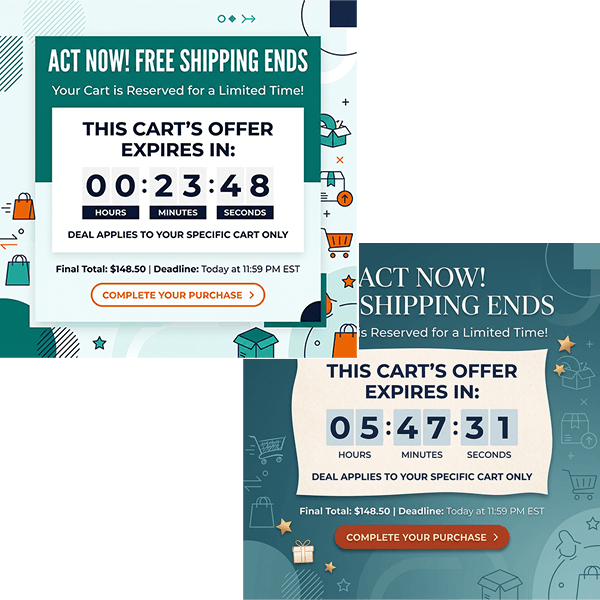
Send the email to the segment your email service provider (ESP) identifies as eligible by region; the timer counts down in the timezone you set for it.
Everything Included in a Deadline Timer
A Plain Image in Any Client
The timer is a GIF in a standard img tag: Gmail, Apple Mail, Outlook, and mobile clients show it. In Outlook for Windows the first frame appears as a still.
Time Left at the Moment of Open
Each open fetches a fresh image with the current time left, which then ticks for 60 seconds. Reminders opened late still show the truth.
One Timer, Every Subscriber's Own Deadline
Append a merge tag from your email service provider (ESP) to the expire parameter, formatted as DD-MM-YYYY--HH-MM or ISO 8601, and each recipient counts down to their own Same-Day Shipping date.
Reminder, Urgent, and Expired Designs
Design a stage for each step of the reminder sequence and an after-deadline banner. DynaPictures switches them by the offset to each recipient's deadline.
Opens by Sequence Step
Tag each email's URL and see opens by step, email client, and country in the analytics dashboard.
Gauges and Progress Bars
A shrinking bar or a filling gauge can show how much of the window is left, driven by the same countdown.
Up to 30 Days Ahead, Longer on Pro
Every plan runs a timer up to 30 days ahead of its deadline. Longer windows, such as annual renewals announced early, need the Pro plan.
A View Allowance Rather Than a Hard Cap
The free tier covers 100 opens across your timers. On paid plans the monthly view allowance scales with your list; delivery is never throttled or watermarked.
How to Add a Same-Day Shipping Countdown to Your Emails
Set Up the Same-Day Shipping Timer in the Generator
Open the DynaPictures countdown timer generator, set a default deadline and timezone, design the reminder, urgent, and expired stages, and publish to get the image URL.
Add the Merge Tag for Each Recipient
Paste the URL into an image block in your email service provider (ESP) and append ?expire= followed by the merge tag that holds each subscriber's Same-Day Shipping date.
Track Opens per Step
Add a campaign parameter per email in the sequence and compare opens by step in the DynaPictures analytics dashboard.
Who Uses Same-Day Shipping Countdown Emails
Ecommerce brands offering same-day shipping
Making the dispatch cutoff visible.
Local and regional retailers
Serving a delivery zone with a daily cutoff.
Retailers of urgent-need products
Capturing orders that must arrive fast.
See a Personalized Deadline in Action
Book a short walkthrough: build a Same-Day Shipping timer, add a merge tag, and watch two test contacts get two different countdowns.
How DynaPictures Compares for Deadline Emails
Personal Deadlines From Merge Tags
One published timer serves a different deadline per recipient. Elsewhere a timer usually has one fixed date.
Rendered When Opened
Many tools render one GIF at send time. DynaPictures renders at open and keeps the image for one minute.
Stages per Reminder Step
Different designs for the first reminder, the urgent one, and after expiry, switched automatically. Many tools show one design until the clock hits zero.
Your Brand in a Full Editor
Google Fonts, uploaded fonts, imagery, and an AI background generator. Many competitors offer a locked layout and a color picker.
Gauges and Progress Bars
Show the window closing as a bar or gauge, not only as digits. Digit-only timers are the norm elsewhere.
Analytics You Can Segment
Opens split by campaign parameter, email client, and country. Many tools report a total count at best.
Related Email Countdown Timers
Frequently Asked Questions
Create and publish the timer in the countdown timer generator with the dispatch cutoff as the target, then paste its image URL into an image block in your email service provider (ESP).