
Training certificate designs
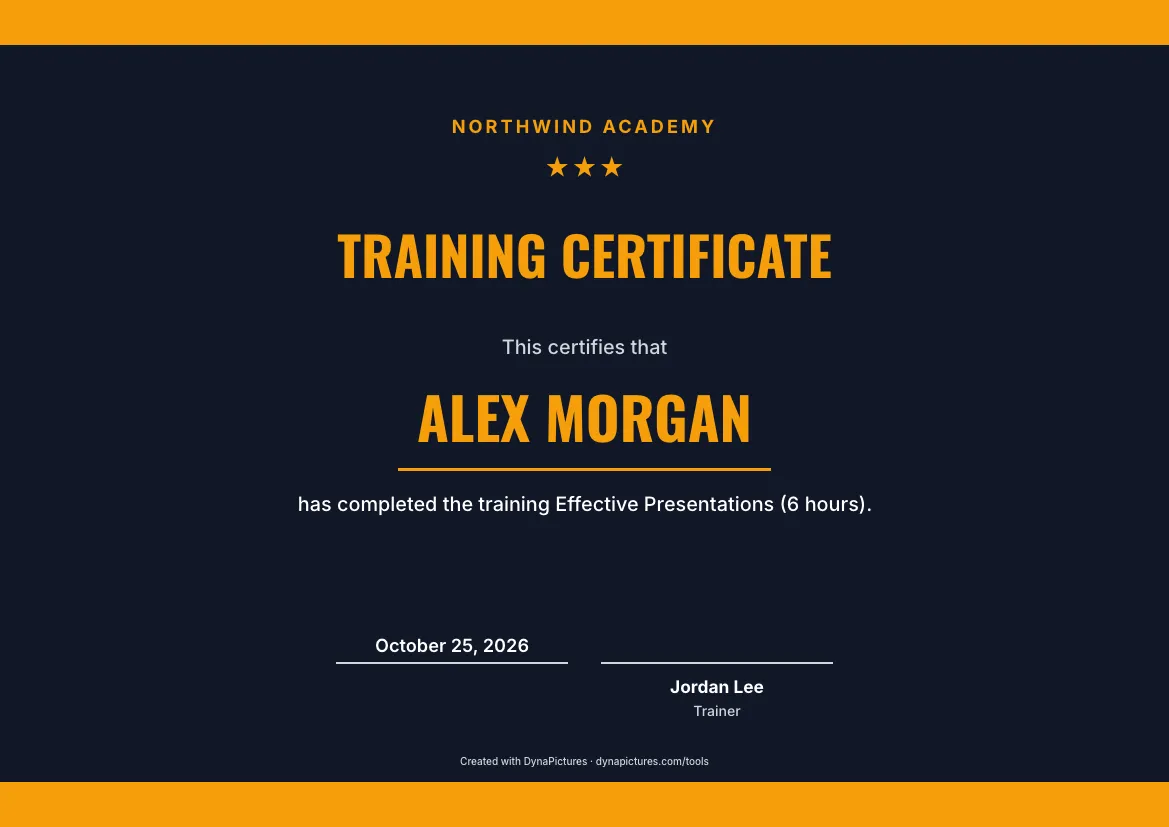
Modern is the default for workshops and corporate training, while Classic and Elegant suit formal programmes. Every style takes your logo, your brand colours and a long course title.
-
 Modern
-
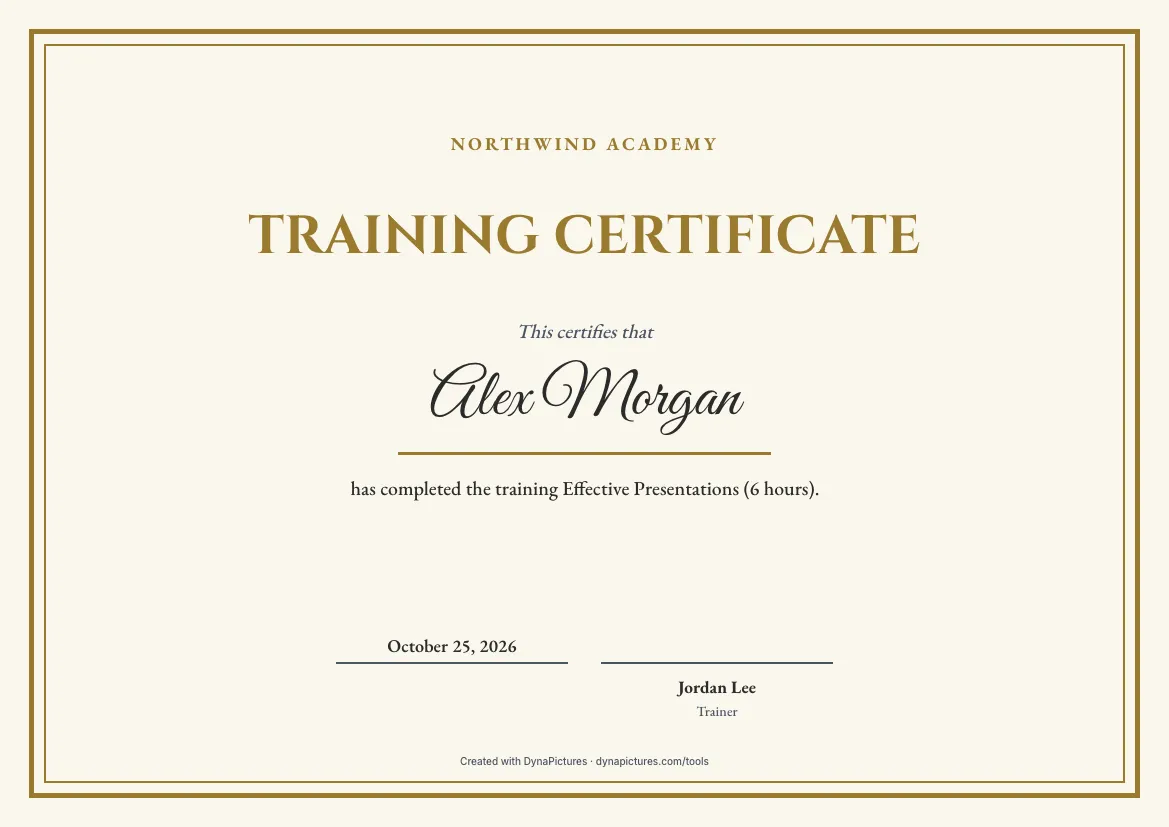 Classic
-
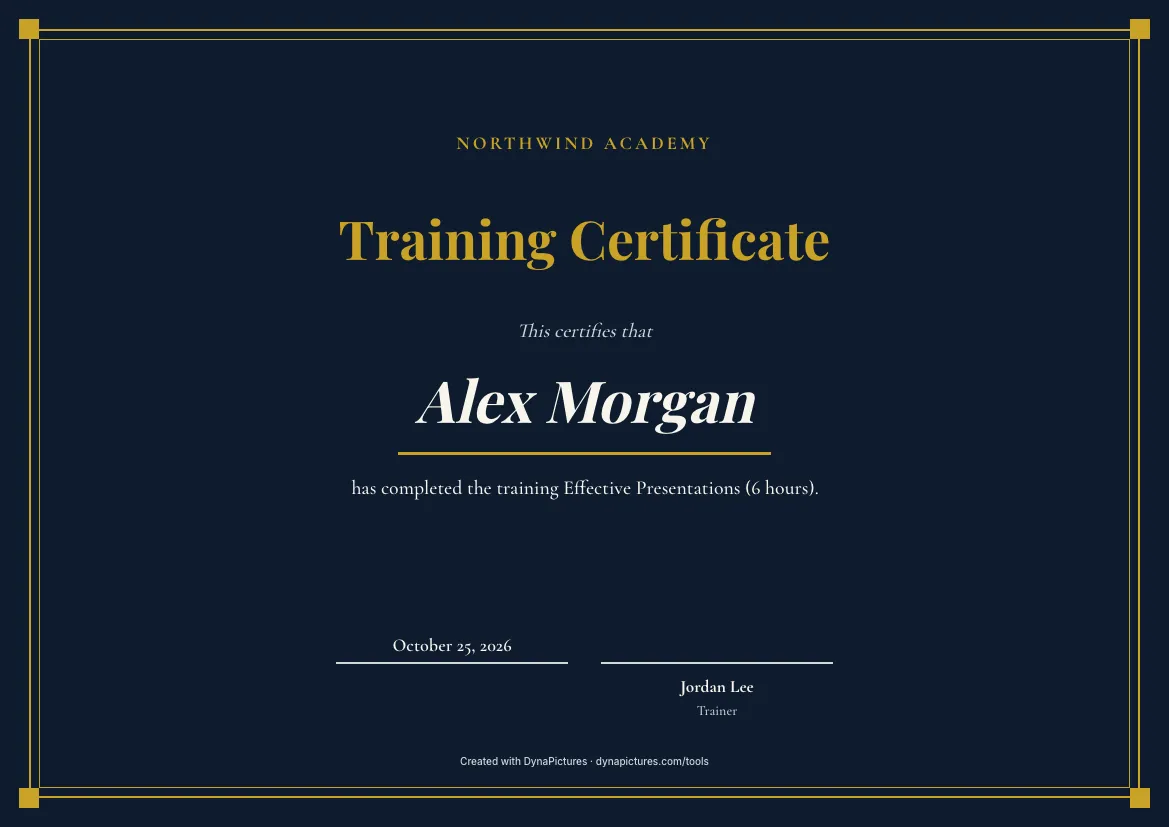 Elegant
-
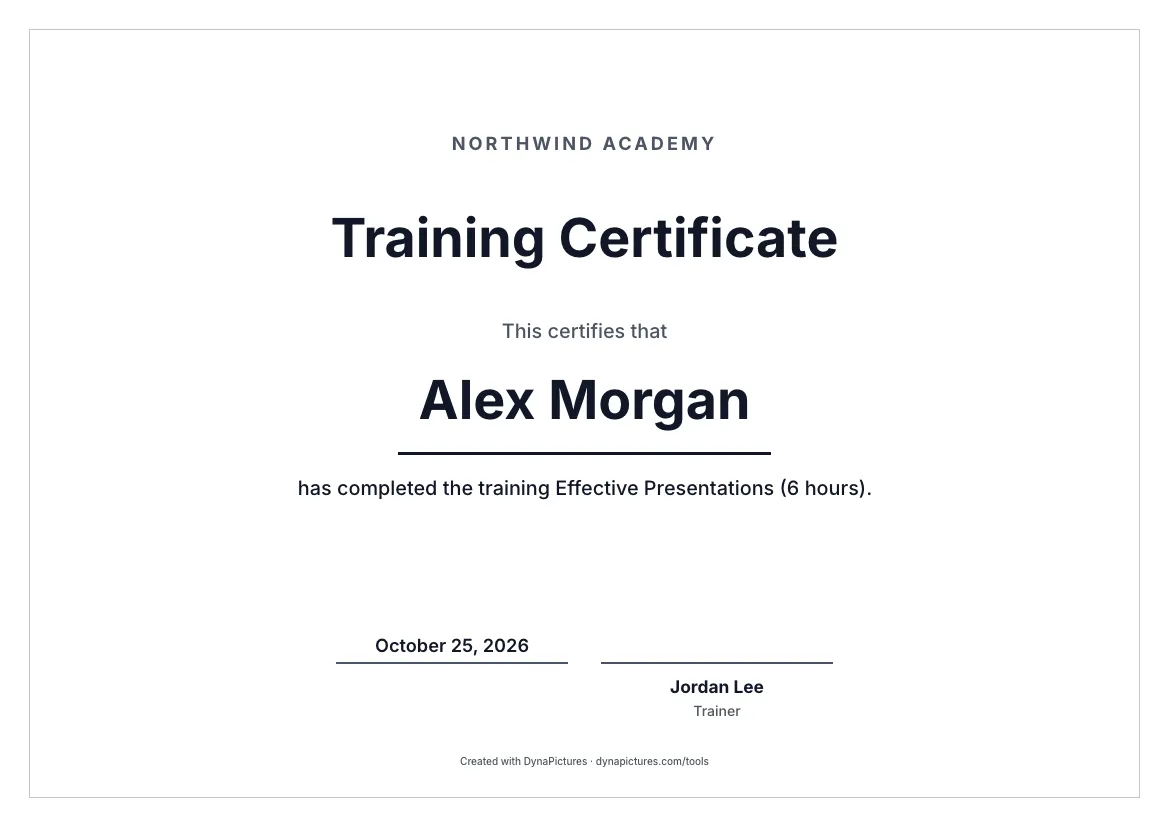 Minimal
-
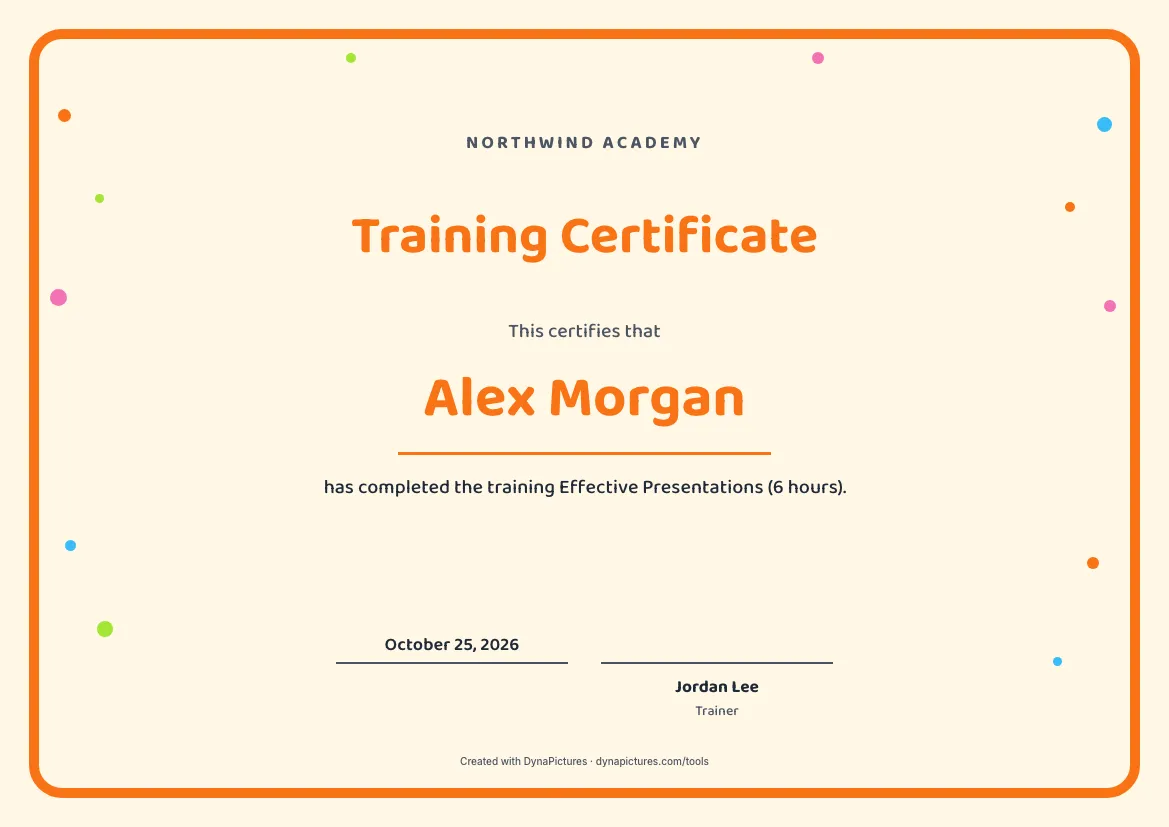 Playful
-
 Sports
Make a training certificate
It opens with training wording and a Trainer signature line. Change the course title, the hours and the trainer's name, then download a PDF or a 300 DPI PNG. Free, no login.
Training certificate wording for any course subject
Name any course your organisation runs. The line under the name works best with the course title, its length and, where it helps, the format or the place.
For leadership training
has completed the two-day training Leading Hybrid Teams (14 hours), delivered in Pune on 9 and 10 April 2026.
For a digital marketing course
has completed Digital Marketing in Practice: search ads, social media and email campaigns, 18 hours over six weeks.
For accounting and bookkeeping
has completed the training Bookkeeping and Year-End Accounts for Small Businesses, 10 hours, March 2026.
For cloud computing
has completed the hands-on training Cloud Computing Foundations: storage, virtual servers and backups, in three full days.
For an entrepreneurship programme
has completed the six-session Entrepreneurship Lab, from a first business idea to a tested offer and a one-page plan.
For IT and networking staff
has completed the in-house training Computer Networking Essentials for the IT support team, 24 hours over four weeks.
For a new system rollout
has completed training on the new warehouse management system, including all three practical exercises, on 12 May 2026.
For professional development hours
has completed 6 hours of continuing professional development: Writing Clear Reports, an online workshop held on 4 June 2026.
What a training certificate should include
Participants keep training certificates for appraisals and their own records, so the course, the hours and the trainer matter most.
| Element | What to write |
|---|---|
| Title | Training Certificate, or Certificate of Training for a more formal tone. |
| Line above the name | “This is to certify that” reads well for formal training; “This certifies that” is shorter and just as clear. |
| Training title | The course name as it appeared in the invitation, plus the format: workshop, course, bootcamp or e-learning. |
| Duration and dates | Hours or days, and the date or date range. Hours count for anyone who logs professional development. |
| Training provider | Your organisation or training company with its logo. If you trained a client's staff, name the client in the line under the name. |
| Trainer and approver | The trainer signs, and a head of training or HR manager signs for the organisation. |
How to make a certificate for training
Open the training template
The generator starts with a training title, a Trainer signature line and the Modern style. Switch the style or colours at any time.
Fill in the session
Enter your organisation, the participant, the course with its hours, the date and the trainer's name.
Hand it out or send it
Print the PDF for the last session of the course, or email each person the PNG sized for screens and LinkedIn.
Certificates for a whole training group
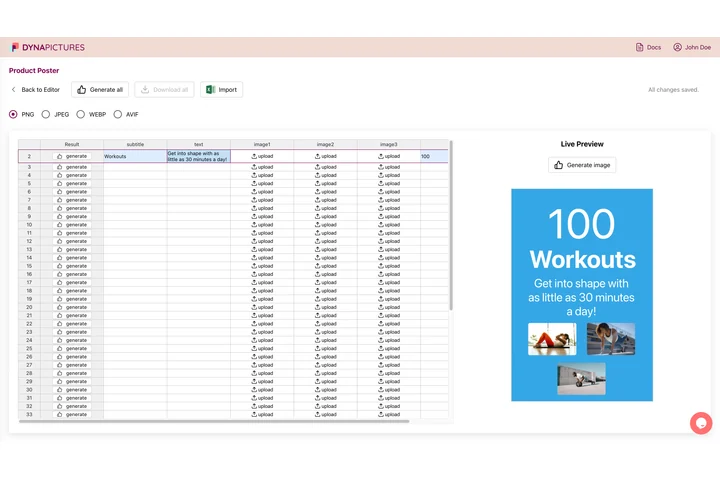
A training day for 40 people means 40 certificates, each with the right name, course and date. DynaPictures takes your attendance list from CSV or Excel and turns every row into a certificate in your own design, as print-ready PDFs named after each participant.
- Attendance lists from CSV or Excel
- Course title, hours and trainer from columns
- Print-ready PDFs named after each participant
Training certificate FAQ
A certificate an employer, training company or trainer gives to people who completed a training session or programme, also called a training completion certificate. It names the training, its length and who delivered it, and records the training rather than an accredited qualification.
Other certificates for courses
Completion and participation certificates for learners and attendees, and the tools to issue certificates for a whole training group.
All templates and tools
- Certificate templates Every certificate template in one place: recognition, courses, events, school and employer documents, plus blank designs.
- Certificate maker Certificates your organisation awards, with your logo and signatories, as a print-ready A4 or Letter PDF or a 300 DPI PNG.
- Automatic Certificate Generator Hundreds of certificates at once from a spreadsheet, your no-code tools or the API.