

An RSVP Engine, Not Just a Banner Tool
Tease Next Month's Topic Early
Post a 'Coming Soon' banner as soon as you know the topic, even before the date is locked, to keep your feed active.
Put a Deadline on Free or Discounted RSVPs
Show a countdown banner for your RSVP cutoff or capacity limit, so the deadline isn't just a line people skim past.
Reveal Speakers or Activities in Stages
For bigger meetups, announce speakers or activities one at a time over a couple of weeks, on the same template each time.
Let People Announce They're Going
Once someone RSVPs, the widget generates their own 'I'm going' banner to share, which fills the room faster than another group post.
Turn a Giveaway Into More RSVPs
Let people enter a small raffle by sharing their 'I'm going' banner. Generate the winner announcement the same simple way.
Recognize Your Regulars
Flag returning attendees in your list and batch-generate a small 'welcome back' banner for them alongside your regular meetup banner.
Built for Organizers, Not Designers
No Design Skills Needed

Pick a template, fill in your event title, date, and location, and your banner is done. No design software to learn, no tutorial required. Built for organizers who have a meetup to run, not a design project.
Same Template, Every Month

Set up your group's branded template once. Next month, just swap the date and topic instead of starting from scratch. Takes minutes, not an evening.
Co-Organizers and Guest Speakers Can Make Their Own
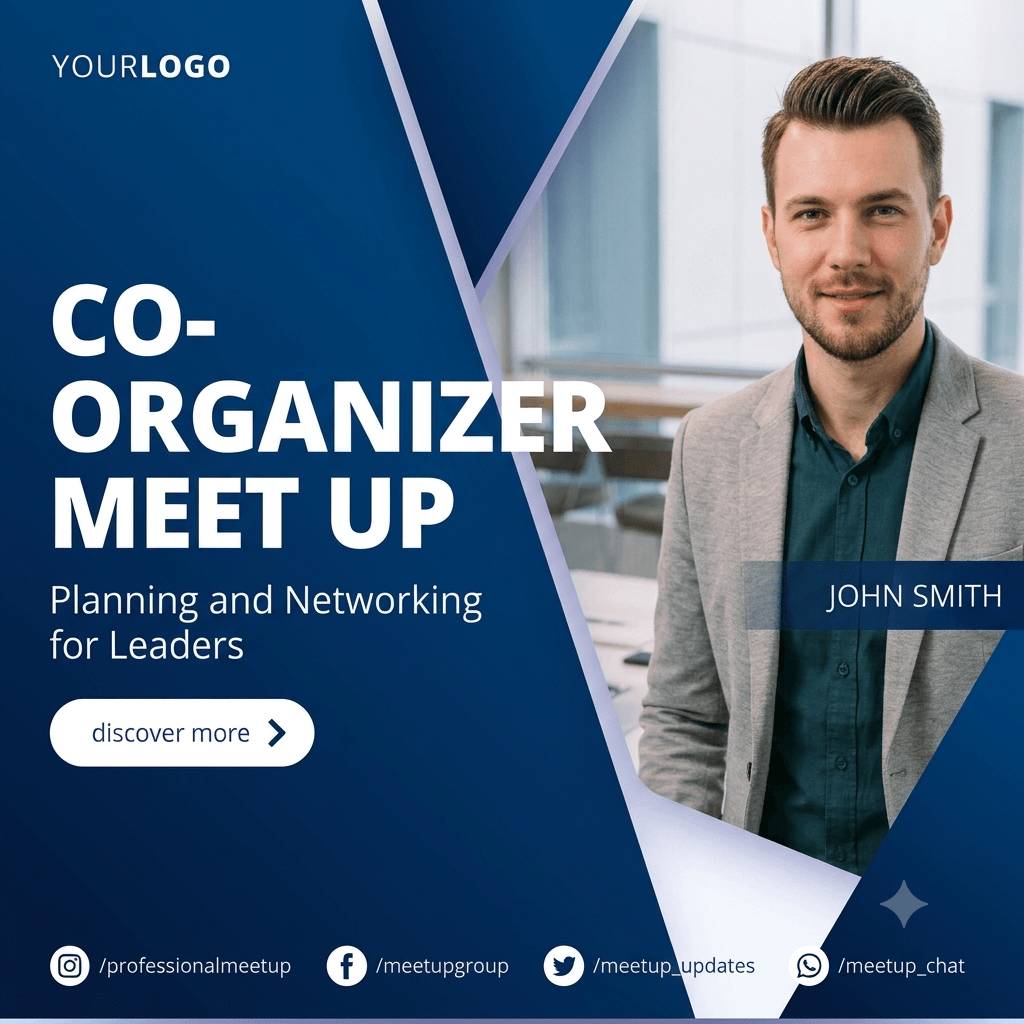
Running a group with multiple organizers, or hosting a guest speaker? Give them the self-serve widget so they can generate their own banner without needing your design file or software.
Multiple Cities or Chapters? One Template Keeps Everyone On-Brand

If your group runs the same meetup format across several cities or chapters, one shared template keeps every local banner looking like it belongs to the same group.
Works Whether or Not You're on Meetup.com

Community groups run on Discord, Slack, Luma, Partiful, a nonprofit's own site, or nowhere at all. DynaPictures isn't tied to any one platform, so the same banner workflow works no matter where your group actually lives.
Who Uses the Meetup Banner Maker
Meetup.com and Community Group Organizers
Run recurring tech, hobbyist, or networking groups, usually as a volunteer or side responsibility.
Small Business Owners and Local Venues
Coffee shops, coworking spaces, and gyms hosting their own recurring community events with no design budget.
Nonprofit and Volunteer Group Leads
Promote local gatherings, fundraisers, or volunteer events on a shoestring budget and little spare time.
Corporate ERG and Campus Chapter Leads
Run recurring internal or local chapter meetups and need consistent branding without a central design team.
Built for How Meetups Actually Run
Free, Not Just a Trial
Start on a permanent free plan with no watermark and full template access. No credit card required.
Share to Boost RSVPs
Post your banner straight to Meetup.com, Instagram, or your group chat to help more people show up.
Easy and Simple Integration
Select a Template
Choose or design a simple banner template for your group. No design experience needed, even if you've never made one before.
Add the Widget Once
Drop a single embed snippet into your group's website if you have one, or share a direct link. Co-organizers and guest speakers can generate their own banner from there without extra work from you.
Launch and Grow
Post your banner to Meetup.com, Instagram, or your community chat, and reuse the same template the next time your group meets.
Where Your Group's Data Lives
Hosted in Frankfurt, Under GDPR
DynaPictures runs on Frankfurt-based infrastructure and operates under GDPR, relevant if you're using an organizer's or speaker's name and photo.
Your Group's Data Isn't Sold
Any names or photos you use to generate banners are used only to generate banners for your group.
Frequently Asked Questions
Yes. DynaPictures' free plan includes 30 API credits, no watermark, full template access, and no credit card required. It's a permanent free plan, not a time-limited trial.