

Virtual and Hybrid Events Promote Differently
The Audience Is Everywhere
No city to target means the speakers' networks are the targeting. Their banners, posted by them, reach the right people in the right time zones.
Hybrid Means Two Calls to Action
In-person and online tickets are two landing pages. Run two campaigns, or one campaign with the ticket type as a mapped field, and keep the reports separate.
Free Registration Still Converts
The pixel call carries no value for free tickets, but the registration is still attributed to the speaker or attendee who shared.
Sponsors Need Visible Value Online
Sponsor banners on the share pages and per-sponsor click reports replace the booth as evidence of exposure.
The Campaign for an Online Audience
Speaker Banners With Session Time and Time Zone
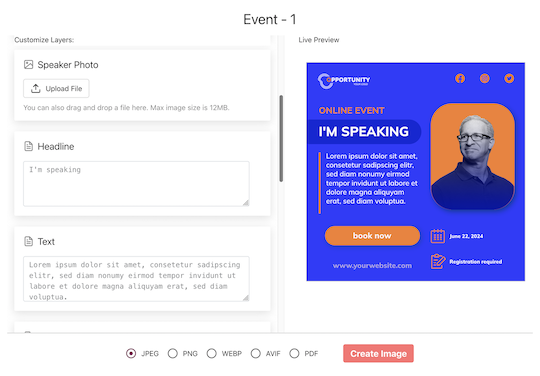
Map session title, time and time zone onto the design so a speaker's post tells their followers when to show up. Speakers share from a page that needs no login; the device share sheet opens with the image attached.
Registrant Banners at Sign-Up
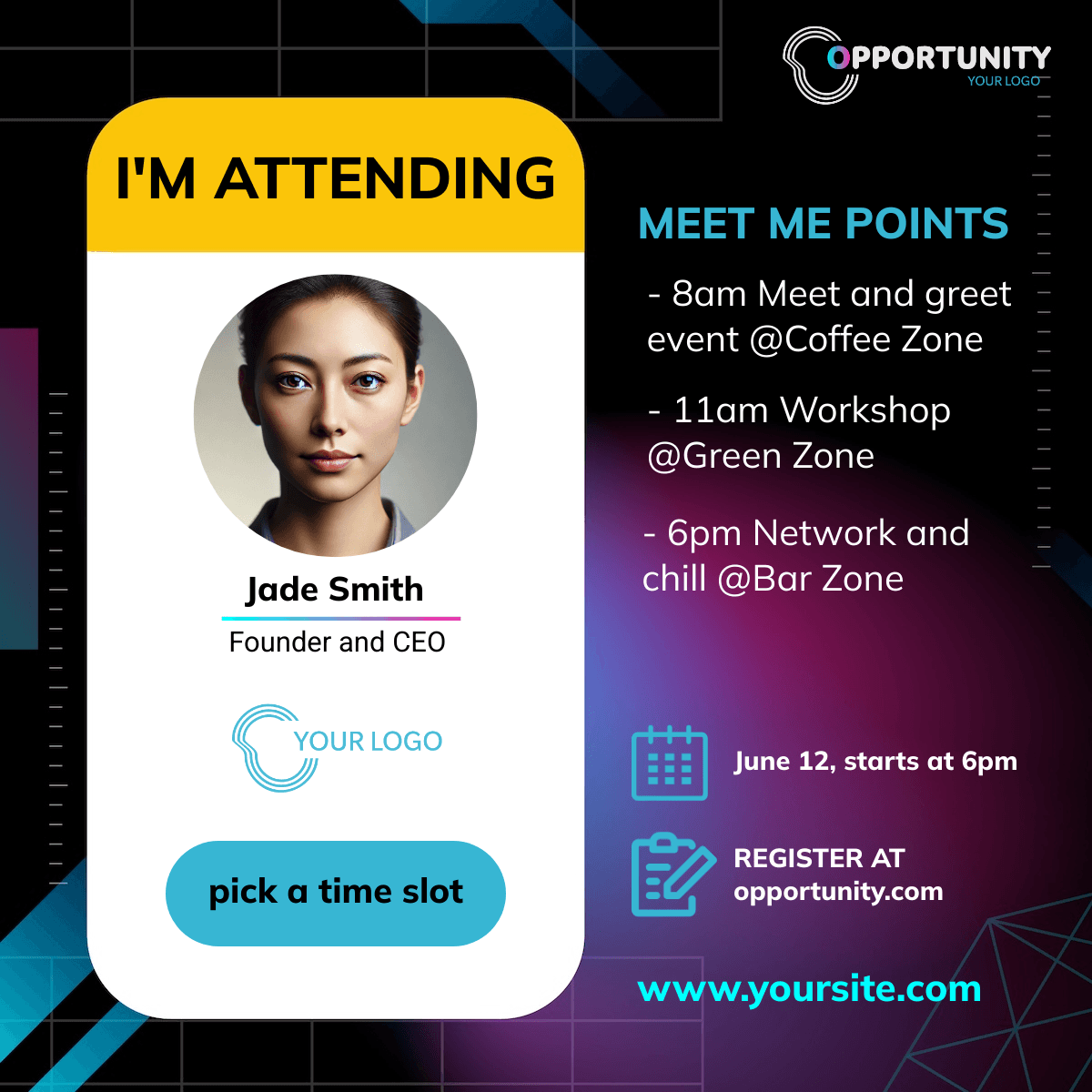
The widget on your registration confirmation generates an I'm attending banner with the registrant's name. Online registrations happen on phones and laptops alike; the widget runs inline or as a popup on both.
Attribution Without a Venue
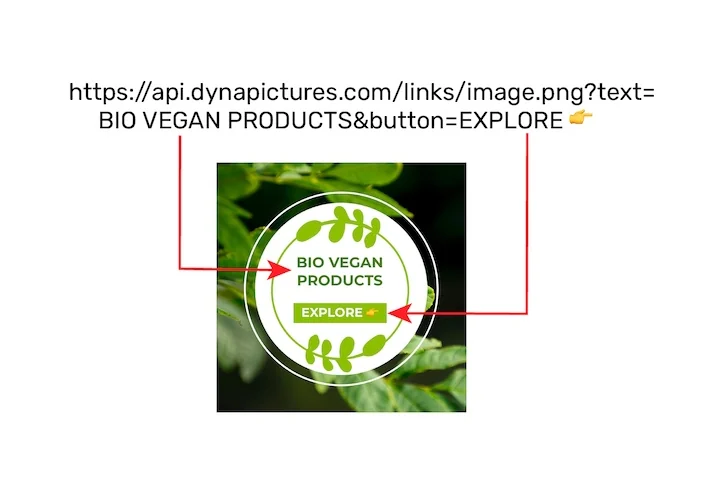
Every share has its own link, clicks are bot-filtered, and with the pixel on your own registration confirmation page, registrations and paid tickets are attributed per person. The funnel shows views, shares, clicks and conversions over time and by country.
Launch the Online Campaign
1. Design With Time and Platform on the Banner
Session time, time zone and the streaming platform name as mapped fields.
2. Import Speakers and Sponsors
CSV or XLSX; attendees come through the widget.
3. Widget and Pixel on Your Registration Flow
Registration on your own pages keeps attribution complete.
4. Report by Person and Country
Where the clicks came from and who produced them.
What You Get on Every Plan
The Attendee Widget, Included
Inline or popup on your confirmation page, mobile-first, prefilled from your registration data. Every plan includes it, the free one too.
Revenue Attribution, Included
The conversion pixel on your own ticket pages attributes purchases and their value to the person who shared, per currency, within thirty days. Included on every plan.
Full Analytics and a Leaderboard
Views, shares, bot-filtered clicks and conversions over time, by channel and country, plus a leaderboard of the people who delivered. No reporting add-on.
Clicks by Country and Channel
An online audience is everywhere; the funnel shows where the clicks came from and through which network, so the next wave targets the time zones that responded.
See It on Your Own Event
Twenty minutes with a demo campaign, or start free and import your first list today.
Related Event Marketing Pages
Frequently Asked Questions
Alongside any of them: the share flow is on DynaPictures and the tracked link points at your registration page. There is no integration, and registrations on the platform's own pages are not attributed; clicks are.