
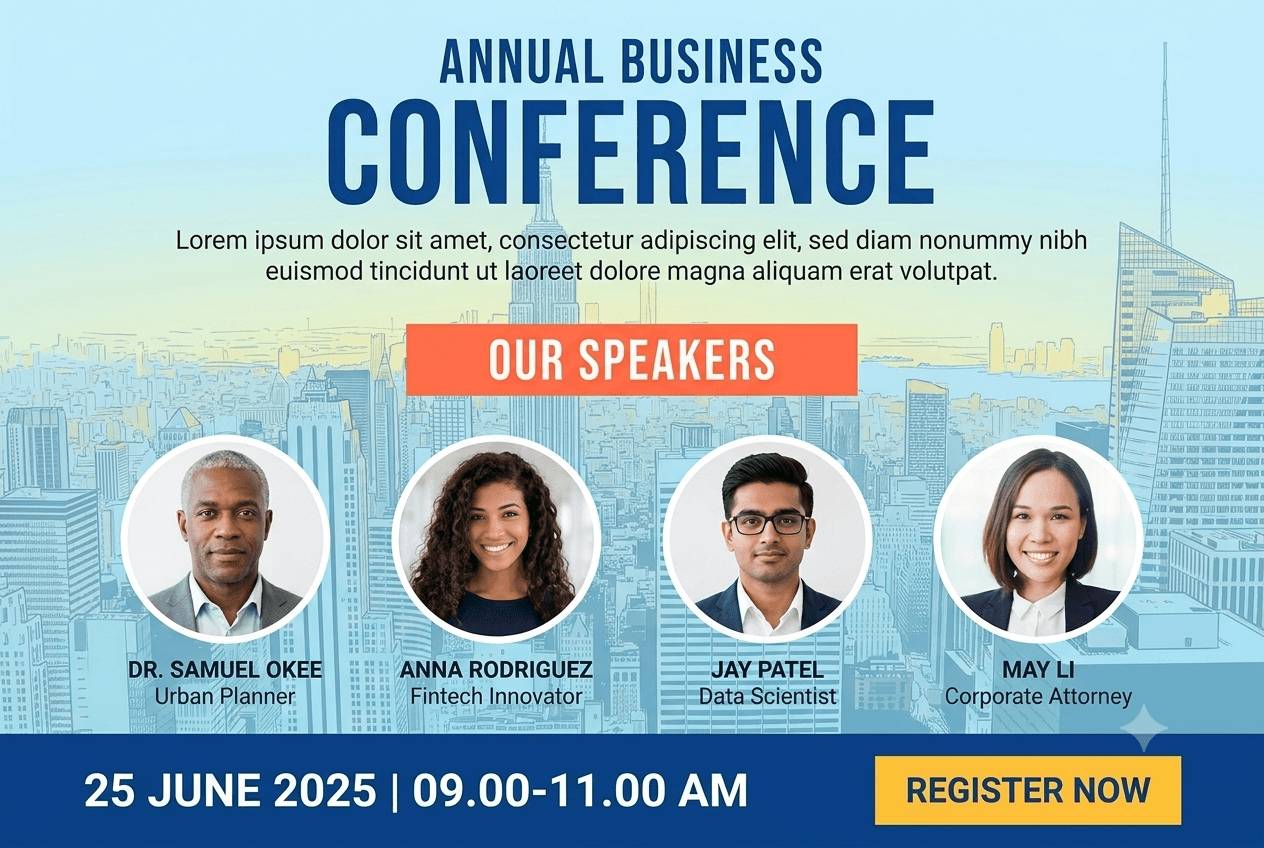
Conference Promotion in Practice
Three Waves, Not One Launch
Sponsors at contract signing, speakers at lineup announcement, everyone again the week before. Links never expire, so each wave is a reminder email, not a new production.
Four Audiences, Four Messages
Speakers announce their session, sponsors their support, exhibitors their booth, attendees their attendance. Separate designs, invitation copy and captions per audience, one campaign.
Revenue per Speaker Is the Question
Was the speaker programme worth the travel budget? Per-speaker attributed ticket revenue answers it in the currency you sold in.
Lineups Change Until the Last Week
A session move or a replacement speaker is a list edit. The share page shows the current banner; nobody re-exports files.
How a Conference Campaign Runs
Speakers: Session Banners and a No-Login Page
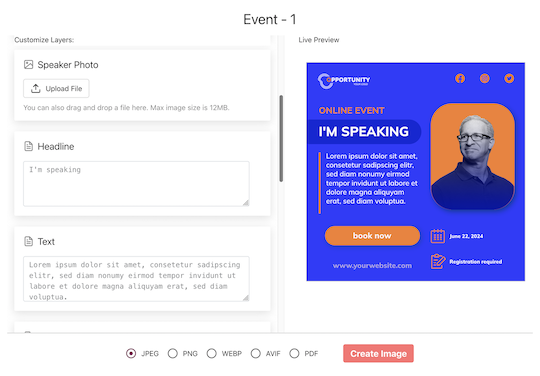
Import the programme, map name, headshot, session and track, and email every speaker a personal page. They check the details, swap the photo, pick a design and tap Share. The device share sheet opens with the image attached; the caption already has their tracked link to your ticket page.
Sponsors and Exhibitors: Logo, Tier, Booth
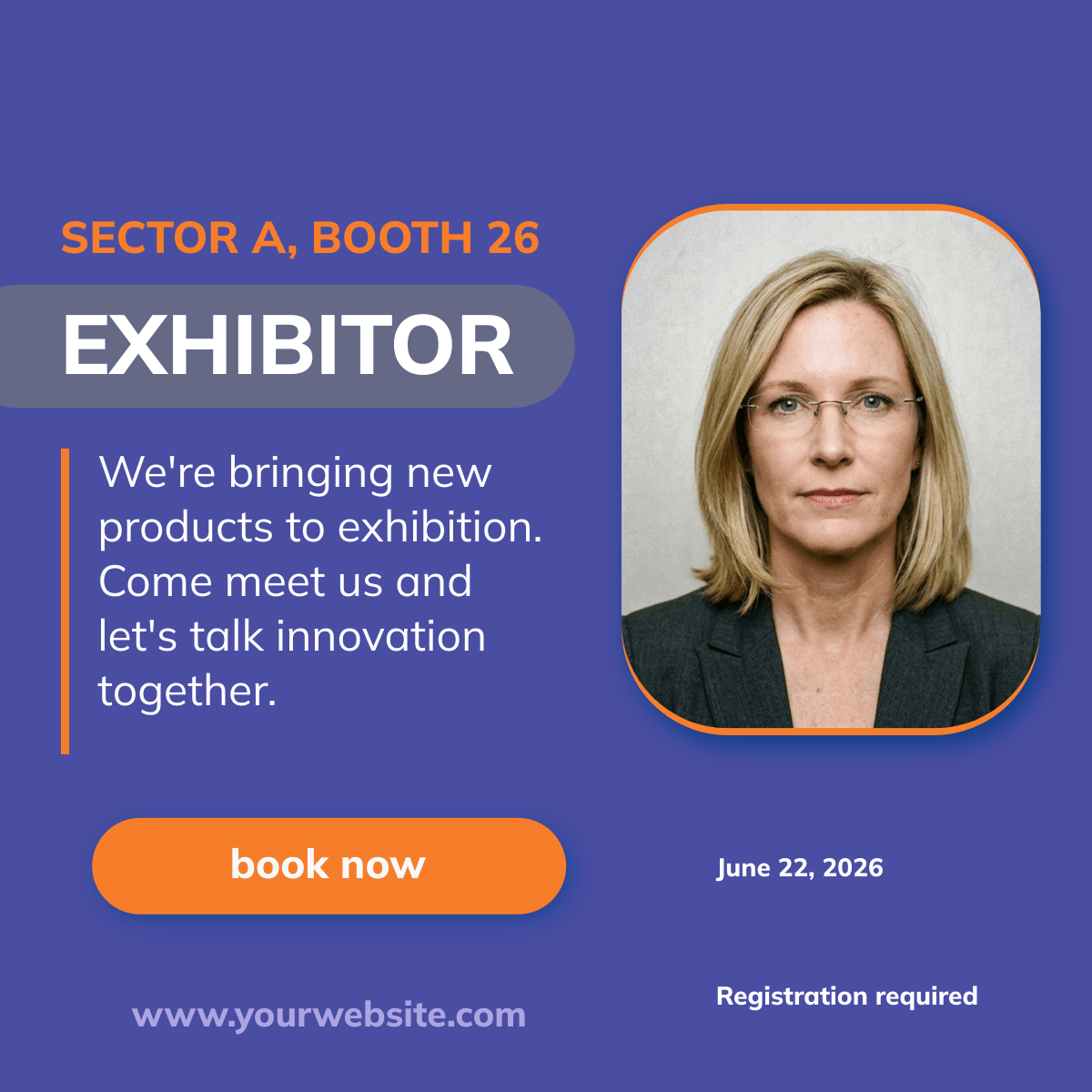
Import the contract and floor plan lists. Logos are never cropped, tiers and stand numbers land on the banner, and every company gets a share page. The report shows clicks and conversions per company for the wrap-up deck.
Attendees: The Widget on the Ticket Confirmation
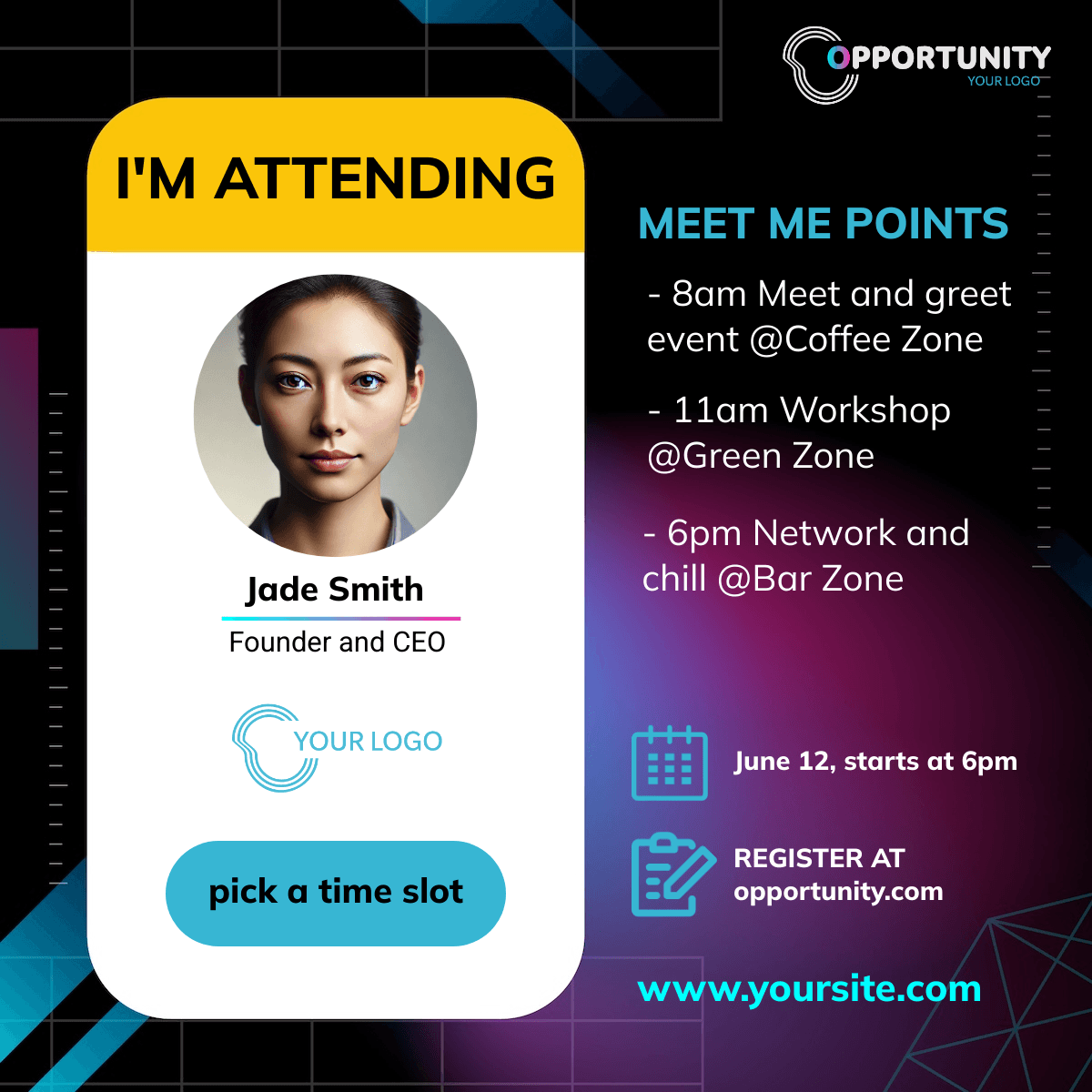
One snippet on your confirmation page generates an I'm attending banner with the buyer's name and offers the same one-tap share. Attendees are never asked for an email, and each share carries its own tracked link.
Set Up the Conference Campaign
1. Design Per Audience
Speaker, sponsor, exhibitor and attendee designs from the templates or your own.
2. Import the Lists
Programme, contracts, floor plan. CSV or XLSX, headers matched.
3. Send in Waves
Sponsors first, speakers at announcement, everyone the week before.
4. Widget and Pixel
Widget on the confirmation page, pixel on the ticket pages, one call with the order id at purchase.
What You Get on Every Plan
The Attendee Widget, Included
Inline or popup on your confirmation page, mobile-first, prefilled from your registration data. Every plan includes it, the free one too.
Revenue Attribution, Included
The conversion pixel on your own ticket pages attributes purchases and their value to the person who shared, per currency, within thirty days. Included on every plan.
Full Analytics and a Leaderboard
Views, shares, bot-filtered clicks and conversions over time, by channel and country, plus a leaderboard of the people who delivered. No reporting add-on.
A Final Report That Stays Complete
Archive the campaign after the conference: new banners stop, but late clicks and conversions from posts already out there keep counting, so the wrap-up numbers are final.
See It on Your Own Event
Twenty minutes with a demo campaign, or start free and import your first list today.
Related Event Marketing Pages
Frequently Asked Questions
The design is the small part. The software holds the roster, gives every person a personal share page, sends the invitations, mints a tracked link per share, filters bots out of the clicks and attributes ticket revenue to the person who posted. A design tool gives you the banner; this gives you the channel and the numbers.