
Webinar Promotion Timeline, Solved
Two Weeks Out: Speaker Announcement
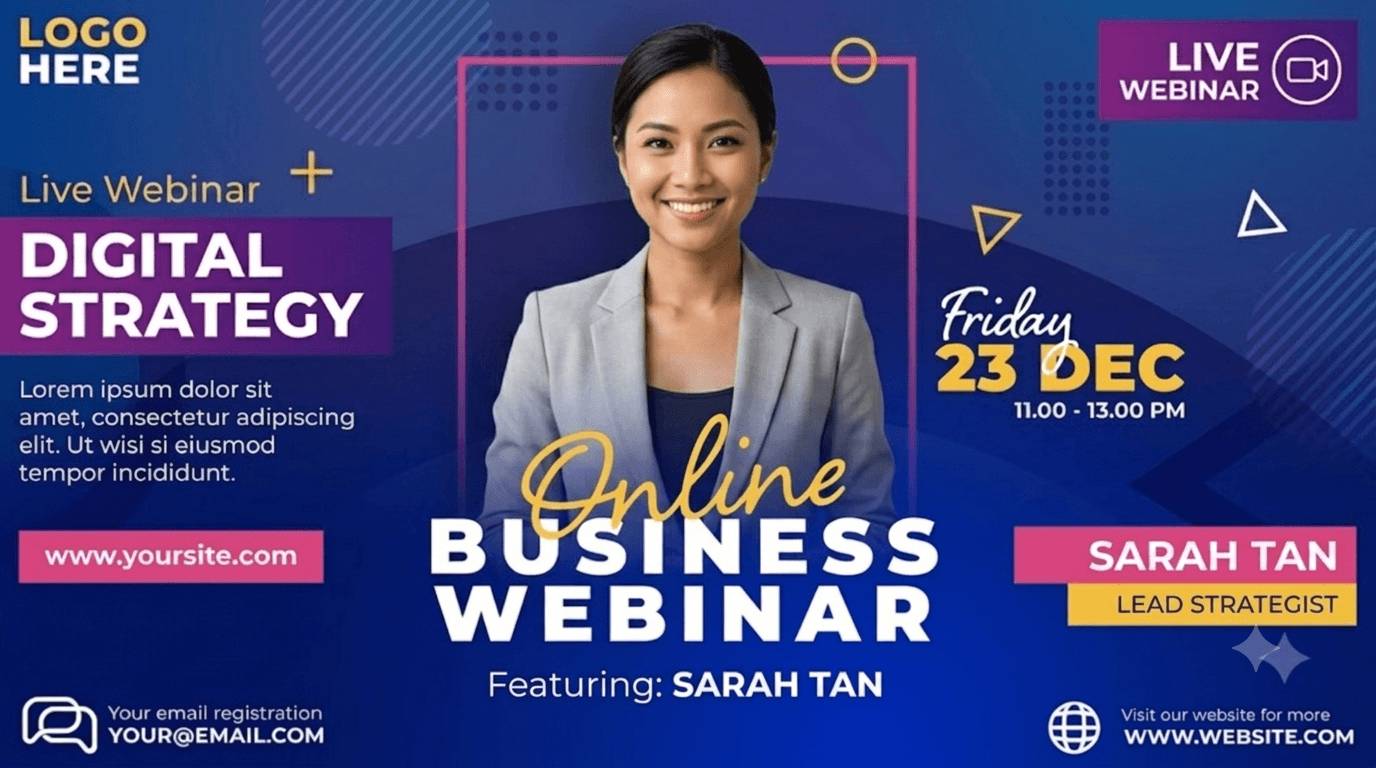
Speakers post the banner with their name, face and the topic. Their followers are the audience; the post carries their tracked link.
Day Before: The Second Push
The same link, a reminder email, a second post. Links never expire and the caption can be edited per audience.
Registrants Share After Signing Up
The widget on your thank-you page generates an I'm attending banner for the registrant, no email asked, tracked link included.
Series: Same Template, New Episode
Keep the design and the speaker roster; update topic and date in the list. Each episode is a list edit.
What the Webinar Campaign Includes
Speaker Banners and Share Pages
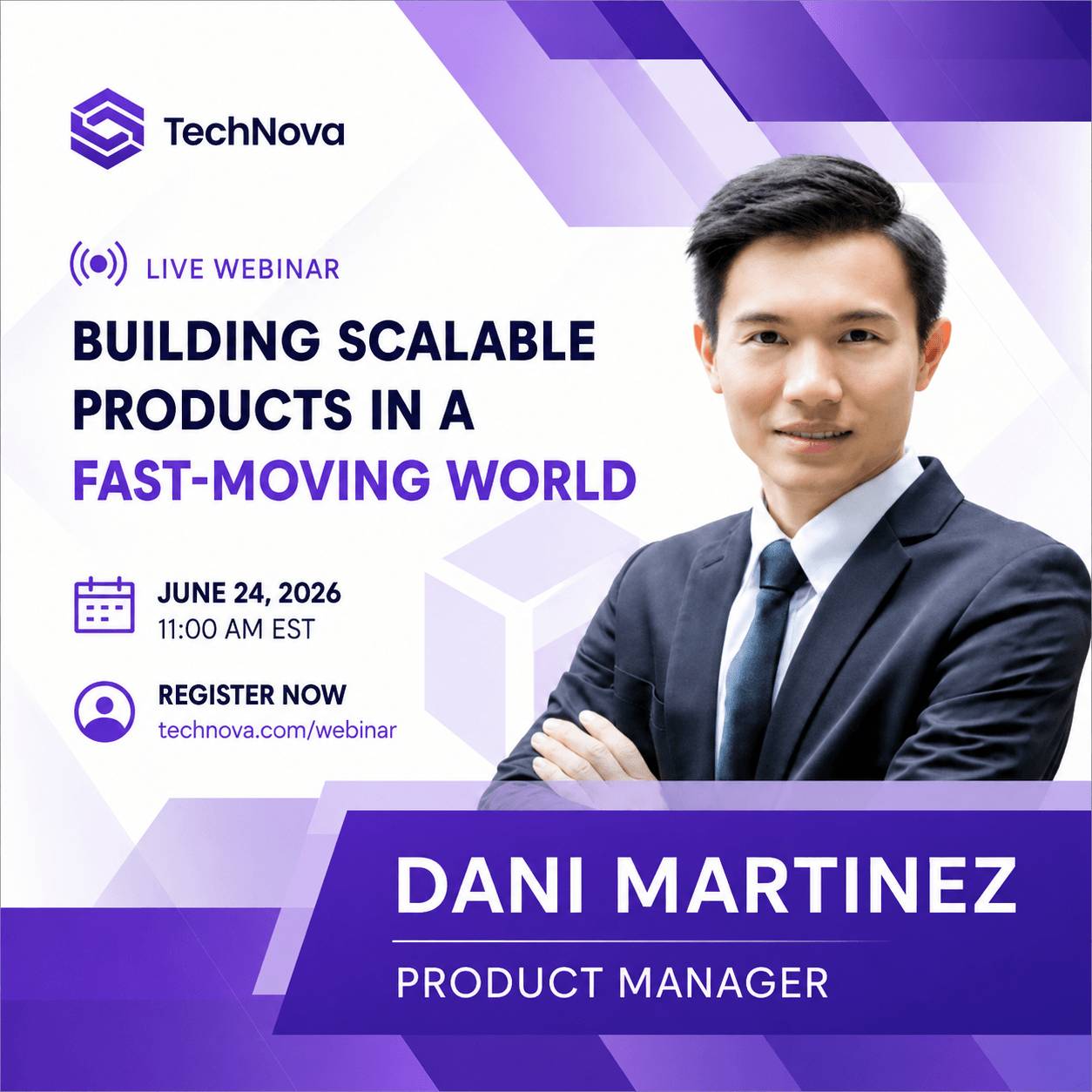
Two or three speakers typed in by hand or a CSV for a series with many guests. Each gets a page with their banner filled in, a photo upload, a design choice and one-tap sharing to LinkedIn, X, WhatsApp or email. Portrait and square designs perform best in the LinkedIn feed.
Registrant Banners From the Thank-You Page
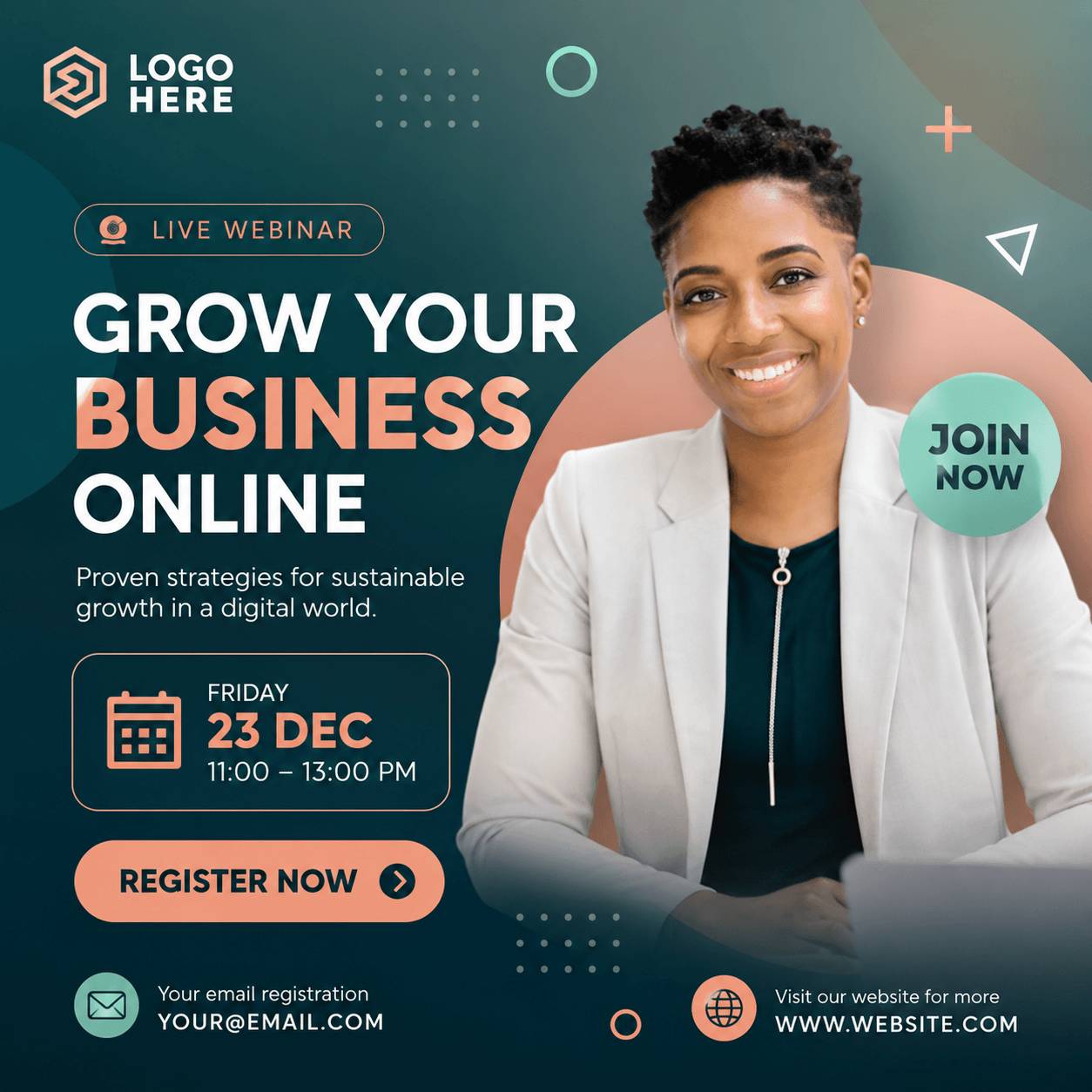
Put the widget on the registration confirmation page you host. It generates the attendee banner with the registrant's name and opens the share sheet. Registrants are not imported and not asked for an email.
Registrations Attributed to the Speaker
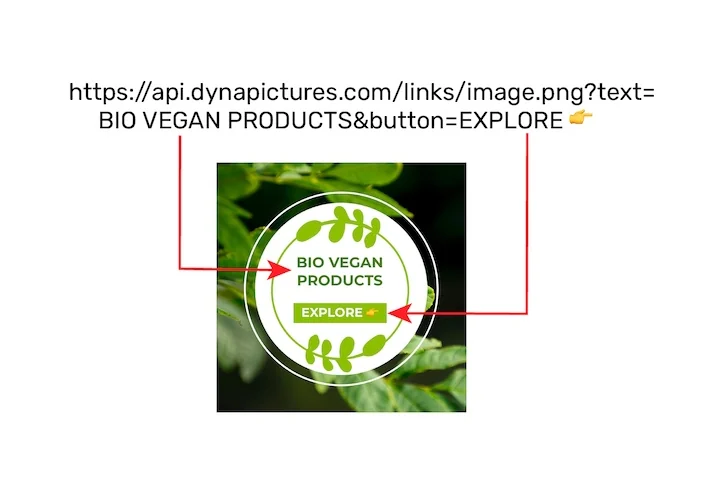
Every share mints a tracked link; clicks are bot-filtered. With the pixel on your registration confirmation page, each registration is attributed to the speaker or registrant whose link brought it. If registration completes on the webinar platform's own page, you get clicks per speaker, not registrations.
Promote the Webinar
1. Design Speaker and Registrant Banners
Name, photo, title and topic mapped; brand locked.
2. Add the Speakers
By hand or CSV; the invitation email goes out from your display name.
3. Widget on the Thank-You Page, Pixel on the Confirmation
If both pages are yours, registrations are attributed; if not, clicks still are.
4. Report by Speaker
Shares, clicks and registrations per speaker, in one view.
What You Get on Every Plan
The Attendee Widget, Included
Inline or popup on your confirmation page, mobile-first, prefilled from your registration data. Every plan includes it, the free one too.
Revenue Attribution, Included
The conversion pixel on your own ticket pages attributes purchases and their value to the person who shared, per currency, within thirty days. Included on every plan.
Full Analytics and a Leaderboard
Views, shares, bot-filtered clicks and conversions over time, by channel and country, plus a leaderboard of the people who delivered. No reporting add-on.
Series Reuse
Keep the campaign, the designs and the speaker roster for a recurring series; update topic and date per episode and every speaker keeps the same link.
See It on Your Own Event
Twenty minutes with a demo campaign, or start free and import your first list today.
Related Event Marketing Pages
Frequently Asked Questions
Any. The speakers and the share flow live on DynaPictures; the tracked link points at your registration page wherever it is hosted. There is no integration and no data sync with Zoom, Livestorm, Demio, GoToWebinar or others.