

Eventbrite Image Sizes
Checked against Eventbrite's help centre on 21 October 2026.
| Placement | Recommended size | Aspect ratio | Notes |
|---|---|---|---|
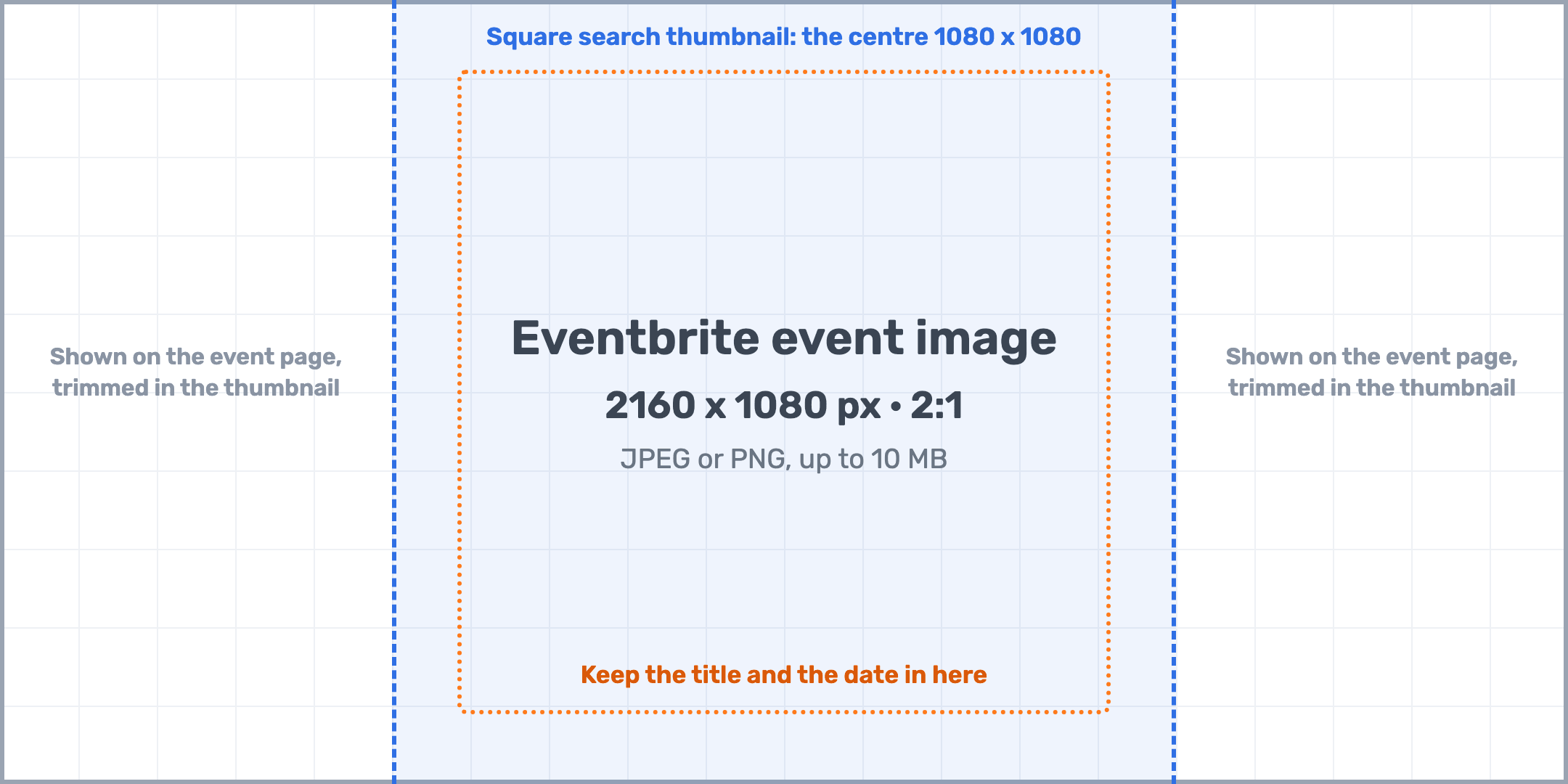
| Event image (main banner) | 2160 x 1080 px | 2:1 | JPEG or PNG, up to 10 MB; cropped toward the centre on narrow screens |
| Square search thumbnail | The centre 1080 x 1080 | 1:1 | Cut from the event image around the focus point you set |
| Recommended minimum | 2160 x 1080 px | 2:1 | Eventbrite asks for at least this size; smaller images are upscaled and go soft |
| Additional images | 2160 x 1080 px | 2:1 | Extra carousel images are cropped to 2:1 as well |
| Event video | Video link | As published | Shown in the image carousel once approved, which can take up to 24 hours |
| Social share image | 1200 x 627 px | 1.91:1 | What LinkedIn and Facebook show when the event link is pasted; Eventbrite derives it from the main image |
| Speaker or attendee post | 1080 x 1080 or 1080 x 1350 px | 1:1 or 4:5 | Not an Eventbrite size: the banners people share from their own accounts |
Keep the title and the date inside the central 1080 x 1080 square: Eventbrite cuts the square search thumbnail from it, around the focus point you set when uploading.
Resize a Photo to 2160 x 1080 Now
Drop an image up to 15 MB; the crop box is locked to 2:1 and the download is a 2160 x 1080 PNG ready for Eventbrite.
Eventbrite Banner Examples
Four 2:1 banners with the title and the date inside the central square, each shown with the square thumbnail Eventbrite cuts from it.
-
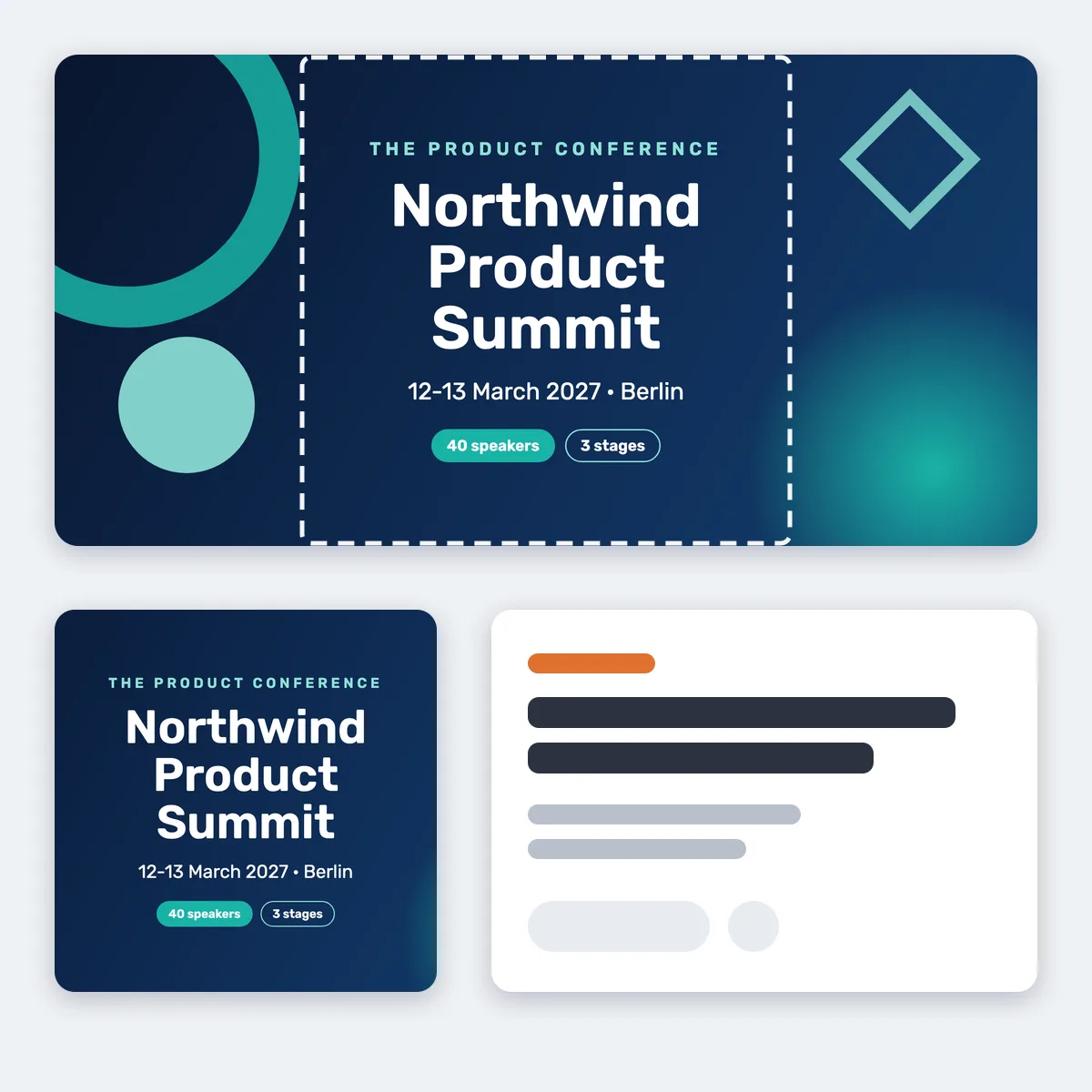 Conference
-
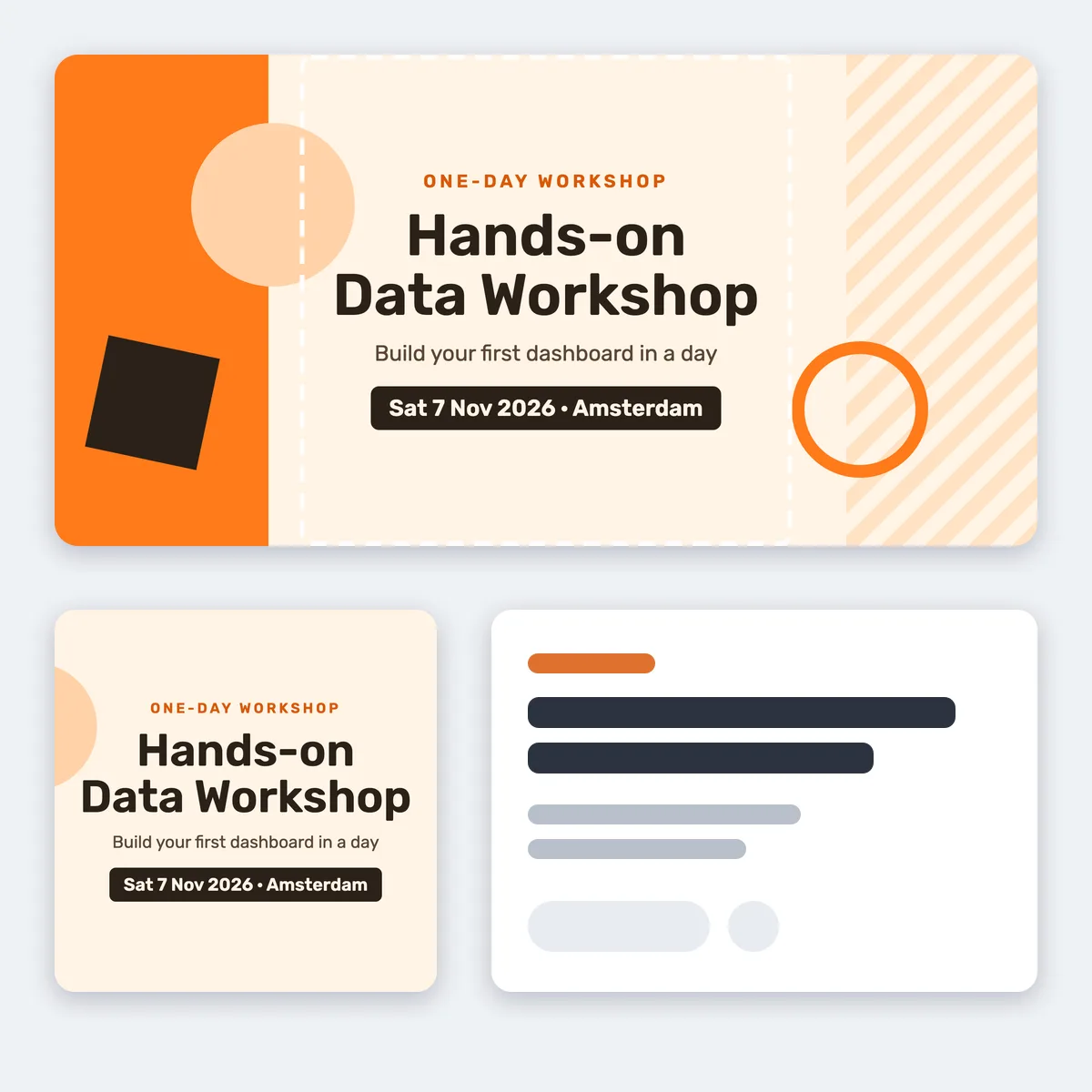 Workshop
-
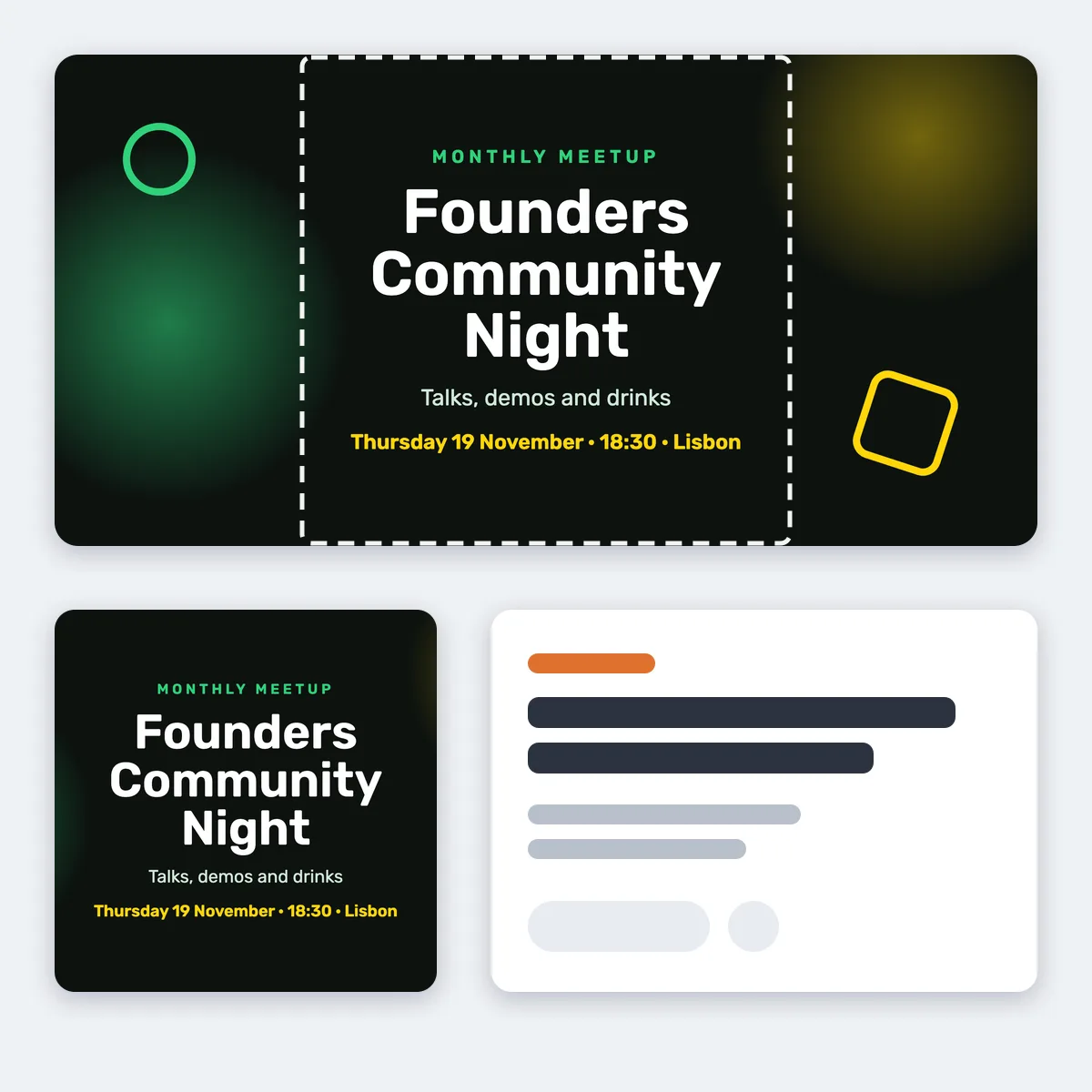 Community night
-
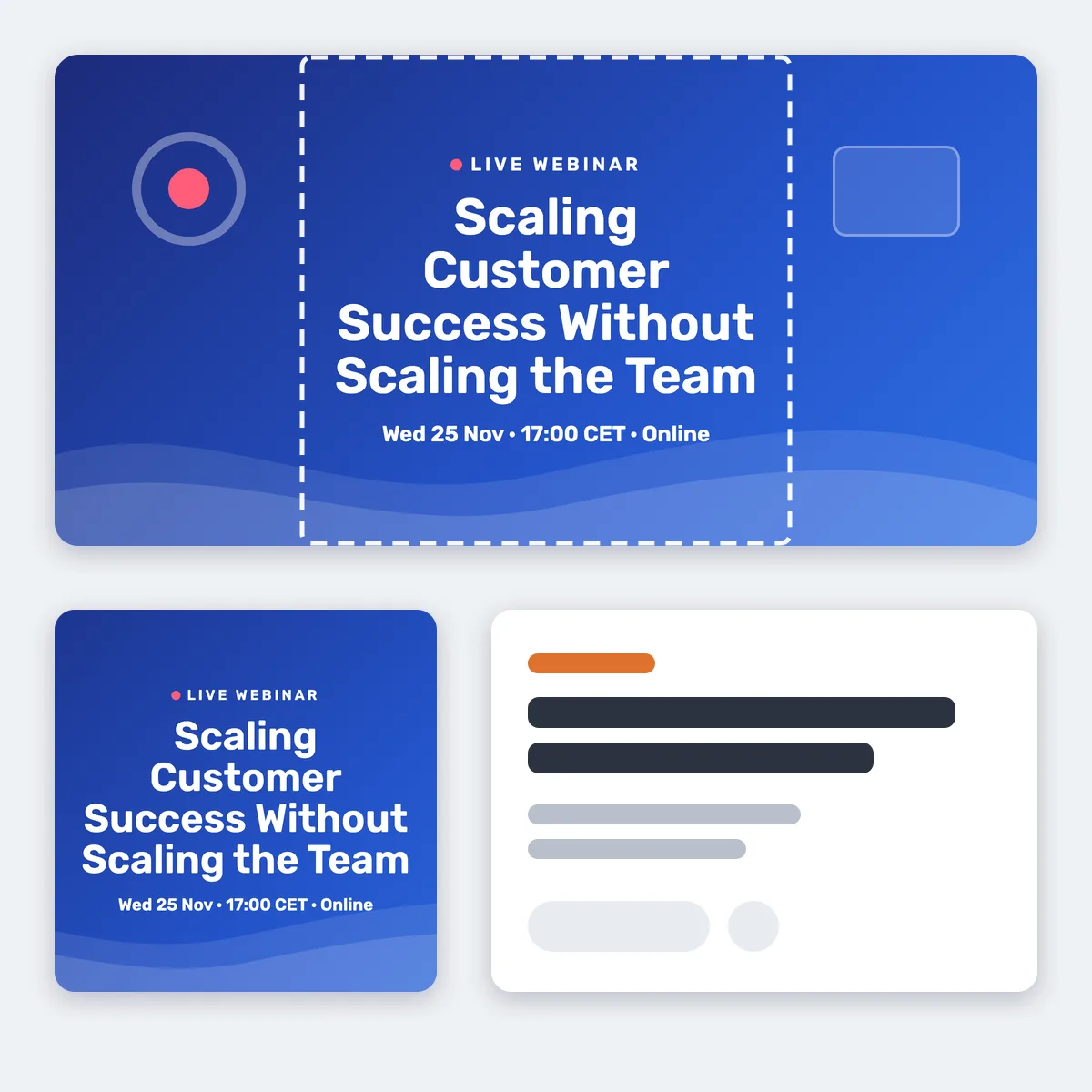 Webinar
Beyond the Event Page Banner
I'm Attending Banners After the Eventbrite Checkout
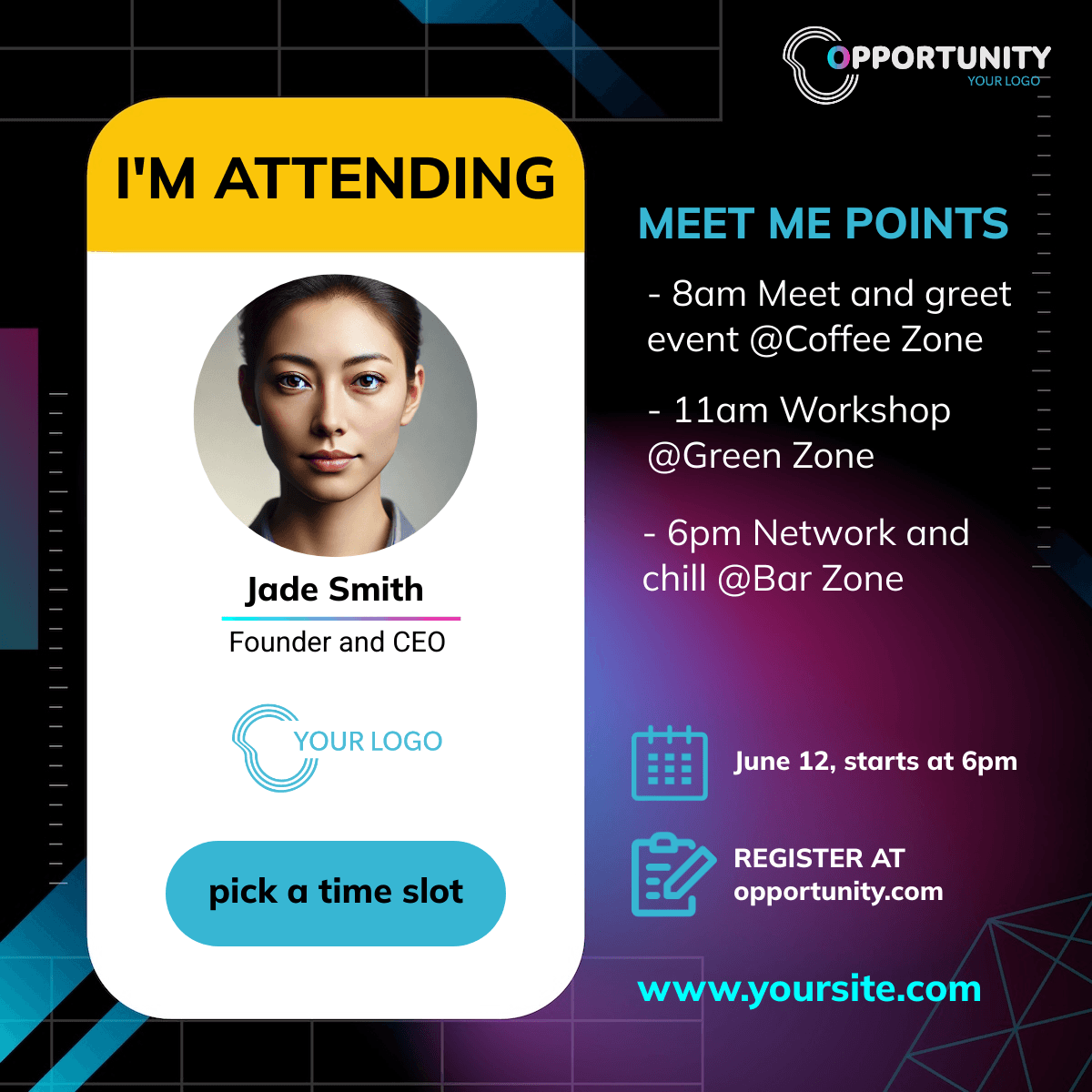
Eventbrite lets you send buyers to a confirmation page you host, or you can link the share widget from the order confirmation email. On your page the widget generates a personalized banner with the buyer's name and offers a one-tap share with a tracked link back to the Eventbrite listing.
Speaker Banners With a Link to the Listing
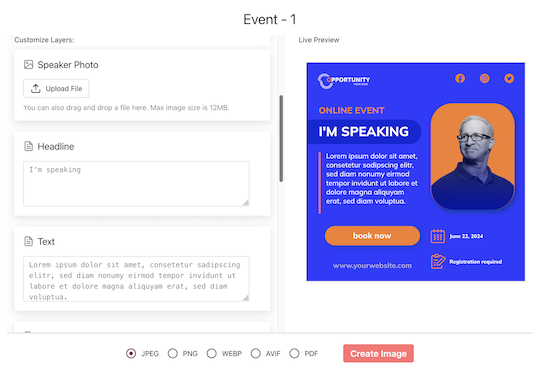
Import speakers from a spreadsheet, set the Eventbrite event URL as the landing page, and each speaker gets a personal share page. Their post links to your listing through a tracked short link, so you learn which speaker's audience actually clicked through.
Make the Eventbrite Banner and the Share Banners
1. Design at 2160 x 1080
Create the design in the editor at exactly this size, or crop a photo with the resizer above. Export JPEG or PNG under 10 MB and upload it to Eventbrite.
2. Duplicate for Speakers and Attendees
Copy the design into a square or portrait format, map name and photo, and add it to the campaign.
3. Set the Listing as Landing URL
Every share links to your Eventbrite page through a tracked link.
What Works With Eventbrite
Clicks per Speaker and Attendee
Every share has its own short link and every click on it is recorded and bot-filtered, including Eventbrite's own preview fetches. You know which person's post sent people to the listing.
The Widget From the Order Confirmation
Eventbrite's customizable confirmation message links to a page you host with the attendee widget, so buyers share while the ticket is fresh. Sell through your own site and purchases are attributed too.
Related Event Banner Makers
Frequently Asked Questions
2160 x 1080 pixels, a 2:1 ratio, JPEG or PNG up to 10 MB, as Eventbrite's help centre recommends. Smaller images are upscaled and look soft.