
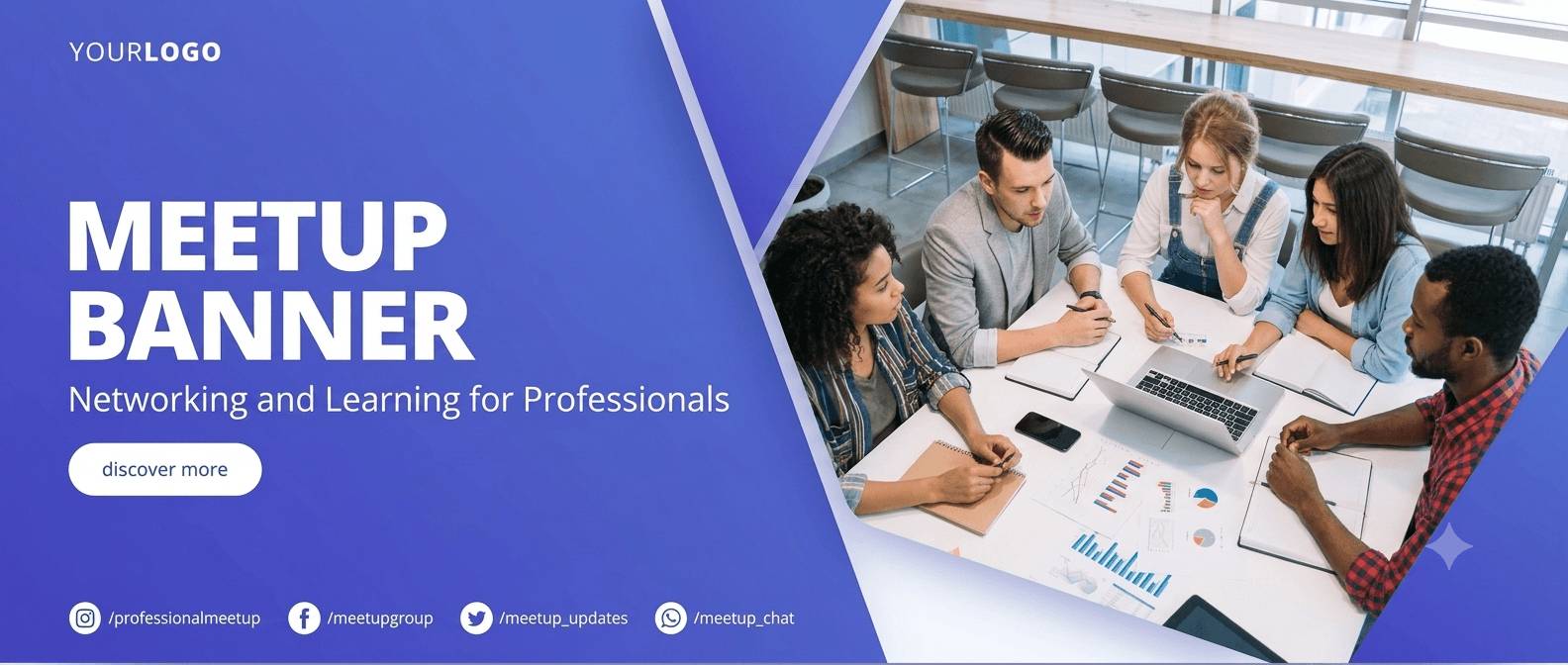
Built for Groups That Meet Every Month
One Template, Twelve Events
Keep the group's design and change the date, venue and speakers in the list. The banner for next month is a list edit, not a design session.
Speakers Bring Their Own Audience
A speaker's colleagues are the people most likely to come. Their banner, posted from their own account, is the invitation that works.
Co-Organizers Without Editor Access
Co-organizers get a share page like any speaker. They post the banner, you keep control of the design.
Multi-Chapter Groups
City chapters share a template and differ by a mapped city field. One campaign per chapter keeps the RSVP links and reports separate.
Meetup Banners for Speakers, Members and Chapters
No Design Skills After the First Template

Start from a meetup template in the library, put your logo and colours on it, and map the speaker's name, photo and talk title. Every banner after that is generated from the list. If the venue changes, edit one field.
Members and Co-Organizers Share Too
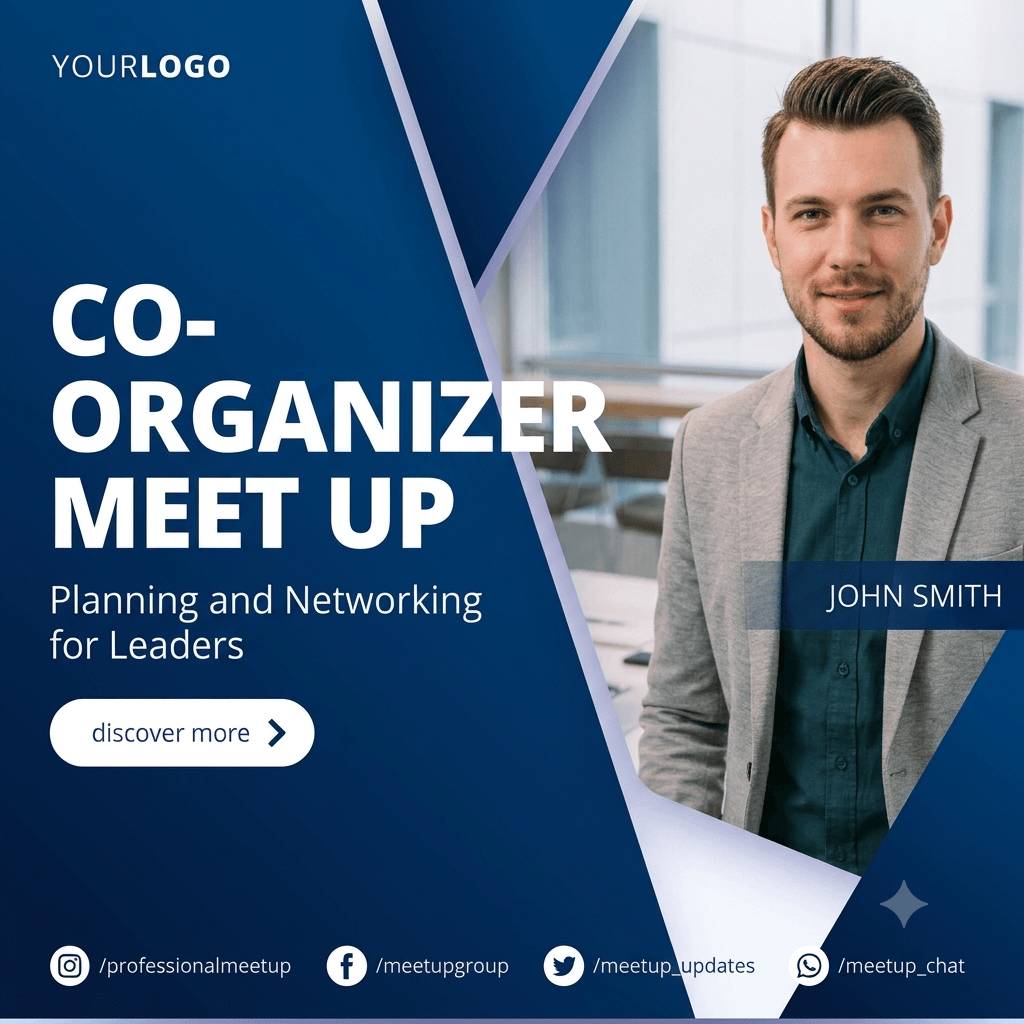
Put the attendee widget on the RSVP confirmation page or your group site. Members type a name, get an I'm going banner and share it. Co-organizers are imported like speakers and get a personal page with their own tracked link.
Beyond the Meetup.com Page

Set the group's RSVP page as the landing URL, whether it is on Meetup.com, Luma or your own site. Every share links there through a tracked short link, so you learn which speaker or member brought the RSVPs.
Set Up the Group Once
1. Design the Group Banner
Logo, colours, a photo frame for the speaker and a text layer for the talk title.
2. Add This Month's Speakers
Two or three names typed in by hand. Upload a CSV when there are more.
3. Send Links and Post the Widget Snippet
Speakers get an email with their page; the widget goes on the RSVP confirmation or the group site.
Everything a Group Needs on the Free Plan
One Campaign, Ten People, Fifty Banners a Month
Enough for a monthly meetup with a few speakers. Archive last month's campaign before the next one goes live, or upgrade to run several in parallel.
Widget, Pixel and Analytics Included
The I'm going widget, the conversion pixel and the full analytics are part of every plan, the free one included. Standard and Pro remove the Powered by line.
Related Event Banner Makers
Frequently Asked Questions
The free plan is free for as long as you like: one live campaign, ten people per campaign and fifty banners a month, with a Powered by DynaPictures note on the public pages. A monthly meetup with a handful of speakers fits.