

Why Conference Banners Are a Roster Problem, Not a Design Problem
Forty Speakers, Four Rounds of Changes
Session titles move, co-speakers get added, a keynote drops out. A banner maker that works from your list regenerates the affected banners; a folder of exported PNGs does not.
Sponsors Expect Proof
A gold sponsor wants to see the exposure they paid for. A banner with their logo and tier, posted from their own account, plus the clicks that post produced, is proof you can attach to the renewal email.
Exhibitors Promote Their Booth, Not Your Event
Give them a banner that says both: the event name and dates you designed, the booth number from your list. They post it because it is about them.
Two Posting Moments per Speaker
Lineup announcement and the week before the conference. The same link works for both, so the second post is one reminder email away.
From Lineup Spreadsheet to Posted Banners
Speaker Banners With Session Details

Map name, headshot, session title, track and time slot onto the design. Speakers open their personal page, check the details, swap the photo if the one you had was old, and tap Share. The share sheet opens with the image attached; the suggested post already contains their tracked link to your ticket page.
Sponsor and Exhibitor Banners From the Contract List
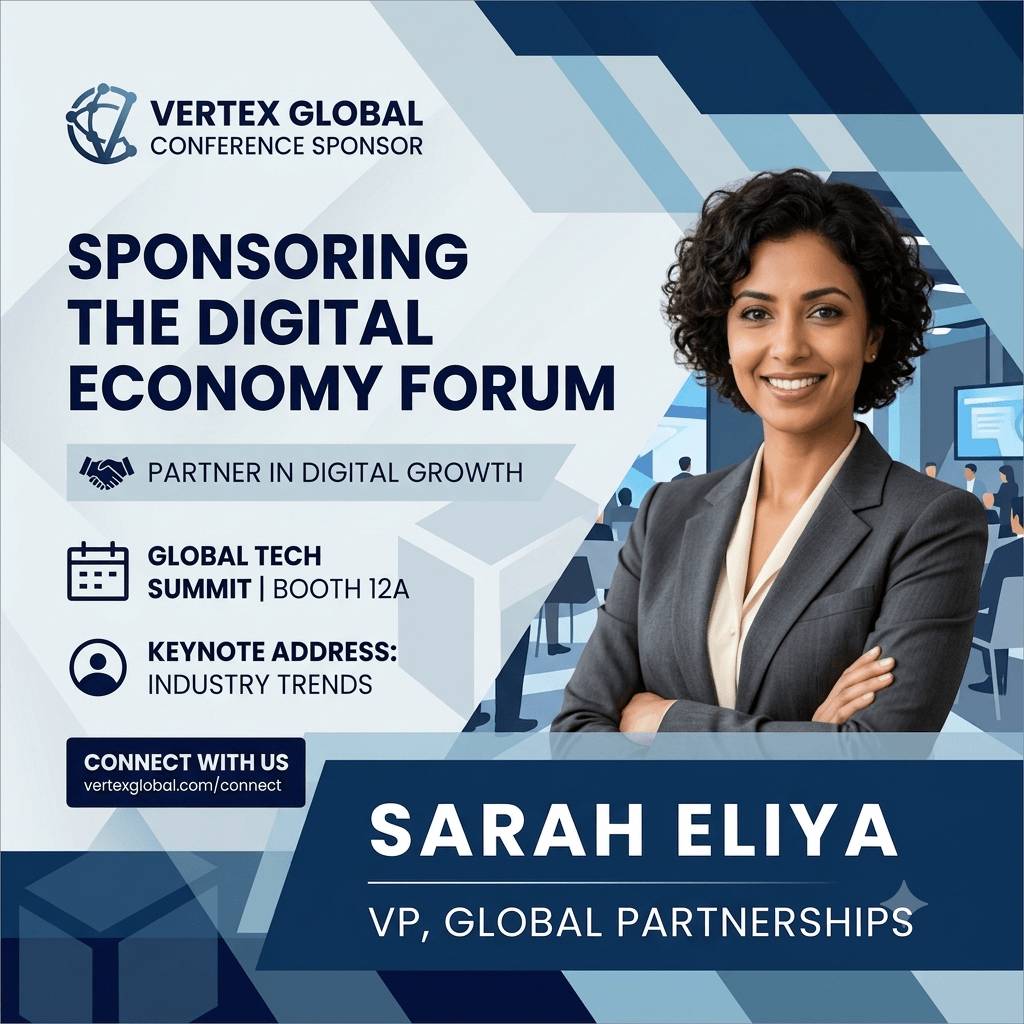
Import the sponsor list with tier and the exhibitor list with booth numbers. Logos stay uncropped, tiers and booths land on the banner, and each company gets a share page of its own. The report shows clicks and conversions per company, which is what the account manager needs for the renewal conversation.
I'm Attending Banners on the Ticket Confirmation Page

Embed the attendee widget on the confirmation page of your ticketing flow. Attendees type a name, add a photo if they want, and share an I'm attending banner while the purchase is fresh. Runs inline or as a popup and never asks for an email.
Set Up a Conference Campaign
1. Design Per Audience
One template each for speakers, sponsors, exhibitors and attendees, or reuse one design with different mapped layers.
2. Import the Lists
Speakers and sponsors from your CFP or CRM export, exhibitors from the floor plan sheet. CSV or XLSX, headers matched automatically.
3. Send the Links in Waves
Sponsors and exhibitors at contract signing, speakers at lineup announcement, everyone again the week before.
4. Report by Person and Company
Shares, clicks and attributed ticket revenue per speaker and per sponsor, bot-filtered, in the currency you sold in.
What Changes When the Conference Changes
Lineup Edits Regenerate, They Do Not Re-Export
Change the session title in the list and the speaker's page shows the new banner on the next visit. Their link stays the same.
Links Never Expire
A speaker who shares at announcement and again the week before produces two tracked posts from the same page.
Archive Freezes Output, Keeps Tracking
After the conference, archive the campaign. No new banners can be generated, but late clicks and conversions are still counted, so the final report is complete.
Sizes Are Separate Designs
There is no automatic resize. Design the LinkedIn banner and the square post separately; both sit on the same share page.
Related Event Banner Makers
Frequently Asked Questions
Ten on the free plan, fifty on Lite, two hundred on Standard and a thousand on Pro, counted per campaign. Sponsors and exhibitors count toward the same number. The pricing page has the full table.