

How DynaPictures Fits Next to Luma
Guest Lists Export as CSV
Luma exports guests with name, email and answers. Import speakers and co-hosts from it, or from the sheet you already keep.
The lu.ma Page Is the Landing URL
Registration stays on Luma. Every tracked link points there; the report shows who sent the visitors.
Community Events Run on Hosts
Co-hosts and regular speakers get a share page each and post the same banner design with their own name on it.
Guests Share From a Page You Link
Luma's confirmation email and event page can carry a link to a page you host with the attendee widget.
The Workflow With Luma
Import the List You Export From Luma
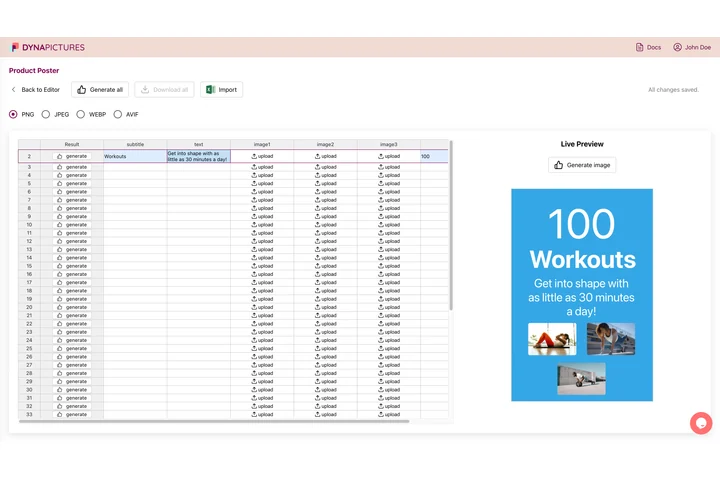
Export the guest list from your Luma event, or import the hosts and speakers from your own sheet. DynaPictures matches the columns by their headers (Name, Job title, Company, Email and any extra field you want on the banner) and keeps the rest. Speakers, sponsors and exhibitors each get a personal share page; attendees are not imported and come through the widget instead.
Set the lu.ma Page as the Landing URL
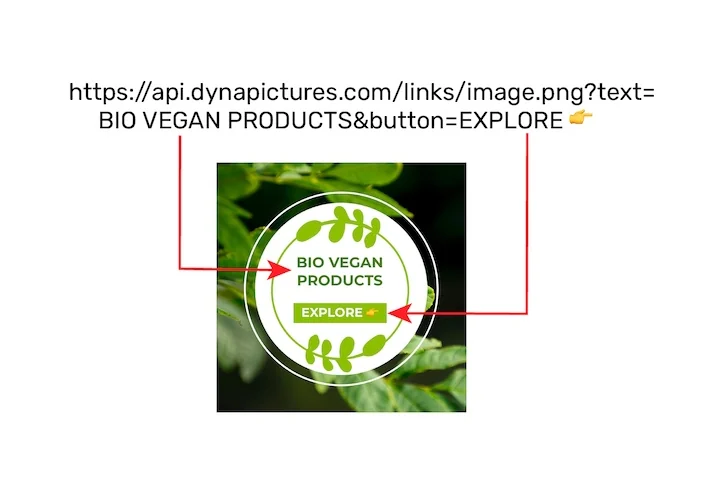
Paste the lu.ma event URL as the campaign's landing URL. Every share from a speaker page or the widget links there through its own tracked short link, so you see bot-filtered clicks per person and per channel even though the page itself is not yours.
Put the Attendee Widget Where the Registration Ends
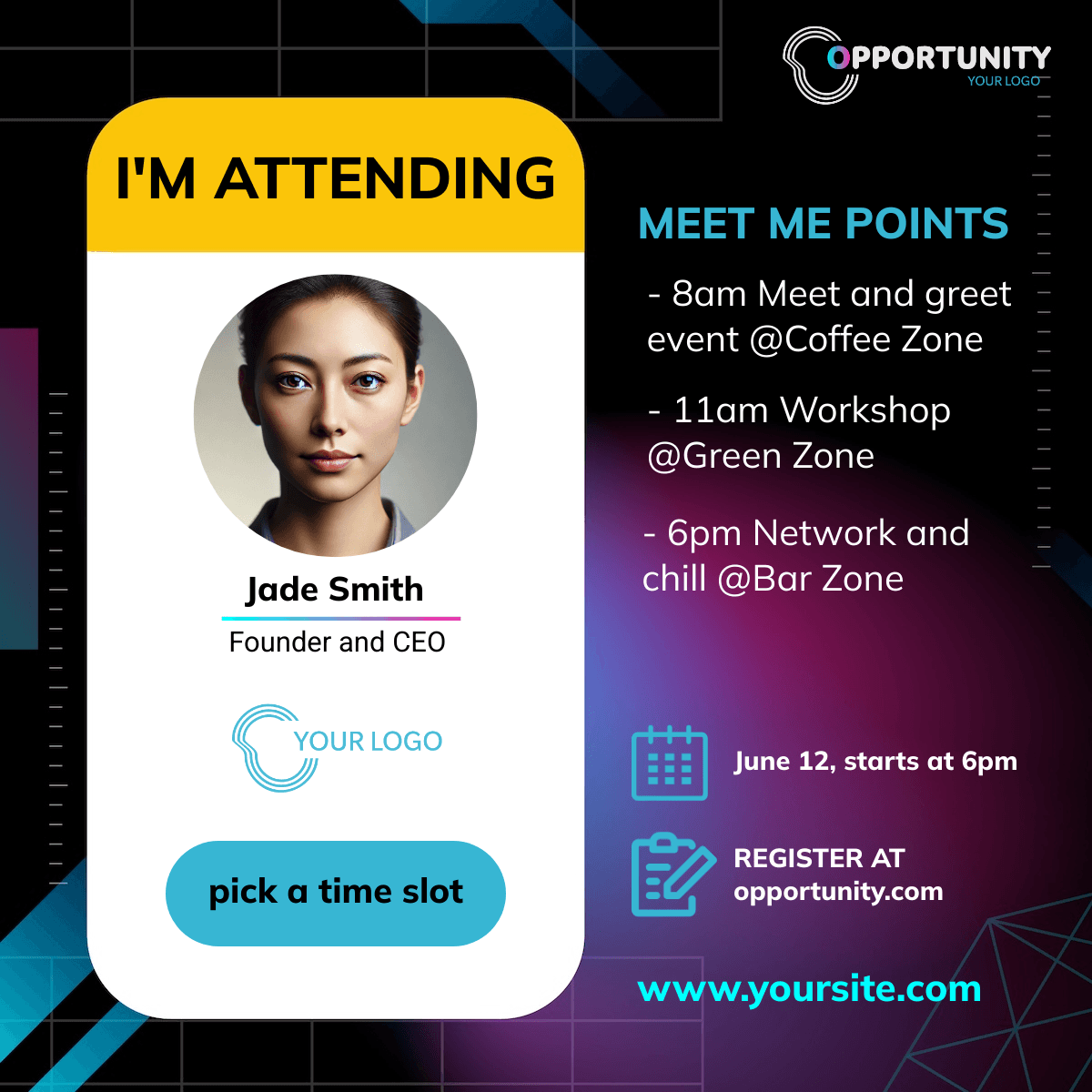
Luma pages do not accept custom scripts, so host a small page with the widget yourself and link it from the Luma confirmation email or the event description. The widget generates an I'm attending banner with the registrant's name, opens the share sheet and never asks for an email.
Set It Up
1. Import Hosts and Speakers
From the Luma guest export or your own list.
2. Set the lu.ma Page as Landing URL
Registration stays on Luma.
3. Host a Page With the Widget
Link it from the confirmation email.
4. Send the Share Links
Hosts and speakers post; you see clicks per person.
What Works Out of the Box With Luma
Import From the Luma Guest Export
Hosts and speakers from the guest list or your own sheet, headers matched automatically.
The lu.ma Page as Landing URL, Clicks per Host
Every share links to your Luma event through its own tracked link; clicks are bot-filtered and reported per host, speaker and guest.
The Widget From the Confirmation Email
Link a page you host with the attendee widget from the Luma confirmation email or the event description; guests share with no email asked.
Same Funnel and Leaderboard as Every Channel
Luma shares sit next to LinkedIn posts and speaker pages in one funnel, with a leaderboard of the people who brought the clicks.
See It on Your Own Event
Twenty minutes with a demo campaign, or start free and import your first list today.
Related Event Marketing Pages
Frequently Asked Questions
No. Import the people you export or already have, set the lu.ma page as landing URL and link the widget page from the Luma confirmation email.