
Why Attendee Sharing Works When It Is Frictionless
Timing Beats Incentives
A share prompt right after checkout catches people while they are pleased with the purchase. A prompt in an email two days later competes with everything else in the inbox.
No Roster, No Email, No Consent Screen
Attendees are not imported and never asked for an email. They type a name, optionally add a photo, generate and share. That keeps the flow anonymous and the compliance conversation short.
Built for the Phone They Bought On
Inline on the page or as a bottom-sheet popup fired after purchase, the widget is mobile-first because most tickets are bought on a phone.
Every Attendee Share Has Its Own Link
Clicks are counted per share and bot-filtered; with the pixel on your ticket page, the next purchase is attributed to the attendee whose post brought it.
The Attendee Widget
One Snippet on the Confirmation Page
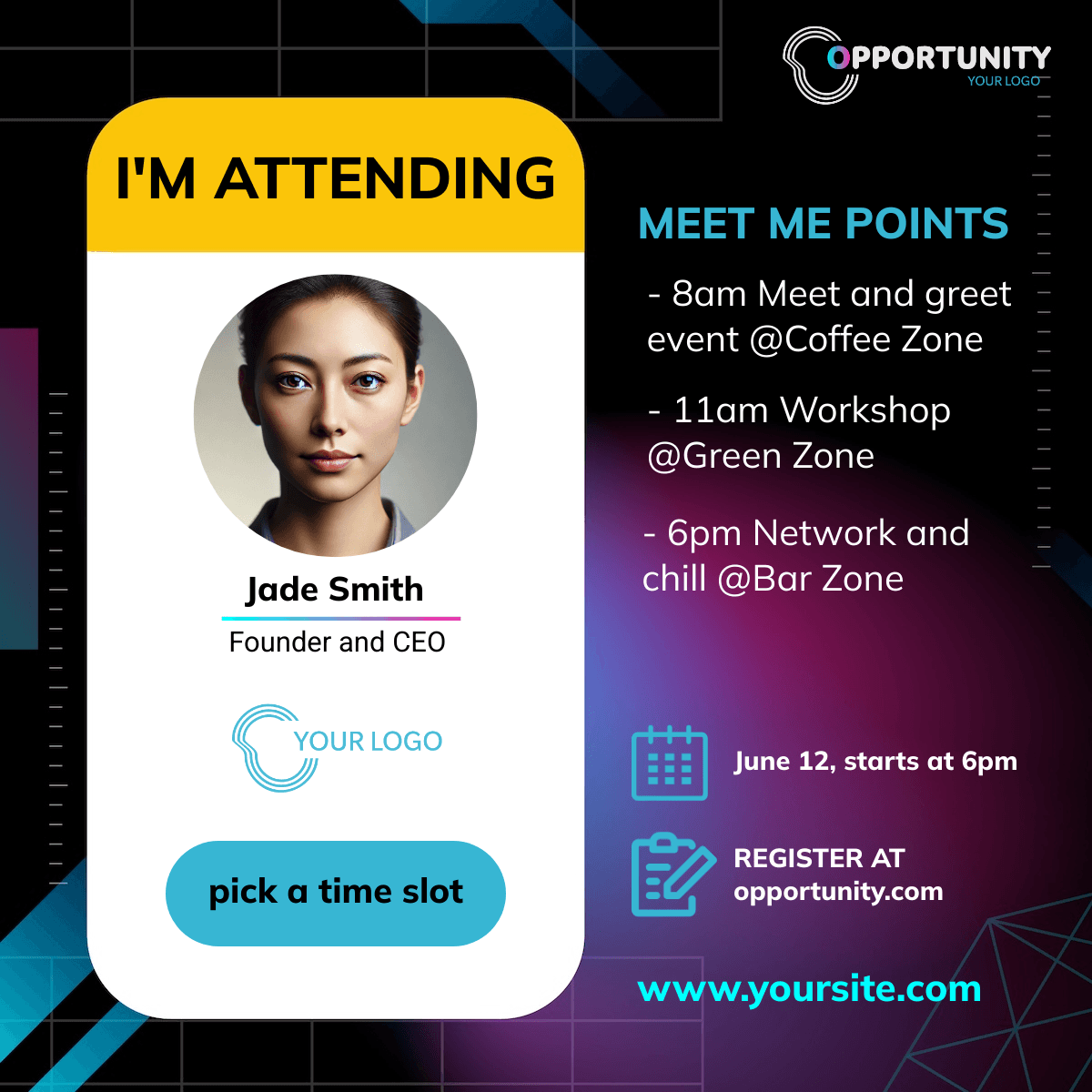
Paste the snippet where registration completes. Inline, it renders in place and sizes itself. As a popup, you fire it from your own code at the post-purchase moment and it slides up as a bottom sheet on phones. Prefill name, title and company from the data your form already has.
Designs and Caption per Widget
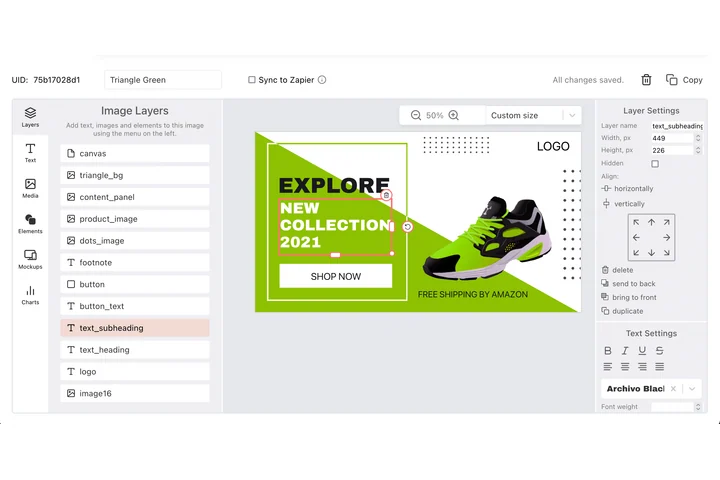
Each widget carries its own designs, headline, button label and share caption, so the attendee banner for the workshop can differ from the one for the main conference. Live device preview while you edit.
Attendee Shares in the Same Funnel
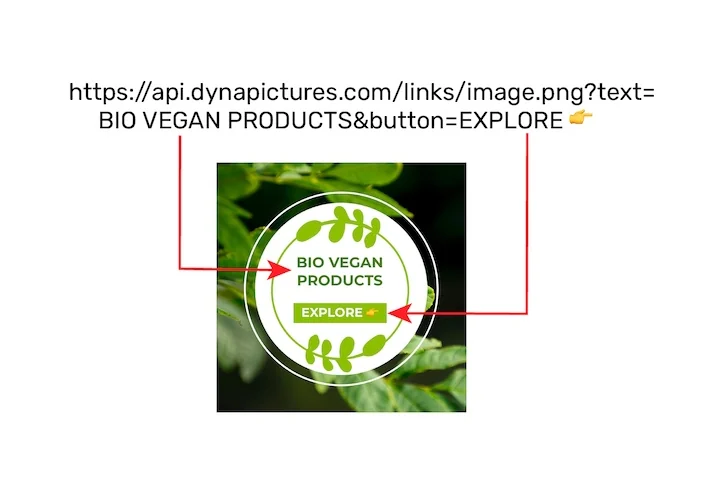
Widget impressions, generated banners, shares and clicks appear in the campaign analytics next to speakers and sponsors. Attendee shares carry the name and company typed at share time, so the leaderboard can name top advocates.
Add Attendee Sharing to Your Registration
1. Design the I'm Attending Banner
Name and photo mapped, event branding locked. A square and a story size are typical.
2. Create the Widget
Pick the designs, write the headline and caption, choose inline or popup.
3. Paste the Snippet
On your confirmation page, or fire the popup from your checkout code.
4. Read the Attendee Funnel
Impressions, generations, shares, clicks and attributed conversions.
What You Get on Every Plan
The Attendee Widget, Included
Inline or popup on your confirmation page, mobile-first, prefilled from your registration data. Every plan includes it, the free one too.
Revenue Attribution, Included
The conversion pixel on your own ticket pages attributes purchases and their value to the person who shared, per currency, within thirty days. Included on every plan.
Full Analytics and a Leaderboard
Views, shares, bot-filtered clicks and conversions over time, by channel and country, plus a leaderboard of the people who delivered. No reporting add-on.
Prefill From Your Registration Form
Pass name, title and company as data attributes or in the popup init call, and the attendee only has to tap Share. Standard and Pro also remove the Powered by line.
See It on Your Own Event
Twenty minutes with a demo campaign, or start free and import your first list today.
Related Event Marketing Pages
Frequently Asked Questions
No, and they cannot: the widget asks for a name, optionally a job title, company and a photo. Nothing else. Names are stored only when someone actually generates and shares.