

How DynaPictures Fits Next to LinkedIn Events
Feed Sizes, Not Cover Sizes
Portrait 1080 x 1350 and square 1080 x 1080 take the most mobile feed. Design both; the event cover at 1600 x 900 is a separate export.
No OAuth, No Posting on Their Behalf
Speakers post from their own account through the device share sheet with the image attached. Nobody hands over LinkedIn credentials.
The Event Page as Landing URL
Every tracked link points at your LinkedIn Event; clicks per speaker show whose network responded.
Attendees Announce Themselves
Attendees who registered through your own form get the widget; attendees on LinkedIn can use a widget page you link in the event description.
The Workflow With LinkedIn Events
Speaker Banners the Feed Rewards
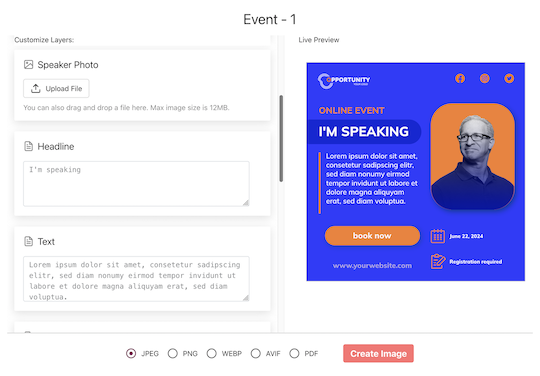
Map name, headshot, title and session onto portrait and square designs. Speakers open their page, pick a size and tap Share; LinkedIn is one tap away in the share sheet, with the image attached. The suggested caption contains their tracked link.
Set the LinkedIn Event Page as the Landing URL
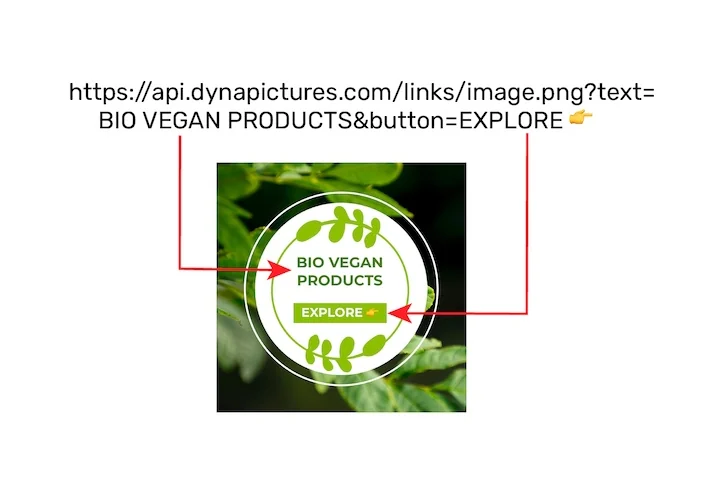
Paste the LinkedIn Event URL as the landing URL, or your own registration page if the LinkedIn Event points there. Every share from a speaker page or the widget links there through its own tracked short link, so you see bot-filtered clicks per person and per channel even though the page itself is not yours.
Put the Attendee Widget Where the Registration Ends
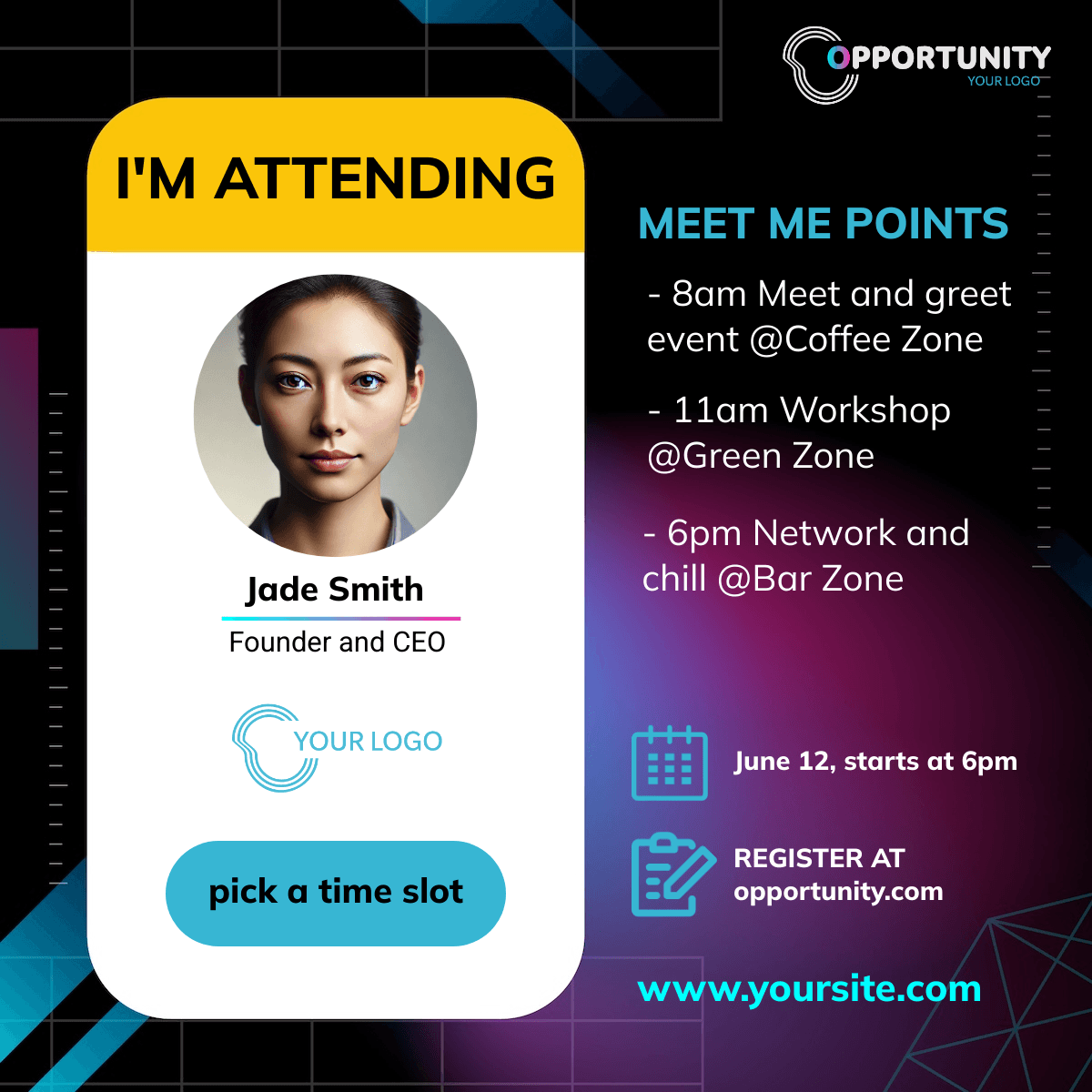
LinkedIn Event pages take no custom code. Put the widget on your own registration confirmation, or link a widget page from the event description. The widget generates an I'm attending banner with the registrant's name, opens the share sheet and never asks for an email.
Set It Up
1. Design Portrait and Square Speaker Banners
1080 x 1350 and 1080 x 1080.
2. Import the Speakers
CSV, XLSX or by hand.
3. Set the LinkedIn Event as Landing URL
Or your own registration page.
4. Send the Share Links
Speakers post from their own accounts.
What Works Out of the Box With LinkedIn Events
Feed-Size Banners That Get Seen
Portrait 1080 x 1350 and square 1080 x 1080 designs take the most of the mobile feed; both sit on the speaker's share page.
Posts From the Speaker's Own Account
The device share sheet opens with the image attached; no OAuth, no credentials, and the post reads as the speaker's because it is.
Tracked Clicks per Speaker
Every share carries its own link to the LinkedIn Event or your registration page; clicks are bot-filtered, including LinkedIn's preview crawler.
Registrations Attributed on Your Own Page
Point the LinkedIn Event at a registration page you host with the pixel and registrations are attributed to the speaker who shared.
See It on Your Own Event
Twenty minutes with a demo campaign, or start free and import your first list today.
Related Event Marketing Pages
Frequently Asked Questions
No. Speakers post from their own account through the device share sheet with the image attached. We never ask for LinkedIn credentials or OAuth access, which also means the post looks like theirs, not like a tool's.