

Facebook Event Image Sizes
Checked on 21 October 2026. Meta publishes no pixel size for event covers; 1920 x 1005 is the size current guides agree on as mobile-safe. Preview on a phone before you publish.
| Placement | Recommended size | Aspect ratio | Notes |
|---|---|---|---|
| Event cover photo | 1920 x 1005 px | 1.91:1 | JPG or PNG; full width on desktop, centre-cropped on mobile |
| Older 16:9 cover | 1920 x 1080 px | 16:9 | Still accepted, but loses its top and bottom on mobile |
| Smallest size that stays sharp | 1200 x 628 px | 1.91:1 | The minimum most guides give; below it Facebook upscales and the cover goes soft |
| Feed post image | 1200 x 630 px | 1.91:1 | Link previews and image posts about the event |
| Square post | 1080 x 1080 px | 1:1 | Guest and speaker banners in the feed |
| Story | 1080 x 1920 px | 9:16 | Keep text out of the top and bottom 250 px |
Facebook applies its own compression; export JPG at high quality or PNG for flat colours and text.
Crop a Photo to 1920 x 1005 Now
Drop an image up to 15 MB; the crop box is locked to 1.91:1 and the download is a 1920 x 1005 PNG for the event cover.
The Cover Is One Image; the Shares Are Many
I'm Going Banners for Guests
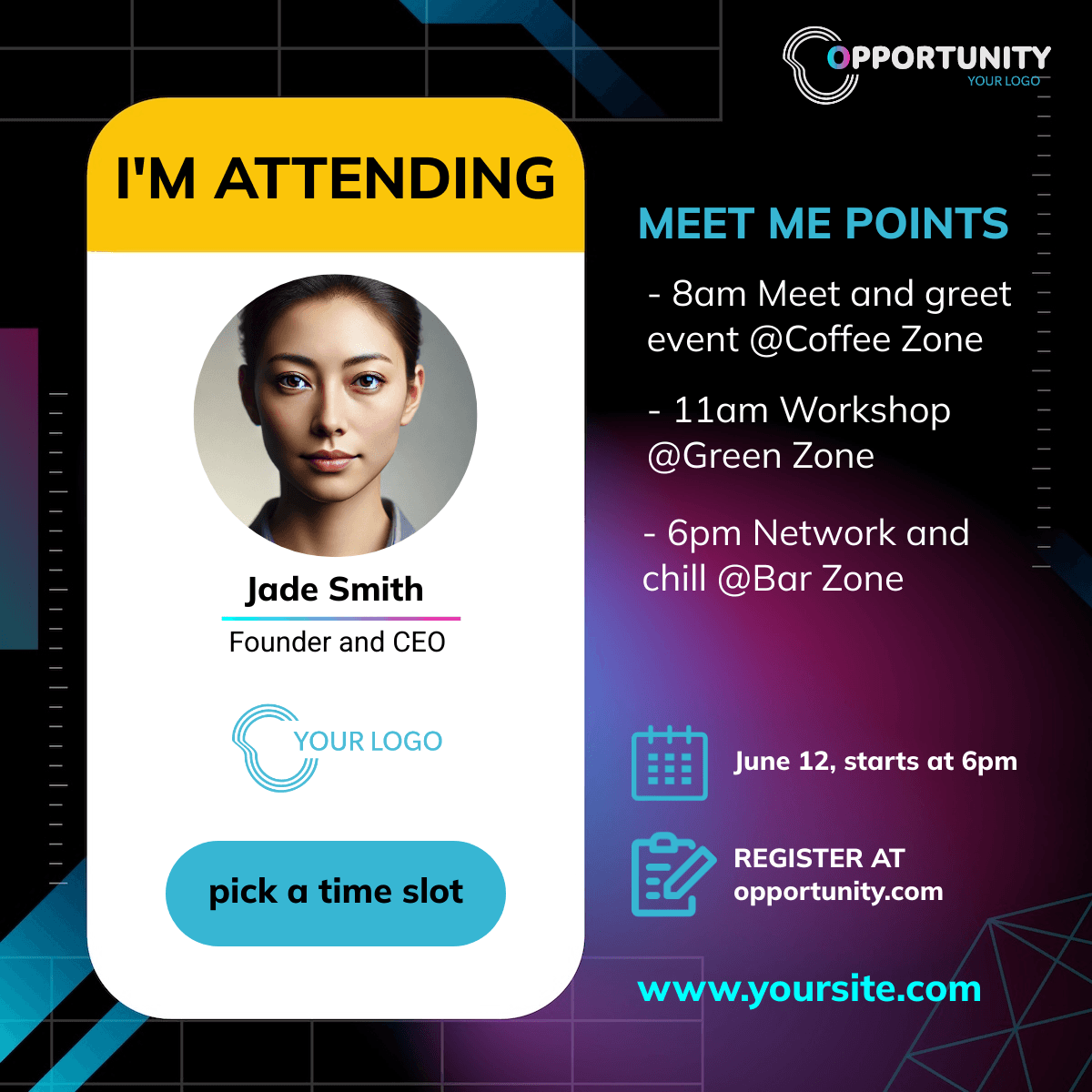
Embed the widget on your ticket confirmation page. Guests type their name, get a banner in the square or story size and share it to Facebook, WhatsApp or by download. Each share links back to the event through a tracked link.
Speaker and Host Banners
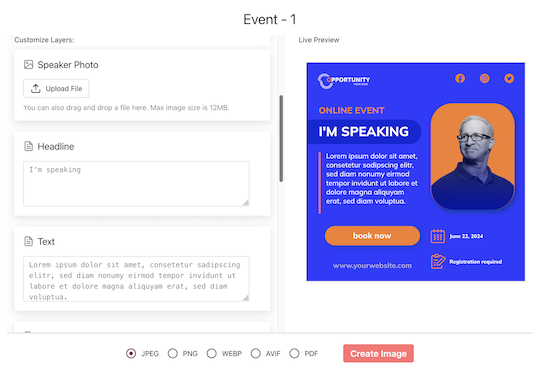
Import hosts and speakers, map name and photo, and send each one a personal share page. The device share sheet opens with the image attached; Facebook, WhatsApp and Messenger are one tap away.
Make the Cover and the Share Banners
1. Design at 1920 x 1005
Keep the title and faces in the centre; export JPG or PNG and upload it as the event cover.
2. Duplicate Into Square and Story
Map name and photo for guests and speakers.
3. Set the Landing URL
The Facebook event page or your ticket page. Shares link there through tracked short links.
What Works With Facebook Events
Clicks per Guest and Speaker
Every share has its own link and every click is recorded and bot-filtered, including Facebook's own link crawler.
Purchases Attributed on Your Ticket Pages
Sell tickets on your own site with the pixel installed and each purchase is attributed to the guest or speaker who shared it, in the currency sold.
Related Event Banner Makers
Frequently Asked Questions
1920 x 1005 pixels, a 1.91:1 ratio, JPG or PNG. It is the size reported as mobile-safe across current guides; Meta itself no longer publishes an exact number, so preview the result on a phone.