

Luma Event Image Sizes
Checked against Luma's help centre on 21 October 2026. Luma publishes a shape and a minimum, not a fixed pixel size, and sets no maximum.
| Placement | Recommended size | Aspect ratio | Notes |
|---|---|---|---|
| Event cover image | 1080 x 1080 px | 1:1 | Square; sharp on the event page and in lists |
| Minimum upload | 800 x 800 px | 1:1 | Luma's recommended minimum; smaller covers turn soft |
| Corners | Rounded on display | 1:1 | Keep logos, text and frames out of the far corners |
| Animated cover | Static image recommended | 1:1 | Some GIFs work, but Luma recommends a static PNG or JPG |
| Host, speaker or guest post | 1080 x 1080 or 1080 x 1920 px | 1:1 or 9:16 | Not a Luma size: the banners people share from their own accounts |
Luma advises little text on the cover and some space along the edges, because the cover is also shown at small sizes where long text is hard to read.
Crop a Photo to the Luma Cover Size
Drop an image up to 15 MB; the crop box is locked to a square, the preview shades the rounded corners and the download is a 1080 x 1080 PNG.
Beyond the Luma Cover
Host and Speaker Banners With a Link to lu.ma
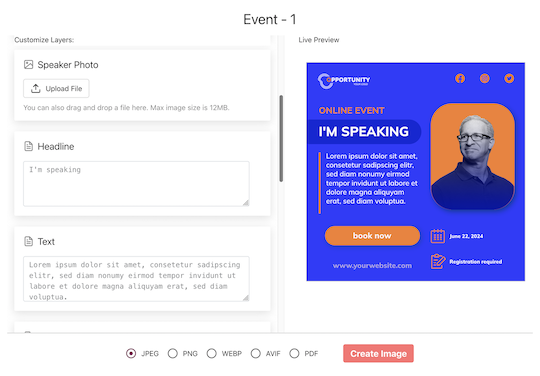
Import the hosts and speakers you know, set the lu.ma page as the landing URL, and each person gets a personal share page with their banner already filled in. Their post links to your Luma event through a tracked short link, so you see whose network actually clicked through.
Guests Share an I'm Going Banner
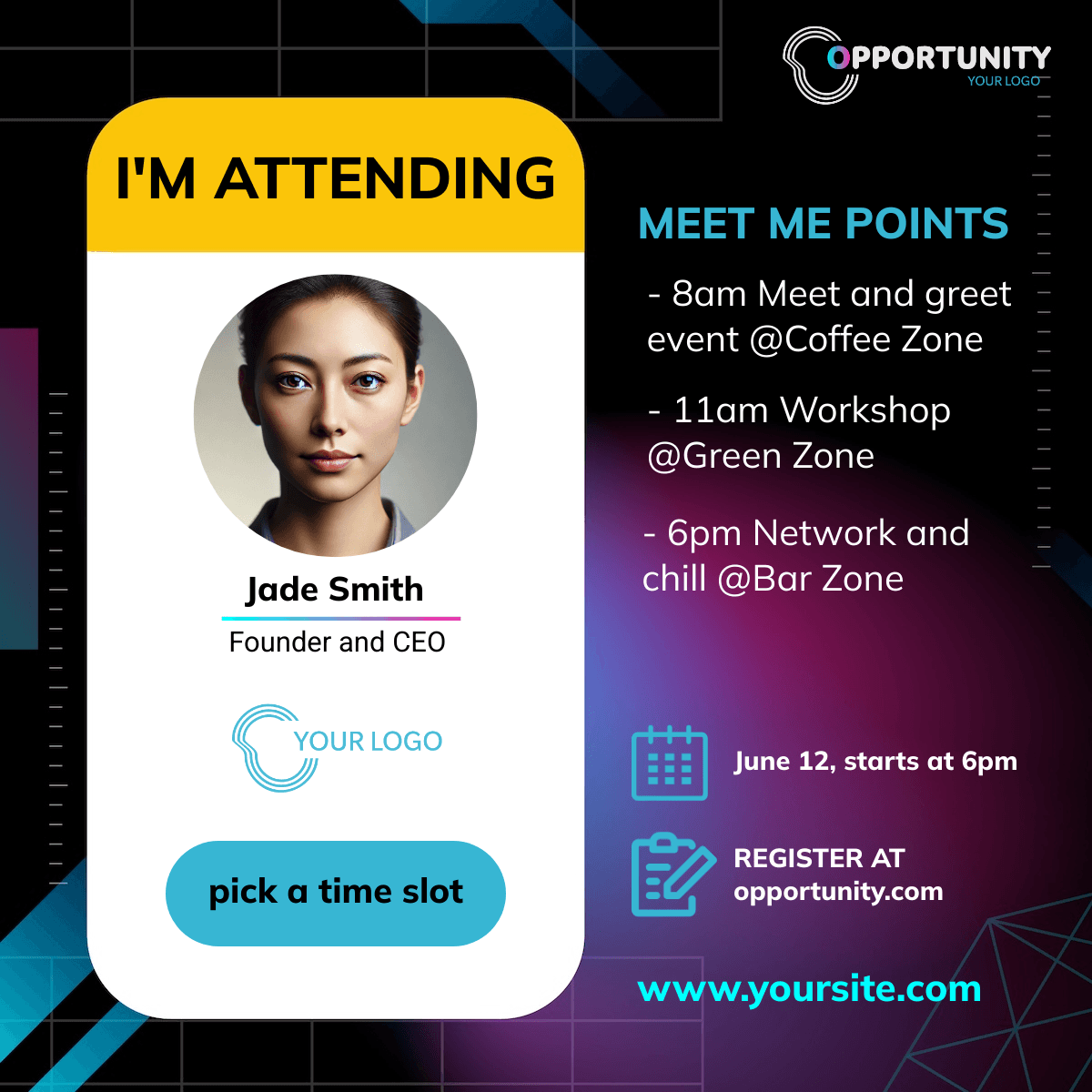
Link a page with the attendee widget from the Luma confirmation email. Guests type a name, add a photo if they like, generate the banner and share it in one tap, with a link back to the event.
Make the Luma Cover and the Share Banners
1. Design at 1080 x 1080
Square, a large title, nothing important in the corners. Export PNG or JPG and upload it to Luma.
2. Duplicate for Hosts, Speakers and Guests
Map name and photo onto a square and a story version and add them to the campaign.
3. Set the lu.ma Page as Landing URL
Every share links to your Luma event through its own tracked link.
What Works With Luma Events
Clicks per Host, Speaker and Guest
Every share has its own short link and every click is recorded and bot-filtered. You know whose post sent people to the lu.ma page.
Square Designs for Mobile Sharing
Luma communities share on phones: a square for feeds and a story format for Instagram and WhatsApp status, both on the same share page.
Related Event Banner Sizes and Makers
Frequently Asked Questions
A square, 1:1, at least 800 x 800 pixels, as published in Luma's help centre. Luma sets no maximum, so export 1080 x 1080 or larger for a sharp cover.