
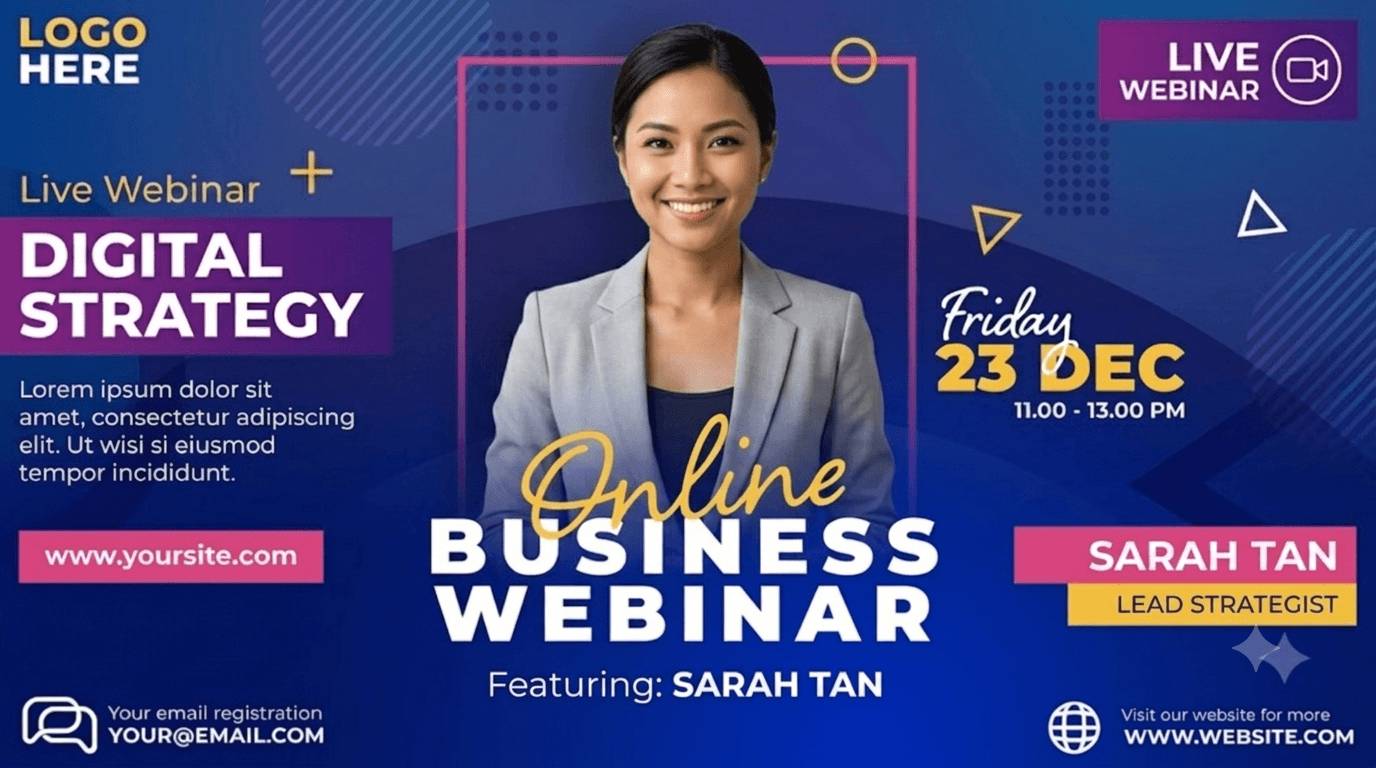
Why Webinar Promotion Needs a Banner per Speaker
Speakers Have the Audience You Want
A guest speaker's followers are exactly the people who would register. A banner with their face and the topic, posted by them, reaches those people as a recommendation rather than an ad.
Series Need Templates, Not Files
Monthly webinars mean monthly banners. Keep one design per series, change the date and speaker in the list, generate again.
One Tracked Link per Share
The suggested post carries a link that is unique to that speaker and that share. You learn which guest actually drove registrations, not just who was on the slide.
Registrants Share Too
Put the widget on the registration thank-you page and registrants post an I'm attending banner with a link of their own.
Webinar Banners for Every Stage of the Promotion
Speaker Announcement Banners

Name, headshot, title, company and the webinar topic on one design. Speakers open their page from your invitation email, adjust their title if it changed, and share to LinkedIn or X from the device share sheet. Two designs per speaker are common: a landscape banner for the feed and a square for stories.
Registration and Reminder Banners

Design a registrant version once. The widget on your thank-you page generates it with the registrant's name, and the reminder email you send the day before can link to the same share page for speakers, so the last push costs one email.
Series Templates and Multi-Channel Sizes

For a recurring series, keep the template and update the date, topic and speaker per episode in the list. Each channel size is its own design: the LinkedIn banner, the square post and the story format all sit on the same share page.
Promote a Webinar in Four Steps
1. Design the Speaker and Registrant Banners
Start from a webinar template or your own design. Map name, photo, title and topic.
2. Add the Speakers
Two or three people typed in by hand, or a CSV for a series with many guests.
3. Send Links and Embed the Widget
Speakers get their page by email; the widget goes on the registration confirmation page.
4. Measure Registrations by Speaker
With the pixel on your own registration confirmation page, registrations are attributed to the speaker whose post brought them.
Built for Webinar Promotion
Registrations per Speaker on Your Own Form
Put the registration form on a page you host with the pixel installed and every registration is attributed to the speaker whose post brought it, alongside bot-filtered clicks.
Series Reuse
Keep the design and the speaker roster; update topic and date per episode and the same links show the current banner.
Related Event Banner Makers
Frequently Asked Questions
Yes, alongside any of them. Speakers and the banner flow live on DynaPictures; the tracked link points at whatever registration page you set. There is no integration, so registrants are not synced back, and conversions are counted only if the pixel runs on a page you control.