
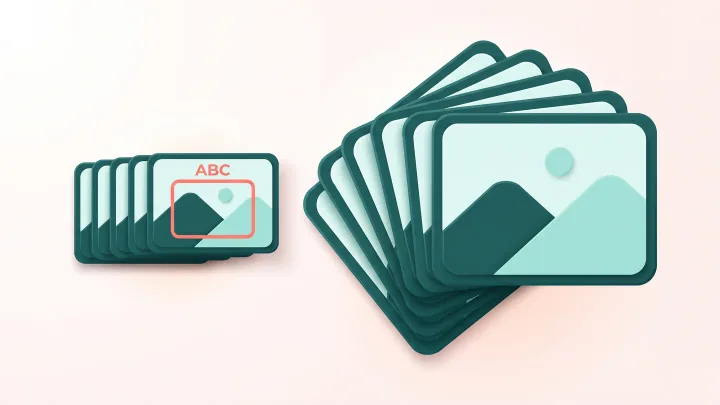
Crop your GIF
Drop a GIF up to 30 MB, set the crop box and download the cropped animation.
The frame around the loop is part of the message
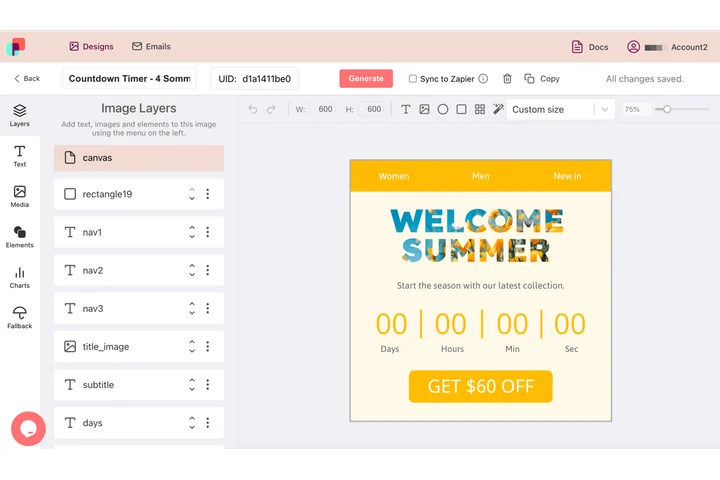
What surrounds an animation belongs to it: the margin, the strip of brand color and the line of type underneath all decide how the whole thing reads. In DynaPictures you build that surround in the editor with shapes and z-order, and it is written into every frame of the animated GIF.
- Shapes, margins and brand strips as layers
- Z-order decides what sits on top
- Every frame carries the same border
How to crop an animated GIF
Upload the GIF
Drag a GIF of up to 30 MB into the box or click to choose it. A preview appears so you can place the crop.
Set the crop area
Drag and resize the box over the region you want to keep, or pick an aspect ratio preset to lock the shape for a square or vertical post.
Download
Click Crop and save the new GIF. All frames are cut to the same box; the download link stays active for 24 hours.
Why crop GIFs with this tool
Animation preserved
Frame count, delays and the loop setting are copied from the original GIF; only the canvas gets smaller.
Smaller files
Fewer pixels per frame means less data. Cropping a 600x400 GIF to 400x400 removes a third of the pixels and usually a similar share of the bytes.
Ratios for social
Lock the box to an aspect ratio preset so the GIF fits a square post, a vertical story or an email column without letterboxing.
Removes unwanted edges
Cut off recording borders, player controls, cursors and dead space around the action.
Free, no signup
20 crops per day per visitor, files up to 30 MB, no watermark.
What happens to your GIF
The cropper decodes the GIF into full frames (many GIFs store only the pixels that change between frames, so each one is first composited onto the previous), cuts every frame to the same rectangle and re-encodes the result with the original delays, loop count and transparency. The color palette is kept, so quality does not drop. Because the cropped frames contain fewer pixels, the file is normally smaller in roughly the same proportion as the area you removed.
Free limits
20 uses per day per visitor, GIFs up to 30 MB, downloads kept for 24 hours.
Batch cropping or automation
Cropping is metered per visitor, 20 GIFs a day for everyone alike. If this comes up in batches, DynaPictures composes images and video from your own templates through the API, Zapier or Make.
Privacy
Uploaded GIFs are processed on our servers and deleted with the download link after 24 hours.
Frequently asked questions
Yes. Every frame is cut to the same area and reassembled with the original delays and loop setting, so the GIF plays exactly as before, just smaller.