
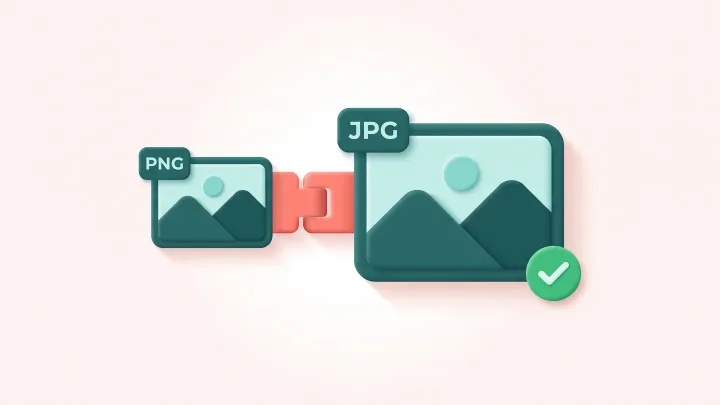
Convert your PNG to JPG
Drop a PNG up to 15 MB, set quality and background color, then download the JPG. Up to 30 conversions per day.
What sits behind the artwork belongs in the design
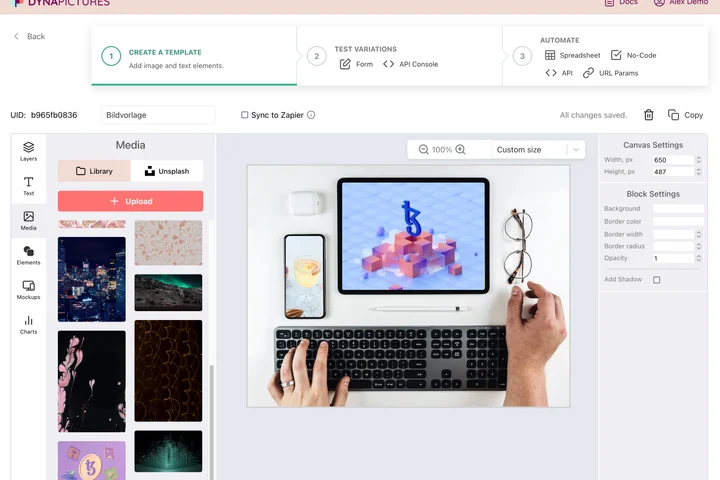
Flattening transparency is really a choice about what fills the space behind the artwork: a brand color, a photograph, a gradient that suits the campaign. DynaPictures starts you from a gallery of ready templates where that background is a layer you can swap, with your logos and photos waiting in the media library.
- Start from a ready template, edit every layer
- Logos, photos and brand colors in one library
- Background color as a named parameter
How to convert PNG to JPG online
Upload the PNG
Drag a .png file into the box or click to pick one. Files up to 15 MB are accepted, with or without transparency.
Set quality and background
Pick a JPEG quality (85 is a safe default) and the color that fills transparent areas; white suits most product shots, black or a brand color works for dark designs.
Download the JPG
Save the .jpg file and upload it wherever PNG was refused. The download link stays active for 24 hours.
Why convert PNG to JPG
Much smaller files
A photo or screenshot saved as PNG can be several megabytes; the same image as JPG at quality 85 is typically a fraction of that size.
You choose the background
JPG cannot store transparency, so instead of a surprise black box you decide which color fills the transparent pixels before the file is written.
Accepted everywhere
Marketplaces, job portals, government forms and older email systems all take JPEG; many limit PNG uploads or reject them outright.
Adjustable quality
One setting trades file size against detail, so you can produce a tiny thumbnail or a near-lossless print file from the same PNG.
No software, no account
Runs on our servers in any browser. Free, no login, and the JPG carries no watermark.
PNG vs JPG: what you gain and lose
PNG is lossless and supports an alpha channel, which makes it the right format for logos, icons, screenshots with text and anything that will be edited again. JPEG throws away detail the eye barely notices and in return produces far smaller files, which is why cameras, websites and upload forms rely on it. Converting a PNG to JPG therefore does two things: it flattens transparency onto the background color you pick, and it applies lossy compression. For photos and rich graphics the result is indistinguishable at quality 85 or higher; for flat logos and crisp text you may notice slight halos, so keep the PNG as your master and use the JPG where size or compatibility matters.
Free limits
Up to 30 conversions per day per visitor, PNG files up to 15 MB, downloads kept for 24 hours.
Bulk and automation
This converter counts 30 files a day for every visitor alike. When flattened JPGs are something you produce regularly, DynaPictures can render them from your templates through the API, Zapier or Make.
Privacy
Files are processed on our servers and deleted together with the download link after 24 hours.
PNG to JPG questions
JPEG has no alpha channel, so transparent pixels are filled with the background color you choose before conversion. Pick white for a clean product photo or any hex color that matches your design.