

Remove metadata from your photo
Drop a JPG, PNG, WebP or HEIC up to 15 MB, click Remove EXIF and download the clean file.
Images your product makes, not photos it collects
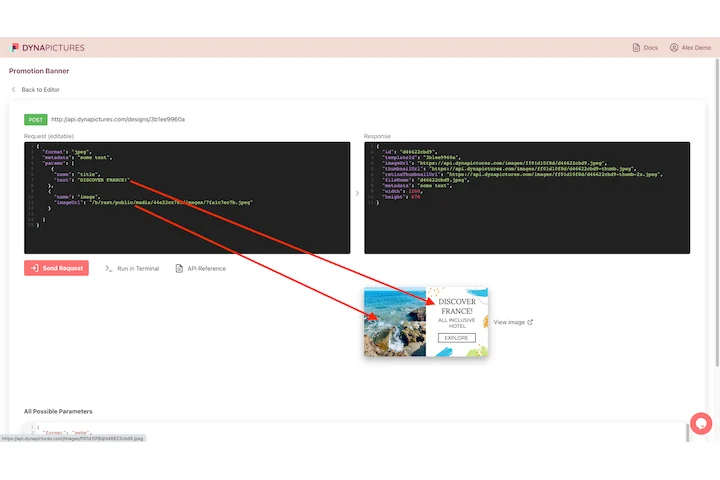
A photograph arrives with a history attached, the camera, the date, sometimes the coordinates, because somebody stood somewhere and took it. An image DynaPictures renders comes from a JSON request against your own template, so it holds the values you sent and nothing from anyone's camera.
- A JSON request in, a finished PNG back
- Your template, your fonts, your layer values
- PNG, JPEG, WEBP or AVIF per request
How to remove EXIF data from a photo
Upload the photo
Drag a JPG, PNG, WebP or HEIC into the box or click to choose it. Files up to 15 MB are accepted, straight from a phone or camera.
Click Remove EXIF
EXIF, GPS coordinates, camera make and model, lens, date, XMP and IPTC blocks are all stripped. Nothing else about the file changes.
Download the clean copy
Save the file in the same format. Open it in any metadata viewer afterwards and the fields are empty. The download link stays active for 24 hours.
Why strip metadata with this tool
GPS location gone
Phone photos store latitude and longitude to a few meters. Removing the EXIF block deletes the coordinates, so a listing or profile photo does not reveal your home address.
Every block, not just EXIF
XMP (Lightroom and Photoshop edits), IPTC (captions, copyright), thumbnails embedded in the file and ICC-tagged camera info are removed as well.
Pixels untouched
The image data is copied without re-encoding, so a JPG is not recompressed and a PNG stays lossless. Only the file gets smaller.
Nothing to install
Works in any browser on desktop or phone, with 30 free removals per day and no signup.
What is stored in a photo and what gets removed
A JPG from a modern phone contains an EXIF block with the date and time, camera model, focal length, exposure, orientation and often a GPS position accurate to a few meters, plus a small preview thumbnail that may show a version of the photo you already cropped away. Editors add XMP data with edit history and IPTC fields with names and copyright notices. Social networks strip most of this on upload, but email, cloud links, marketplaces and your own website do not. The remover rewrites the file without any of those blocks. HEIC photos from iPhones are accepted as well.
Free limits
30 removals per day per visitor, files up to 15 MB, downloads available for 24 hours.
Batch cleaning and automation
Cleaning is metered per visitor, 30 photos a day for everyone alike. For images you publish regularly, DynaPictures renders them from your own templates, so no camera EXIF or GPS ends up in them.
Privacy
Uploads are processed in memory and deleted together with the download link after 24 hours. The removed metadata is not stored anywhere.
Frequently asked questions
All of it: EXIF (camera, lens, date, exposure, orientation), GPS coordinates, XMP, IPTC, embedded thumbnails and maker notes. Only the pixels and the color profile needed to display them correctly are kept.