
Rotate or flip your image
Drop a JPG, PNG, WebP, GIF or AVIF up to 15 MB, choose an angle or a flip direction and click Apply.
Orientation belongs to the design, not to the file
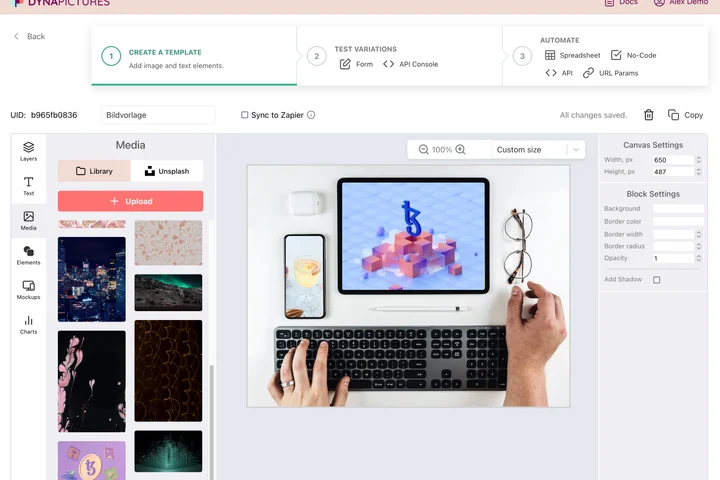
An image gets turned because whatever comes next expects it that way: a portrait story, a landscape header, a mirrored motif for print. In DynaPictures every one of those is a template of its own in the gallery, with rotation set on the layer, so a picture from your media library comes out already correct.
- Rotation set per layer, in degrees
- A template per format in your gallery
- Media library shared across the workspace
How to rotate or mirror an image
Upload the image
Drag a file into the box or click to select it. Images up to 15 MB are accepted and shown with a live preview.
Choose rotation or flip
Click 90, 180 or 270 degrees, type any custom angle such as 2.5 for straightening, or flip horizontally or vertically. You can combine a rotation with a flip.
Apply and download
The preview updates instantly. Click Download to save the result in the same format you uploaded.
Why use this rotate and flip tool
Any angle, not just 90 degrees
Straighten a tilted horizon or a crooked scan with a precise custom angle; the corners are filled transparently for PNG and with white for JPG.
True mirror image
A horizontal flip mirrors the picture left to right, a vertical flip turns it upside down, exactly what you need for iron-on transfers or a selfie that looks wrong.
Fixes wrong EXIF orientation
Phone photos that appear sideways on some sites are rotated in the pixels themselves, so every browser and app shows them the right way up.
Format and quality kept
PNG stays lossless, JPG is re-encoded at high quality and transparency is preserved. 30 free uses per day.
How rotation and flipping are applied
Rotations by 90, 180 and 270 degrees and both flips are lossless operations: pixels are moved, never resampled. A custom angle resamples the image with a high-quality filter and enlarges the canvas so nothing is cut off. The result is written in the original format at full resolution.
Free limits
30 rotations or flips per day per visitor, images up to 15 MB, downloads kept for 24 hours.
Automate it
Results stay available for 24 hours and the daily limit is the same for every visitor. If the rotated photo then goes into a graphic, the DynaPictures platform renders that graphic through the API, Zapier or Make.
Privacy
Files are processed in memory and deleted together with the download link after 24 hours.
Frequently asked questions
Yes. Besides the 90, 180 and 270 degree buttons you can enter any angle, including decimals, to straighten a photo or scan.