
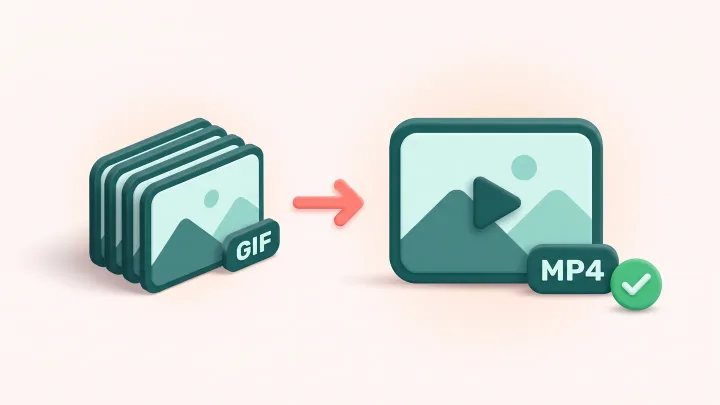
Convert your GIF to MP4
Drop a GIF up to 30 MB, click Convert and download the MP4 a few seconds later.
The release changes the words, not the layout
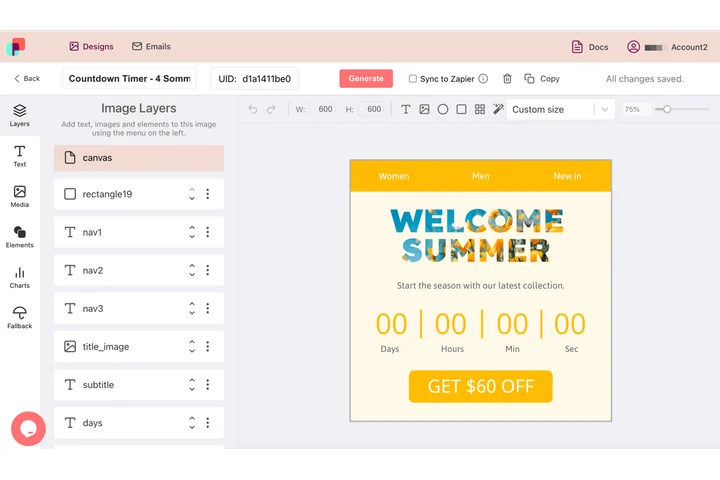
A product loop is never really finished: each release brings a new version number, a new feature name and new words on top of the same animation. In DynaPictures those words are values passed into text layers, so the file is produced again with the current release, and a long name shrinks to fit its box.
- Version numbers passed in as values
- Long names shrink instead of breaking the layout
- Animated GIF, PNG, WEBP, PDF or PPTX
How to convert a GIF to MP4
Upload the GIF
Drag a GIF of up to 30 MB into the box or click to pick it from your device.
Convert
Click Convert. Every frame is encoded with H.264 at the frame rate of the GIF; nothing is cut or scaled.
Download the MP4
Save the MP4 or copy its link. The file stays available for 24 hours.
Why convert a GIF to video
5-10 times smaller
H.264 stores only what changes between frames, so a 12 MB GIF often becomes a 1-2 MB MP4.
Plays everywhere
MP4 with H.264 is supported by every browser, iOS, Android, Slack, WhatsApp and every ad network.
Timing preserved
The frame delays of the GIF become the frame rate of the video, so the motion looks exactly the same.
Better for social media
X, Instagram and LinkedIn accept video far more reliably than large GIFs, and short videos loop just as well.
No account needed
20 free conversions per day per visitor, no watermark, no signup.
What happens to your GIF
The converter reads every frame and its delay, then encodes the sequence as an H.264 MP4 that any player understands. Width and height are rounded to an even number if needed, as H.264 requires. Because MP4 has no transparency, transparent GIF areas are flattened onto a solid background. The result usually weighs 5 to 10 times less than the GIF at visibly equal quality, and often looks better, since video is not limited to 256 colors per frame.
Free limits
20 conversions per day per visitor, GIFs up to 30 MB, MP4 downloads kept for 24 hours.
Automate it
Conversions are metered per visitor, 20 GIFs a day for everyone alike. If you publish video regularly, DynaPictures renders MP4 clips from your own templates through the API, Zapier or Make.
Privacy
Files are processed on our servers and deleted together with the download link after 24 hours.
Frequently asked questions
A GIF stores every frame as an indexed image with no motion compression. H.264 keeps only the differences between frames, so the same animation usually needs 5 to 10 times fewer bytes.