
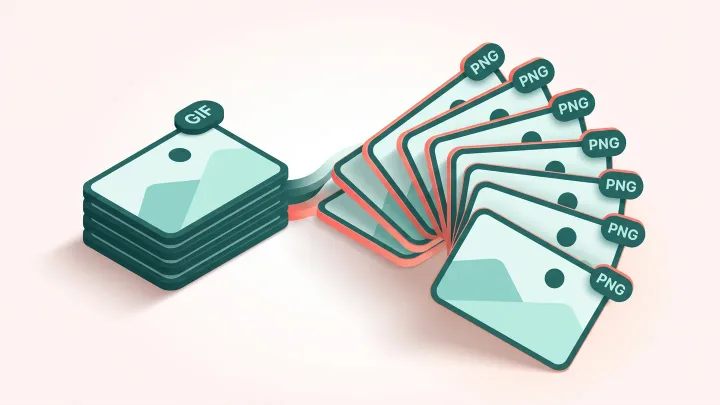
Extract PNG frames from your GIF
Drop a GIF up to 30 MB, choose first frame or all frames and download the PNG or the ZIP.
Every format of the same picture, from one template
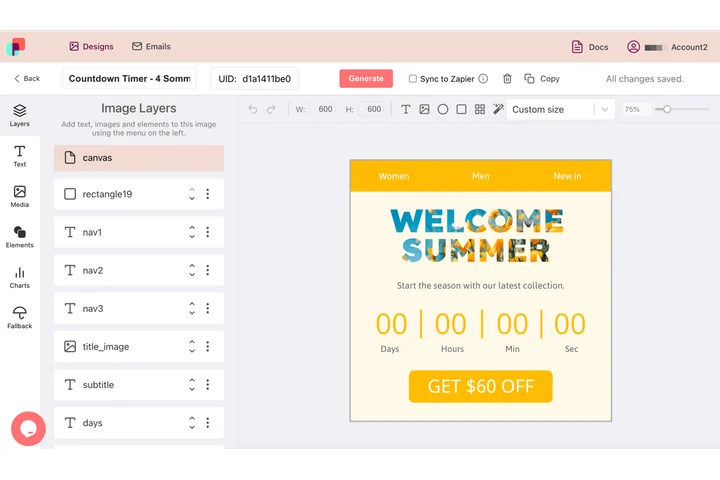
Wherever an animation cannot play, something has to stand in its place and do the same job, in the same type and the same colors. In DynaPictures one template exports as an animated GIF and as a PNG, JPEG, WEBP, AVIF, PDF or PPTX slide, all from layers you positioned once.
- Seven output formats from one template
- Layers positioned once, exported many ways
- Grid layers repeat a sub-template per row
How to convert a GIF to PNG frames
Upload the GIF
Drag an animated or static GIF of up to 30 MB into the box or click to select it from your device.
Choose first frame or all frames
First frame gives you one PNG. All frames writes up to 200 PNGs named frame-001.png, frame-002.png and so on into a ZIP.
Download
Save the PNG or the ZIP. The download link stays active for 24 hours.
Why extract GIF frames as PNG
Lossless frames
PNG keeps the exact pixels and the transparency of each frame, with no JPEG artifacts.
Complete images, not deltas
GIFs often store only the pixels that change. The tool composes each frame over the previous ones so every PNG is a full picture.
Numbered and in order
Frames are zero-padded (frame-001.png) so they sort correctly in Finder, Explorer and video editors.
Static fallback for email
Outlook desktop shows only the first frame of a GIF, so the first-frame PNG is the ideal fallback image.
Free, up to 200 frames
20 extractions per day per visitor, GIFs up to 30 MB, no signup and no watermark.
What happens to your GIF
The tool decodes the GIF frame by frame and renders every frame as a complete image, exactly what a viewer sees at that moment in the animation. Frames are saved as PNG at the original pixel size with transparency intact. Because a GIF frame never has more than 256 colors, the PNGs stay reasonably small. GIFs with more than 200 frames are cut at frame 200. PNG carries no timing, so if you rebuild an animation later you will need the original frame delays.
Free limits
20 uses per day per visitor, GIFs up to 30 MB, up to 200 frames per GIF, downloads kept for 24 hours.
Keep or automate
Frame extraction is metered per visitor, 20 uses a day for everyone alike. If you need stills on a schedule, DynaPictures renders them from your own templates through the API, Zapier or Make.
Privacy
Files are processed on our servers and deleted together with the download link after 24 hours.
Frequently asked questions
Yes. Choose First frame to download frame 1 as a single PNG. To turn a different frame into the first one, use the GIF first frame extractor.