
Compress your video
Drop a video up to 60 MB and 60 seconds, pick a compression level and download the smaller MP4.
Small enough to send, still readable at a glance
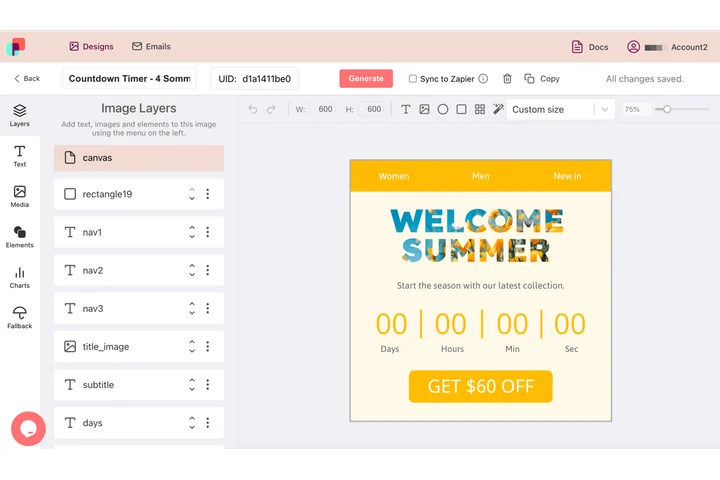
Email and chat both put a ceiling on what they will carry, and whatever fits still has to show the name, the offer and the date clearly. In DynaPictures the animation is a design measured in pixels, so the canvas, the type size and the position of every layer are chosen before a single frame exists.
- Canvas measured in pixels before rendering
- Names and offers filled per render
- One animated GIF out of one template
How to compress a video online
Upload the video
Drag an MP4, MOV or WebM of up to 60 MB and 60 seconds into the box or click to select it.
Pick a level
Light keeps near-original quality, medium is the best trade-off for social media, strong squeezes hardest. Optionally cap the width, for example at 1280 px.
Download the MP4
Click Convert, check the before and after size and save the MP4. The link stays active for 24 hours.
Why compress videos with this tool
50-80% smaller
Phone recordings use generous bitrates. Re-encoding with a tuned H.264 setting removes most of that weight without visible loss.
Fits attachment limits
Get under the 25 MB limit of Gmail and Outlook or the size caps of WhatsApp and Discord in one pass.
Saving shown before download
The tool reports the original and the new size in MB and the percentage saved, so you can try another level if needed.
Optional downscale
Set a max width such as 1280 or 1920 px and the video is scaled down in the same pass, which saves the most on 4K footage.
Free, no signup
10 compressions per day per visitor, videos up to 60 MB, no watermark.
What happens to your video
The video is re-encoded with H.264 using a constant-quality setting instead of a fixed bitrate, so static scenes cost almost nothing and motion keeps its detail. Light, medium and strong map to progressively higher compression: expect roughly 20-40%, 50-70% and 70-85% savings on typical phone footage, less on video that was already tightly encoded. Frame rate and duration stay the same, and audio is re-encoded to AAC at a moderate bitrate. If you set a max width, frames larger than that are scaled down with the aspect ratio kept. The output is always an MP4 that plays on every phone, browser and social app. Clips must be 60 seconds or shorter.
Free limits
10 uses per day per visitor, MP4, MOV or WebM up to 60 MB and 60 seconds, downloads kept for 24 hours.
Longer clips or automation
Compression is metered per visitor, 10 videos a day for everyone alike. If personalised clips are part of the job, DynaPictures renders them from your video templates through the API, Zapier or Make.
Privacy
Videos are processed on our servers and deleted together with the download link after 24 hours.
Frequently asked questions
Typically 50-70% at medium and 70-85% at strong for phone recordings. Videos that were already exported at a low bitrate shrink less; the tool shows the exact saving after each run.