
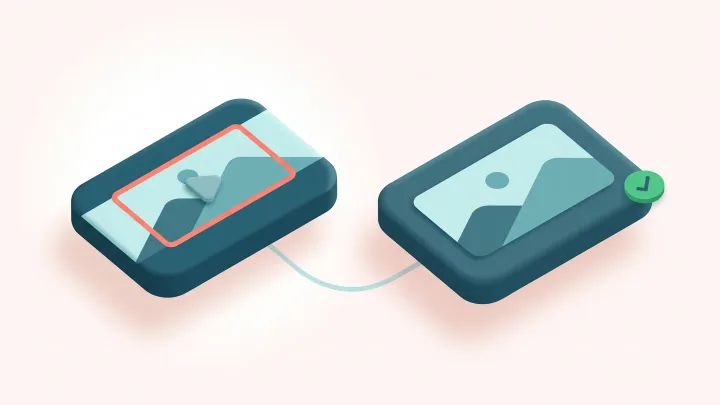
Crop your video
Drop a video up to 60 MB and 60 seconds, choose an aspect ratio or drag the crop box, then download the MP4.
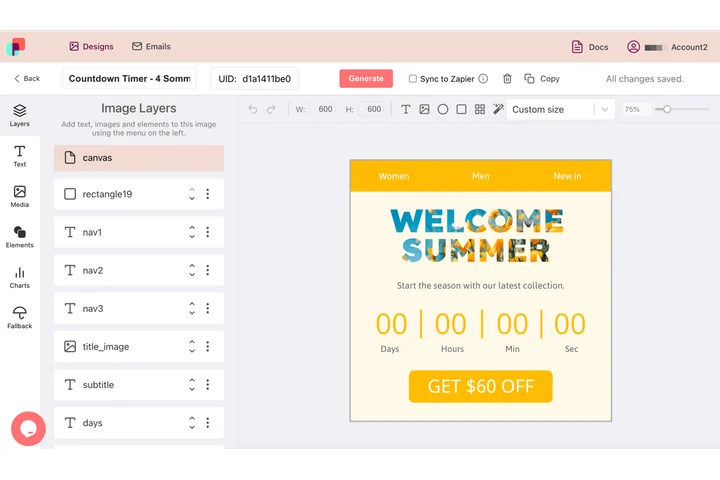
Each shape composed on its own, from the same parts
A vertical placement, a square one and a wide one are three compositions of the same message, and each has its own idea of where the type belongs. In DynaPictures you draw a canvas per shape, give every layer its own position and z-order, and each one comes out as an animated GIF that keeps the subject in frame.
- A canvas per shape, layers placed per canvas
- 9 fit modes, including face detection
- Rotation and exact pixel positions per layer
How to crop a video online
Upload the video
Drag an MP4, MOV or WebM of up to 60 MB and 60 seconds into the box or click to select it.
Set the crop
Pick 9:16, 1:1, 4:5 or 16:9 and move the box over the part you want to keep, or switch to custom and drag the corners freely.
Download the MP4
Click Convert, wait a few seconds and save the cropped MP4. The link stays active for 24 hours.
Why crop videos with this tool
Vertical in one step
Turn a 1920x1080 landscape clip into a 608x1080 vertical video for Reels, TikTok and Shorts, framed on the subject you choose.
No stretching, no quality loss from scaling
Cropping only removes pixels. The kept area is re-encoded at its native size, so text and faces stay sharp.
Sound and timing kept
Audio, duration and frame rate are unchanged; only the picture area changes.
Smaller file
Fewer pixels per frame means a lighter MP4, often half the size after a 16:9 to 9:16 crop.
Free, no signup
10 crops per day per visitor, videos up to 60 MB, no watermark.
What happens to your video
The crop box you draw is converted to pixel coordinates on the original frame, rounded to even numbers because H.264 requires them. Every frame is cut to that rectangle and the sequence is re-encoded as an H.264 MP4 at the source frame rate, with the audio track copied through. Nothing is scaled, so a 1:1 crop of a 1080p video gives exactly 1080x1080. WebM and MOV inputs are converted to MP4 in the same pass, so the output plays on every phone and social app. Clips must be 60 seconds or shorter.
Free limits
10 uses per day per visitor, MP4, MOV or WebM up to 60 MB and 60 seconds, downloads kept for 24 hours.
Longer clips or automation
Cropping is metered per visitor, 10 videos a day for everyone alike. If several ratios are a weekly job, DynaPictures renders each one from your own video templates through the API, Zapier or Make.
Privacy
Videos are processed on our servers and deleted together with the download link after 24 hours.
Frequently asked questions
Choose the 9:16 preset, drag the box over the subject and click Convert. A 1920x1080 clip becomes 608x1080; resize it afterwards to 1080x1920 if the platform asks for full HD.